Thursday, 24 May 2018

How to Be a Work From Home Professional

Let’s face it: The web design industry is very competitive. The barriers of entry are low, the technology (platforms, coding languages and DIY services) are always ever changing and with search engine optimization always keeping us on our toes, the ability to offer exceptional web design at competitive prices is a becoming an increasing challenge.

Our company recently “decentralized” our office location and made all our employees work from their home! We realized that nearly 60% of our costs were put towards expenses that didn’t directly involve creating our client’s websites. Things like lease, utilities, insurance, signage etc… Becoming “Work From Home Professionals” was the leg up that gave our business a competitive advantage and allowed us to invest in our employees.

There is also an added benefit of working from home which is the tax savings you can collect by claiming your home as a business! Same with other home expenses such as internet/phone costs and car/gas mileage.

Over the last couple of decades, there has been a rising trend of professionals working from home and closing their brick-and-mortar location. Web designers and developers, mortgage and real estate brokers, personal trainers are all businesses that can be successfully run from home. This eases the burden of all the overhead costs of a traditional brick-and-mortar location and gives the business owner greater cash flow to run their business!

The Stigma Surrounding People Working from Home

I’m sure we’ve all been to one of those sketchy home business where you knock at the door and a clueless schmuck answers the door! In the 1990’s there definitely was a stigma surrounding those who worked from home. However with the advance in communications, the internet and a wise use of home space, many professionals have transitioned to running their business from home.

I happened to be on hold with my cable company’s support specialist who was excellent, knowledgeable and extremely friendly and during a pause, I hear the voice of a cute little girl say, “Daddy, A’m Hungwy” we both realized what happened and I quickly broke the ice by saying I worked from home too! We laughed for a few minutes and then finalized the call. Leading up to that moment, I thought I was dealing with a man in a cubicle on the 20th floor of a corporate building wearing a suit and tie. Bottom line being, you can make a great impression on a client with an excellent work from home environment. Also, as is usually the case, your home office doesn’t have to be the place of business. When needing to deal face to face with a client, we always suggest to meet at their home, office or a location like a coffee shop with Wi-Fi. Many clients feel more comfortable this way also appreciate the time savings by not having to travel.

Legalities Surrounding Working from Home

Prior to establishing a home-based business, or becoming a “work from home” professional it would be wise to consider any legal implications to running your business from home or working from home. Although all the legalities would be beyond the scope of this article, the primary ones to be concerned with would be zoning by-laws as well as insurance and liability coverage for you, your business and your patrons. It’s also not a bad idea to inform your neighbors about your business to ensure they are informed. It will also prevent them wondering why so many cars show up at your house hour after hour!

How to Keep the Team Connected

Communication and accessibility to all the members of a team is essential. Prior to when we “decentralized” there was a lot of lunch room chat and verbal communication that sometimes was remembered or somewhat misunderstood. Tasks would go incomplete and and also unreported. This is one of the disadvantages of working closely to each other. In our case, all our employees that work from home are always connected in all aspects of our work. Here are some great resources that can improve your business’ communication and efficiency and can help your “decentralized” team stay connected.

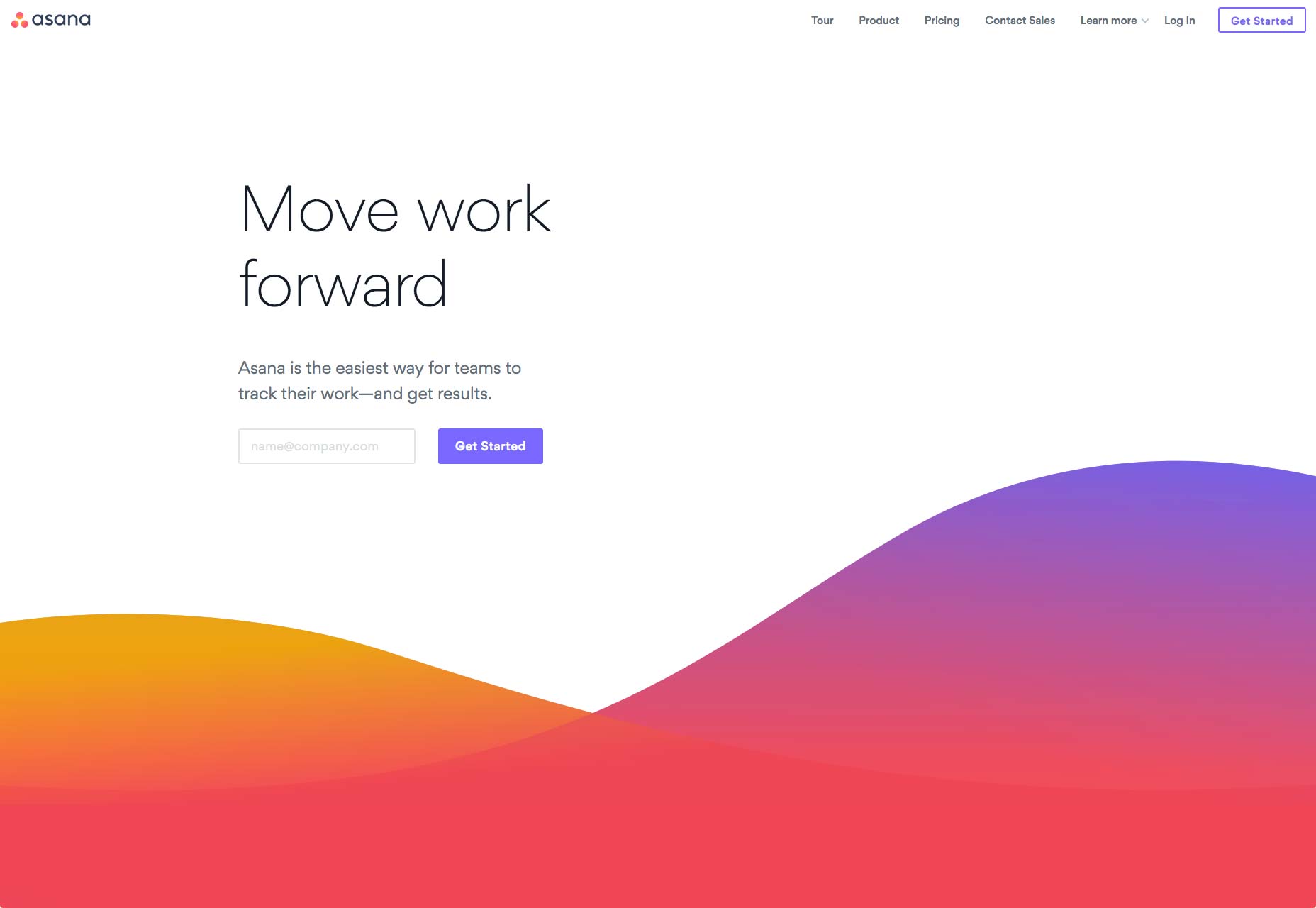
Asana

Asana is a web-based team, project and task management software (that also connects via mobile) that allows you to easily assign members to projects, assign tasks or change/reassign projects to members. Each task you create becomes its own work space where you can chat, comment and upload files and also mark as pending/complete. We can easily say that our productivity doubled and decreased how long it took us to complete projects.
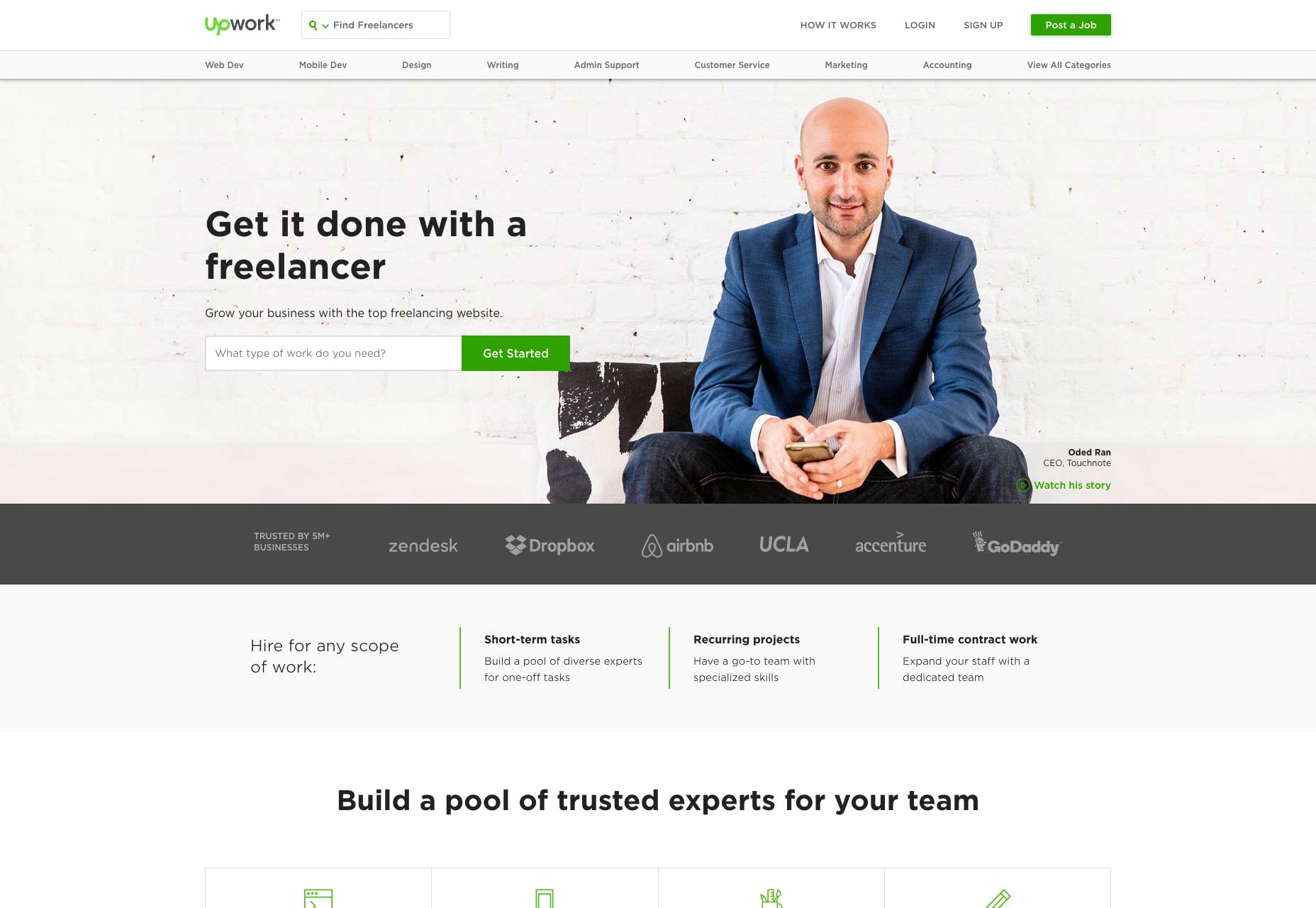
Upwork

Upwork is not only a great place to find excellent, experienced and knowledgeable freelancers (many of whom have become our employees) but it’s also an excellent place to keep track of time spent working on projects and making payments. From flat fee work to hourly-waged employees, Upwork will log hours for all employees and issue salaries and payments.
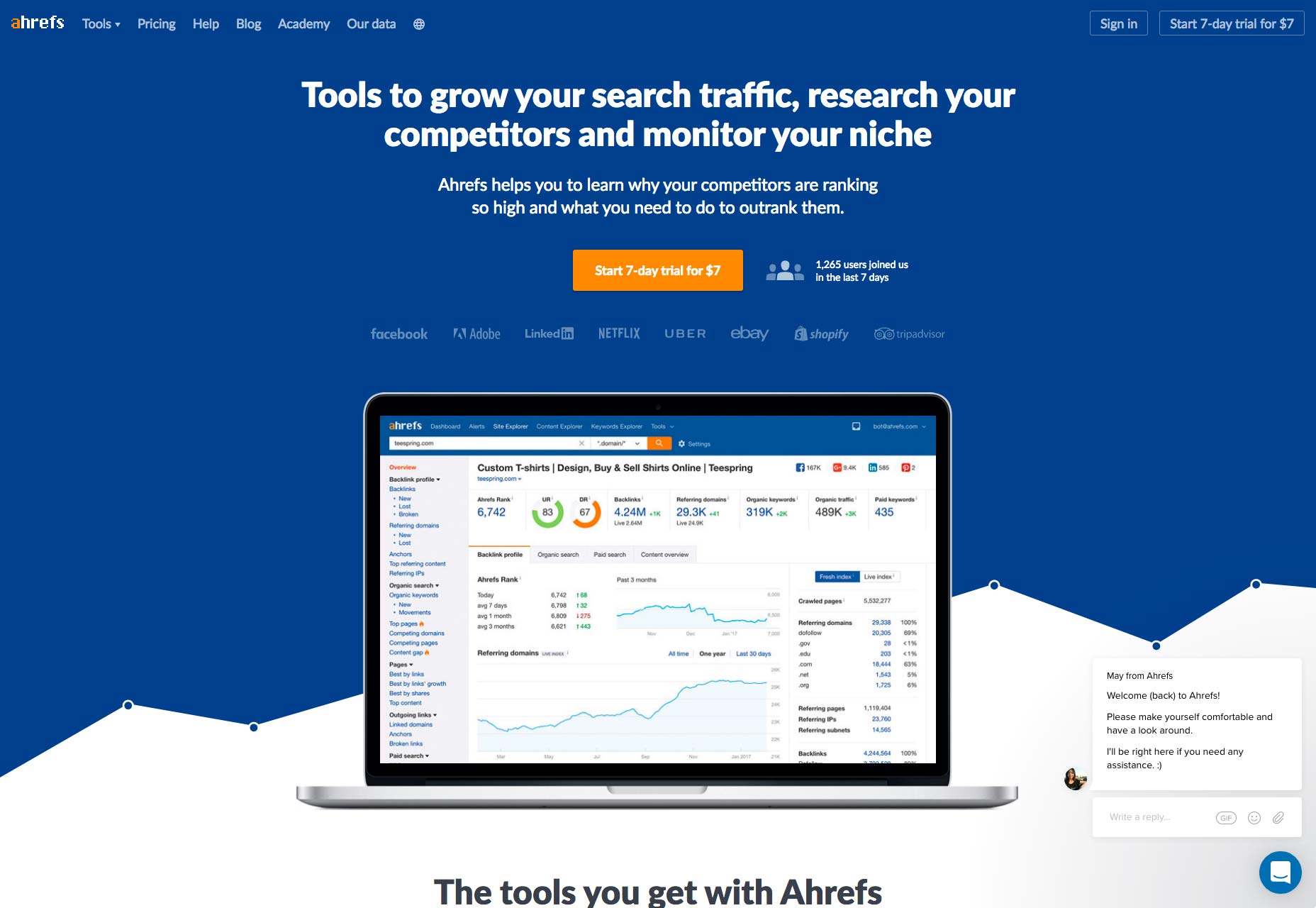
Ahrefs

Similar to ASANA, Ahrefs.com is a team and project management tool but specific to Search Engine Optimization (SEO). You can have multiple users assigned to various SEO clients and track backlinks, keywords, competitors as well as an assortment of other tools to help you outrank your competition.
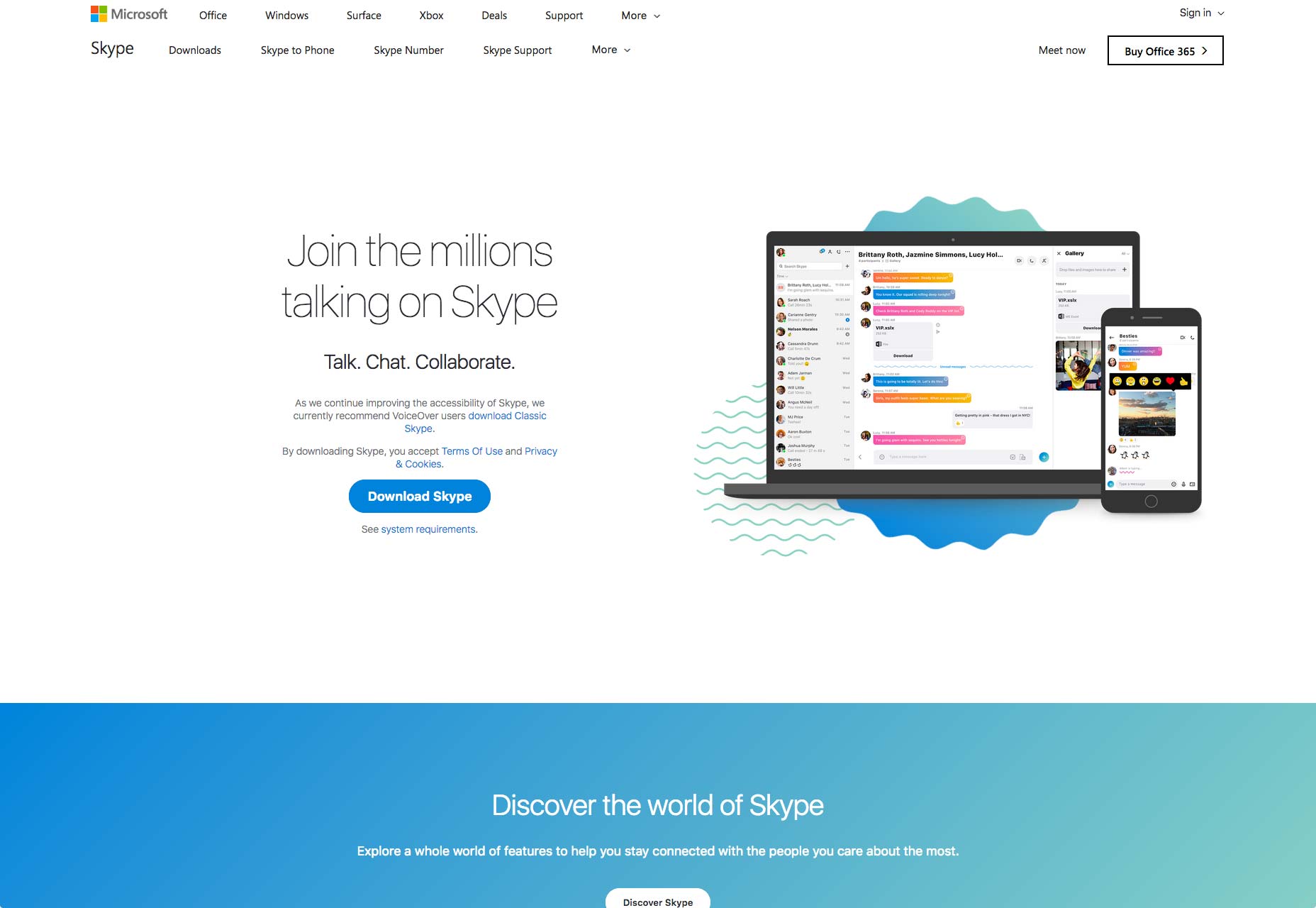
Skype

Yes Skype! I recall installing Skype when it was in beta. That’s nearly 20 years ago and I can’t believe it’s still my go to app for quick chats and file transfer. Sure it’s really gotten monetized (at least they aren’t putting ads in between comments) but nearly everyone uses Skype making it super easy to find people. Their chat/video platform is super solid.
G Suite

Google Suite, or G Suite as it’s now called, is a productivity and collaboration platform hosted on Google’s platform using Docs, Gmail, Calendar and many other apps and services for your team. From real-time chat to editing documents and tracking changes on the fly.
Maintaining a Healthy Team

Speaking of team unity, one of the down sides of being decentralized is that sometimes your team members can feel isolated and not in tune with the company dynamics (for example is everyone as excited to work on this project as I am?) — something that is evident in a traditional workplace setting. As the “boss” or the team leader it’s crucial to pre-emptively address this situation. In our case, we make sure to include regular “face-to-face” meetings whether they are informal “social” meetings or brainstorming and ideation meetings. Brainstorming meetings are always great when we receive a new client and try to get the team on board with the goals of the project. Although many of our collaboration and communication tools help us greatly to organize and complete tasks, nothing beats the efficiency and speed of brainstorming face to face.

Frequently interacting with your team members also allows you to gauge the state of mind, enthusiasm and job satisfaction from a behavioral and physical perspective.

Addressing Local SEO

We all know the importance around optimizing search engine rankings by focusing on “local SEO” such adding local citations and optimizing on Google Maps. For many of us who are set up to properly help clients from their home office, this isn’t a concern. For those who would prefer to conduct business outside of your home, it is still highly recommended to have a physical address (this could be your home or perhaps a shared workplace address) and instead, make your viewers clearly understand that it’s by appointment only or call to schedule a meeting. We’ve actually found that our clients prefer to meet at their location as it they feel more of a sense of comfort and also appreciate the time savings of not having to travel.

Reinvest in Your Business

It’s clear there are many cost savings and taxable benefits by becoming a work from home professional. Those savings can play a large role in helping you become more competitive and can help create a better company. Reinvesting in our employees either with new equipment, training and even pay increases (with fewer working hours) has made everyone feel empowered to do a better job. This also means you can consider investing in various ways of marketing from Google AdWords, local print/radio and even improve the look and feel of your print materials and business cards.

Add Realistic Chalk and Sketch Lettering Effects with Sketch’it – only $5!

Source

from Webdesigner Depot https://www.webdesignerdepot.com/2018/05/how-to-be-a-work-from-home-professional/

7 Elements of Good UX in 2018

UX is a crucial component of modern web design, and users’ expectations are constantly shifting. Though we cannot see into the future, changes made throughout the last decade indicate that adjusting for user needs has never been more crucial. To get ahead in the ever-changing mobile app sphere, designers have to be proactive at all times.
Let the following 7 UX trends be your guide to help prep for both the present and the future of UX design:

1. Journey Simplification

Users typically engage with websites or applications with a specific intention in mind, which they want to achieve as soon as possible. The most user-friendly applications and websites strive to simplify a user’s journey with time-saving designs. The essence of such designs is that they reduce the number of steps users have to take in order to achieve their goal. This should be done by presenting applicable information in an easy-to-use format and providing a smooth navigational flow. A time-saving design can incorporate several key aspects, including:

  • Linear Design. Linear design is a structured journey containing an established layout for beginning-middle-end points. It enables users to do one action at a time at each point in their journey. The consistent flow helps viewers discern how much time is necessary to complete the task.
  • Anticipatory Design. An anticipatory design attempts to recognize a user’s needs to swiftly and efficiently accommodate them. It reduces the chances of friction that make it difficult for users to complete their intentions.
  • Progressive Disclosure. If your website or application contains a lot of information, you might want to adopt a progressive disclosure technique to enhance user experience. Progressive disclosure makes information visible solely when users need it, which ensures viewers are not bombarded with information or distracted by content that is irrelevant to their goal.
  • Context-Based Information. Displaying only the most relevant information specific to user context is instrumental in creating an optimal user experience.

2. Focus on Content

Properly organized and readily available content is key to making websites and mobile applications appealing to their expected users. Recent trends concentrate on eliminating unnecessary distractions and instead, shining the spotlight on what is truly relevant: content.

Creating content-centered experiences involves either using a design highlighting content or having the content itself frame the design. Your ultimate goal should be to ensure there is nothing obstructing a user’s exposure to your website or application’s content. Designers typically begin by removing excessive visible clutter, which helps them concentrate on the essence of the message they want to convey. Visual features of this design strategy include:

  • Precise Visual Order. A well-ordered design facilitates and expedites a user’s ability to comprehend content. Powerful visual signals, such as using dissimilar colors for call-to-action links, are great means of guiding a user’s focus on specific interactive features and significant information.
  • Operative Decluttering. Eliminating irrelevant and otherwise useless details helps magnify important information, creating a more concentrated experience.
  • Whitespace. Increasing the amount of space between content grants it room to breathe and dramatically enhances a user’s experience.

3. Improved Personalization

Personalization is a technique embedded within the strategy of time-saving designs. Understanding the importance of the shift from creating generic experiences to individually targeted experiences is an aspect of UX that deserves extra emphasis. As businesses look for new means of crafting individualized brand experiences, the effort to understand the wants and needs of users on a deeper level continues to develop.

With the help of individualized data and advances in machine learning, technology is becoming capable of adjusting automatically for specific users. One of the most popular models of individualization seen in contemporary applications and websites is the incorporation of personalized recommendations based on user behaviors. These suggestions improve the chances that a user will take action when they visit your site. Among the many techniques to enhance personalization, the following methods are some of the most common:

  • Basing Content on User Location. Because many people use their digital devices while on the road, websites and applications should use the device’s area data to present content related to the user’s geographical location. As a result, the information presented is personalized to the environment surrounding each user.
  • Specific User Interface. A major goal of personalization will be adjusting the layout of a website or application based on the individual needs of a certain user. Following how a user interacts with a digital device and what issues they encounter, in conjunction with their specific data, is a goldmine of information. With it, applications and websites will be able to decide how to adapt the site for the user.

4. Humanization

Due to the impact of technology such as touch and voice recognition on smartphones and other digital devices, people now expect to interact with digital products in the way they would typically interact with another human. This means designers should start striving to create websites and applications that offer a more human experience for users.

The popularity of humanizing digital experience is correlated to connecting with user emotions. The key to humanizing digital experiences is by allowing users to feel connected to their devices in an emotional way. Different ways designers are attempting to provide consistent reactions and humanize the digital experience include:

  • Sharing emotions with face recognition
  • Micro-interactions
  • Creating natural means of interacting with apps
  • Mimicking emotions in feedback

5. Biometric Authentication

Applications and websites can make identity verification easier by replacing conventional means of entry. As bio-metric technology becomes more available it will be capable of recognizing a person’s identity based on particular characteristics. This will create an effortless authentication process for users.

Instead of having to manage an assortment of passwords for different websites and applications, biometrics can verify users with facial or voice recognition or fingerprints. This is an advancement with the potential to bolster security for businesses and users.

6. Video Content

The trend of video content is becoming increasingly vital in creating the optimal user experience. Designers can maximize the potential of their video content by keeping the following tips in mind:

  • Adjust for Portrait Frame. Since mobile phones are used in portrait orientation almost 100% of the time, all video content, and content in general, should be adjusted for this frame.
  • Adjust Video for Short Attention Spans. Modern means of displaying important information must be timely. With the use of formatting methods such as 360-degree videos and Facebook live, designers can present crucial information in a convenient manner.
  • HD Images and Videos. Providing a full-screen experience is essential, but so is providing top-quality images and videos. The quality of the videos on your website or application will have a major influence on user experience, so ensure images and videos are not pixelated and appear in HD.

7. Voice-Based Interaction

As the hardware devices we use to access the web become more streamlined, so should the UX. The latest smart phones, tablets and even laptops are losing more and more buttons every generation. This progression has caused UX to go through one unique development: voice user interface (VUI).

VUIs have become integrated in most major technology, such as products from Google, Amazon, Apple, and Microsoft. A large percentage of web searches are done by voice, with the number projected to rise throughout 2018. With your users almost definitely using tech from one of these innovative VUI pioneers, it might be a good idea to see how your website can benefit from adapting.

Add Realistic Chalk and Sketch Lettering Effects with Sketch’it – only $5!

Source

from Webdesigner Depot https://www.webdesignerdepot.com/2018/05/7-elements-of-good-ux-in-2018/

Tuesday, 22 May 2018

A Simple Introduction to Intrinsic Web Design

Every industry has its jargon, and almost its own language, in some cases. God knows web design has a lot of jargon, even if half of our made up phrases are fancy and nonsensical job titles. But for all of the silliness that comes with having to invent our own words and acronyms for things, jargon plays an important role: it allows us to communicate more efficiently with other designers and devs.
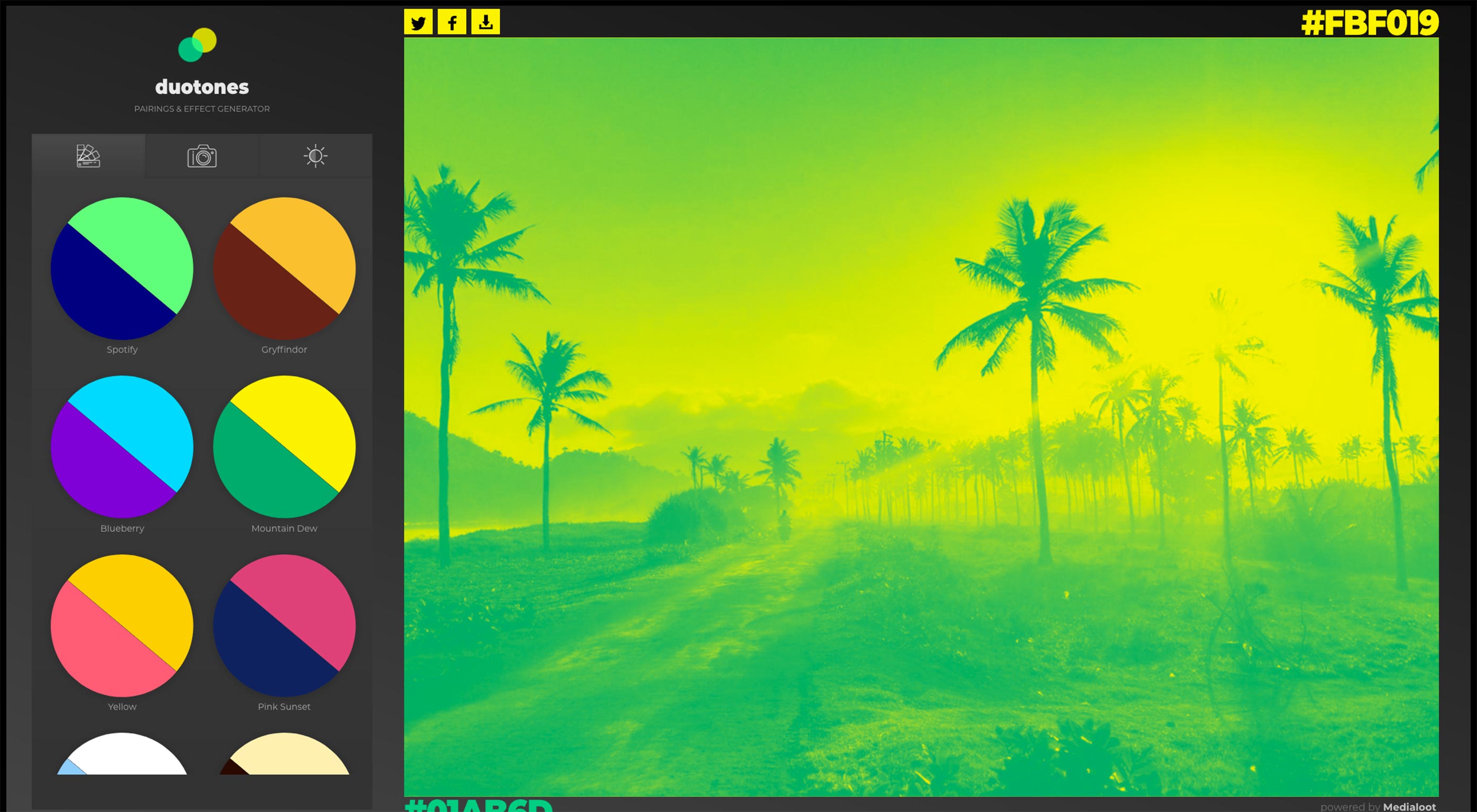
Sometimes, the person who (more or less) comes up with a concept gets to name it, as it was with Responsive Web Design. [Here I shake my fist at Ethan Marcotte out of long-standing habit. RWD is a good thing, but it gave me headaches for a while.] And sometimes someone comes along and makes up a word or phrase for something we’ve already been doing for a while, which is what (I’m reasonably sure) happened with Web 2.0.

Intrinsic Web Design (you can thank Jen Simmons for this bit of jargon) belongs to the latter category. We’ve already started doing it, but now we have a name for it. We thought it would be a good idea to write up a quick introduction to the concept, because it’s going to become a major part of the web design conversation going forward.

What is Intrinsic Web Design?

It starts with the Flexbox and CSS Grid modules. Ever since we decided that using tables for layout was impractical, we’ve been using the float property, along with a healthy dose of absolute and fixed positioning, to put things wherever we wanted on a page. This has worked well for us, but it was, essentially, a hack.

Nearly all of the web is built on hacky front-end code

Actually, it was a series of hacks. Then we started putting together CSS frameworks full of hacks. Then some very wrong people started using JavaScript to write their CSS full of hacks. Nearly all of the web is built on hacky front-end code, and it has gotten messy.

This is not to criticize the work of those who came before. Using hacky layout methods was the only way to get anything done. We didn’t have any other options. Now we do: Flexbox and CSS Grid are layout methods built into CSS itself. They are, you might say, intrinsic to the medium.

Get it? You see what I… yeah. Anyway. The aforementioned CSS modules are just the start of it. CSS is progressing to the point that we have the tools to properly lay out our designs exactly how we want them to be laid out, with no hacks, and certainly no help from JavaScript. Being able to create what we want with a minimal reliance on hacks, tricks, and outside libraries is a part of what Intrinsic Web Design is about.

Or to hear how the creator of the term herself puts it:

I’m just talking about layout, that layout itself, and the graphic design itself, had changed significantly enough that I wanted a new word so we could say, “Oh, yeah, that new thing,” and it includes CSS Grid, but it’s not just about CSS Grid. It’s also about using Flexbox, and kind of rediscovering what Flexbox is actually intended to be for.

Plus, it’s about using some floats sometimes, using things like CSS shapes or object-fit, using a flow content, using multi-column. Some of these things are old, and they’ve been around for a long time, but it’s about thinking about the whole system of layout, and how all these pieces fit together in a brand new way.

To put it another way, I think Intrinsic Web Design is about the shift from being limited by CSS’ capabilities to being empowered by them. It opens up a whole lot of exciting new possibilities.

Who Came up With This?

Jen Simmons. She’s a web designer and front-end developer who has worked with/for: CERN: the W3C, Google, and Drupal, and other small businesses. She currently spends her time as a Designer Advocate at Mozilla, speaking at conferences, as well as hosting and producing The Web Ahead, a fantastic podcast about the future of the Internet.

She also hosts the Layout Land channel on YouTube. If you want to learn about Flexbox, CSS Grid, and the other building blocks of Intrinsic Web Design, these videos are a wonderful and informative place to start. You should also check out her interview that I quoted above, where she and Jeffrey Zeldman discuss IWD and a whole host of other topics at length.

Entering a New Era

Things are gonna get wild as designers latch on to these ideas, and start to figure out what they can build with Flexbox and CSS Grid in conjunction with all of the layout methods we already have. I have no doubt that we’re going to see an explosion of new, or at least refined layout ideas. Then the JavaScript nuts are going to get involved, and that’s going to get truly interesting.

Non-coders especially should pay attention to what’s going on with Intrinsic Web Design, precisely because it will change, and is already changing what is possible on the web. Whether you’re strictly an in-the-image-editor UI designer or an art director, you should absolutely be researching what these technologies can do. Knowing what your front-end colleagues can do now will make your job easier.

Coders, they’re about to start asking for some crazy stuff. You should research it, too, if you haven’t already.

Add Realistic Chalk and Sketch Lettering Effects with Sketch’it – only $5!

Source

from Webdesigner Depot https://www.webdesignerdepot.com/2018/05/a-simple-introduction-to-intrinsic-web-design/

Monday, 21 May 2018

What’s New for Designers, May 2018

Do you ever get bogged down with some of your tools? They work, but you know there’s got to be a better way to do something. Hopefully, this month’s collection has the solution. It’s packed with design tools that are lightweight and functional.
If we’ve missed something that you think should have been on the list, let us know in the comments. And if you know of a new app or resource that should be featured next month, tweet it to @carriecousins to be considered!

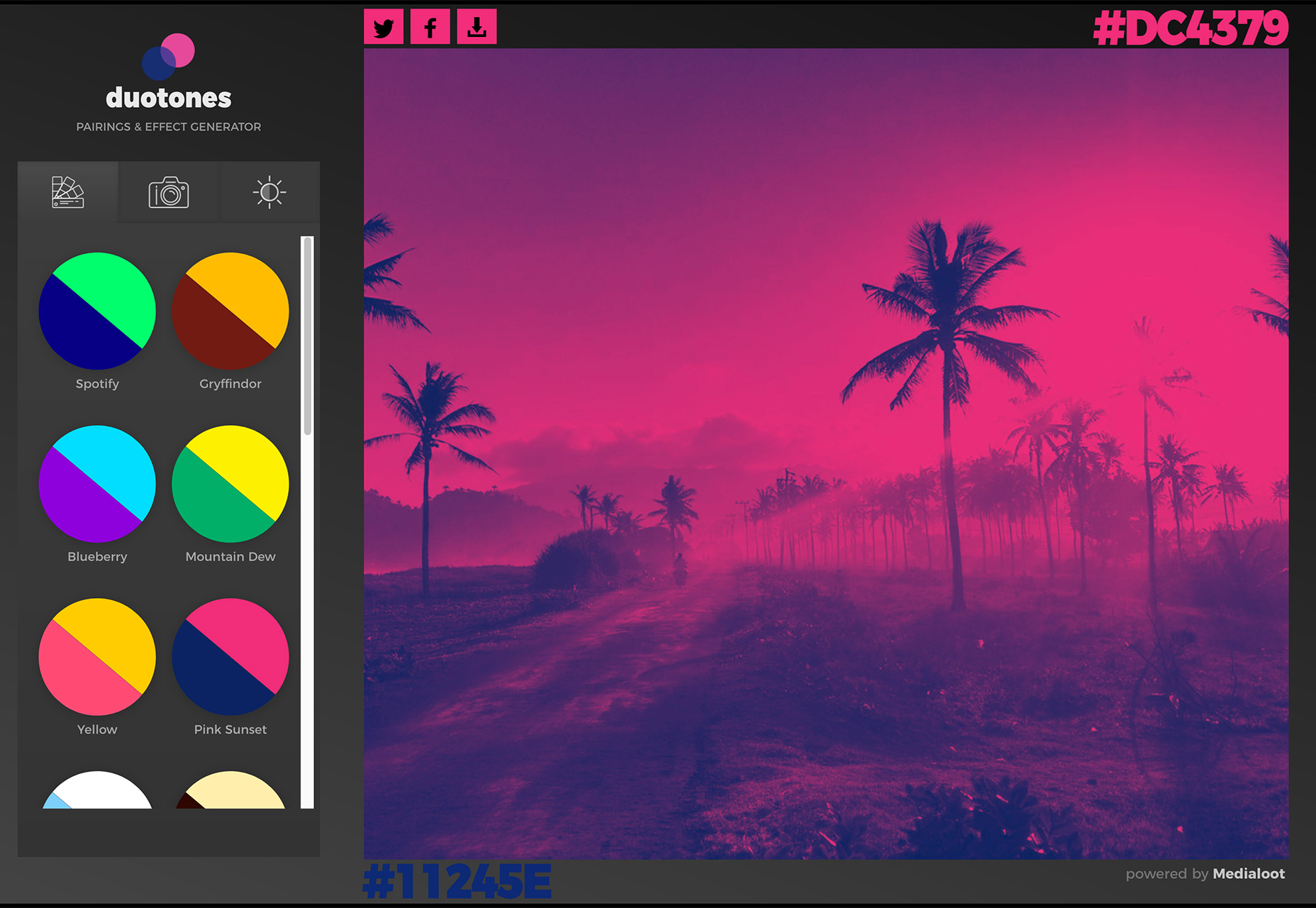
Duotone Effect Generator

Create a quick, and trendy, duotone effect with the Duotone Effect Generator. Upload a photo and pick a color combo or use your own and get a cool effect in seconds. Then you can download the image for use in projects.

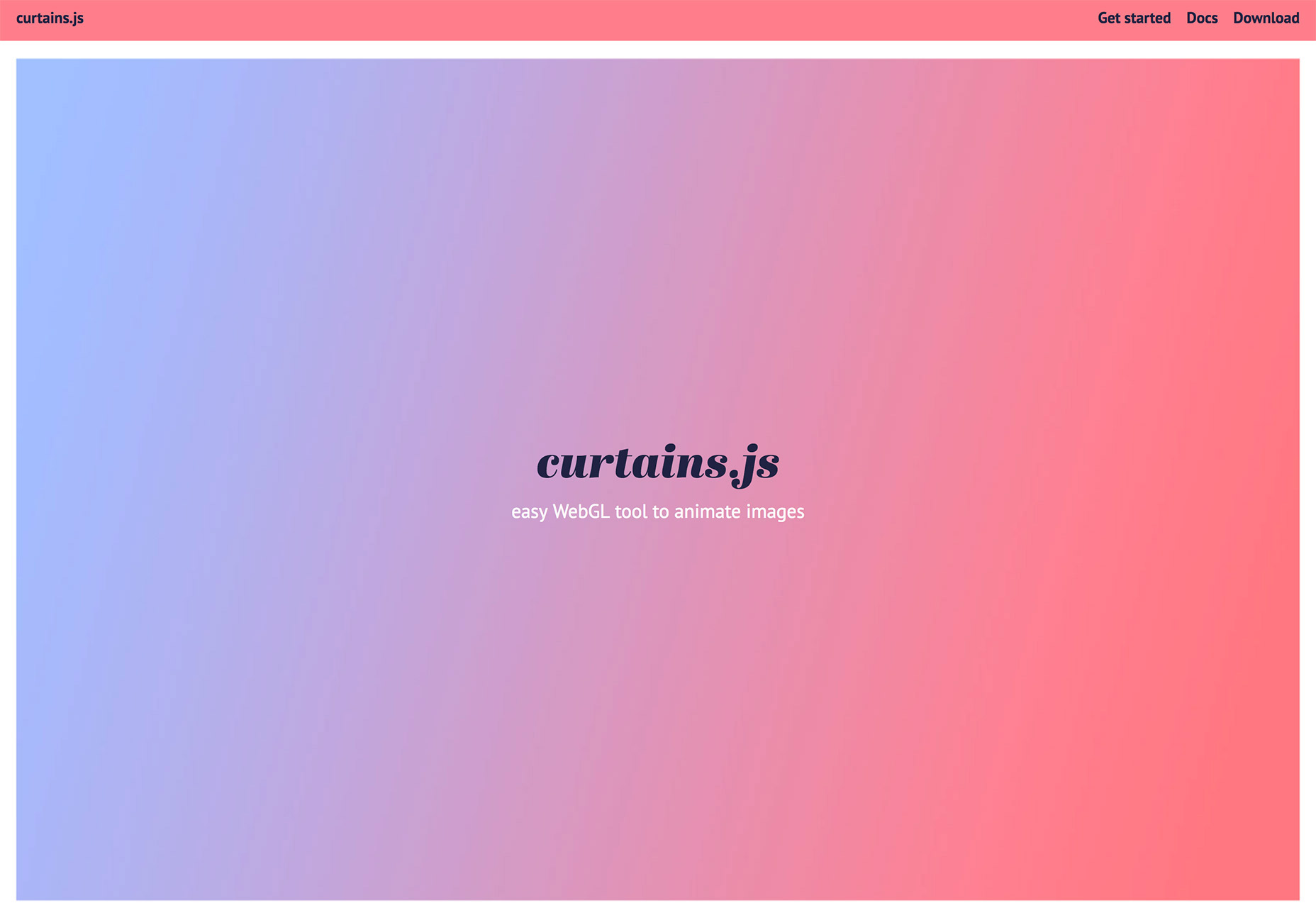
Curtains.js

Curtains.js is a fun little WebGL tool that animates images to have a moving curtain effect. From the developer: “It is a small vanilla WebGL javascript library that converts HTML elements containing images into 3D WebGL textured planes, allowing you to animate them via shaders. You can define each plane size and position via CSS, which makes it super easy to add WebGL responsive planes all over your pages.”

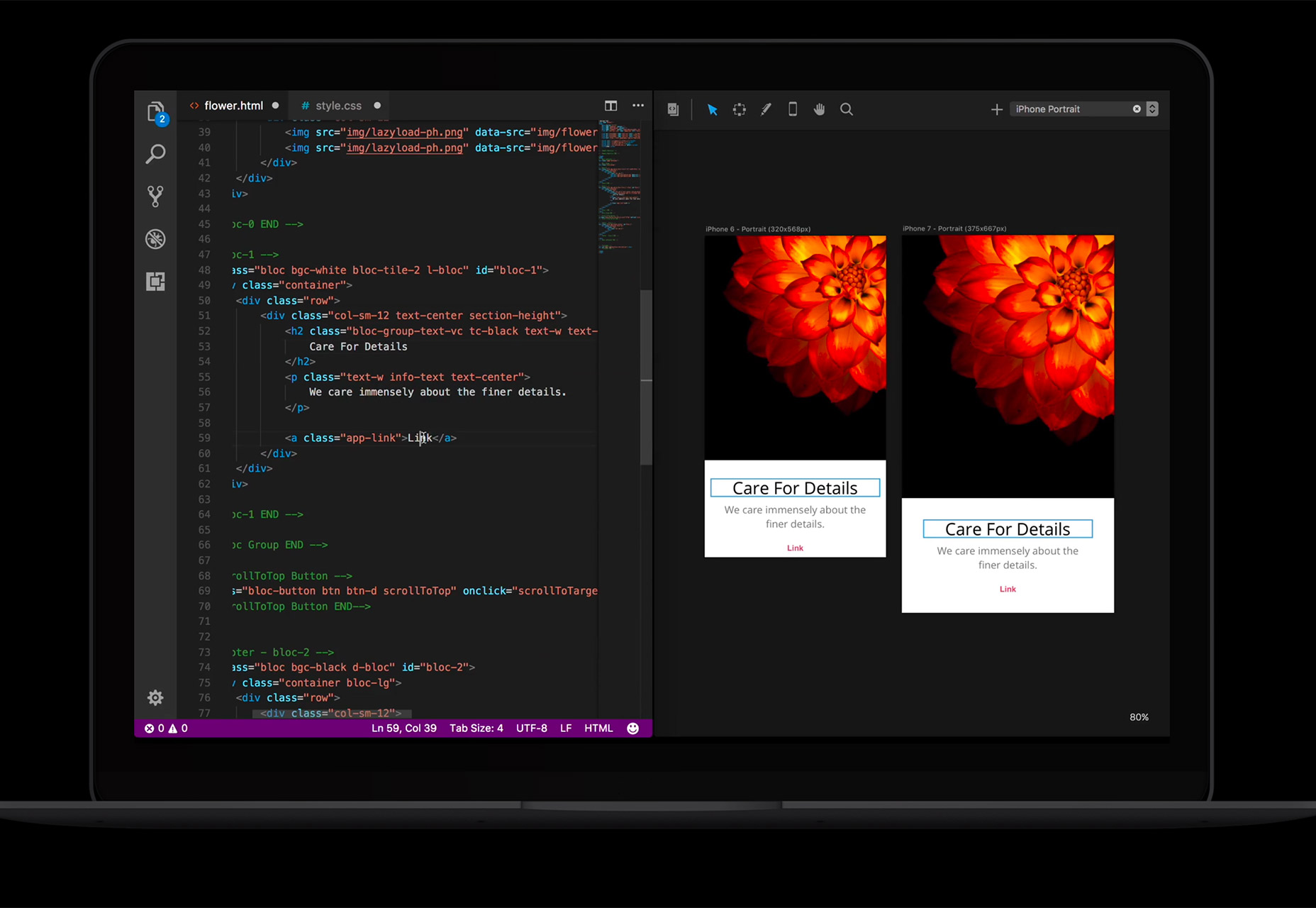
Solis

Solis is a live design output app that allows you to see the result of code as you input it. You get real-time live previews of HTML, CSS, Sass and LESS with multi-viewport views. This tool is only available for Mac right now.

Cards Webflow UI Kit

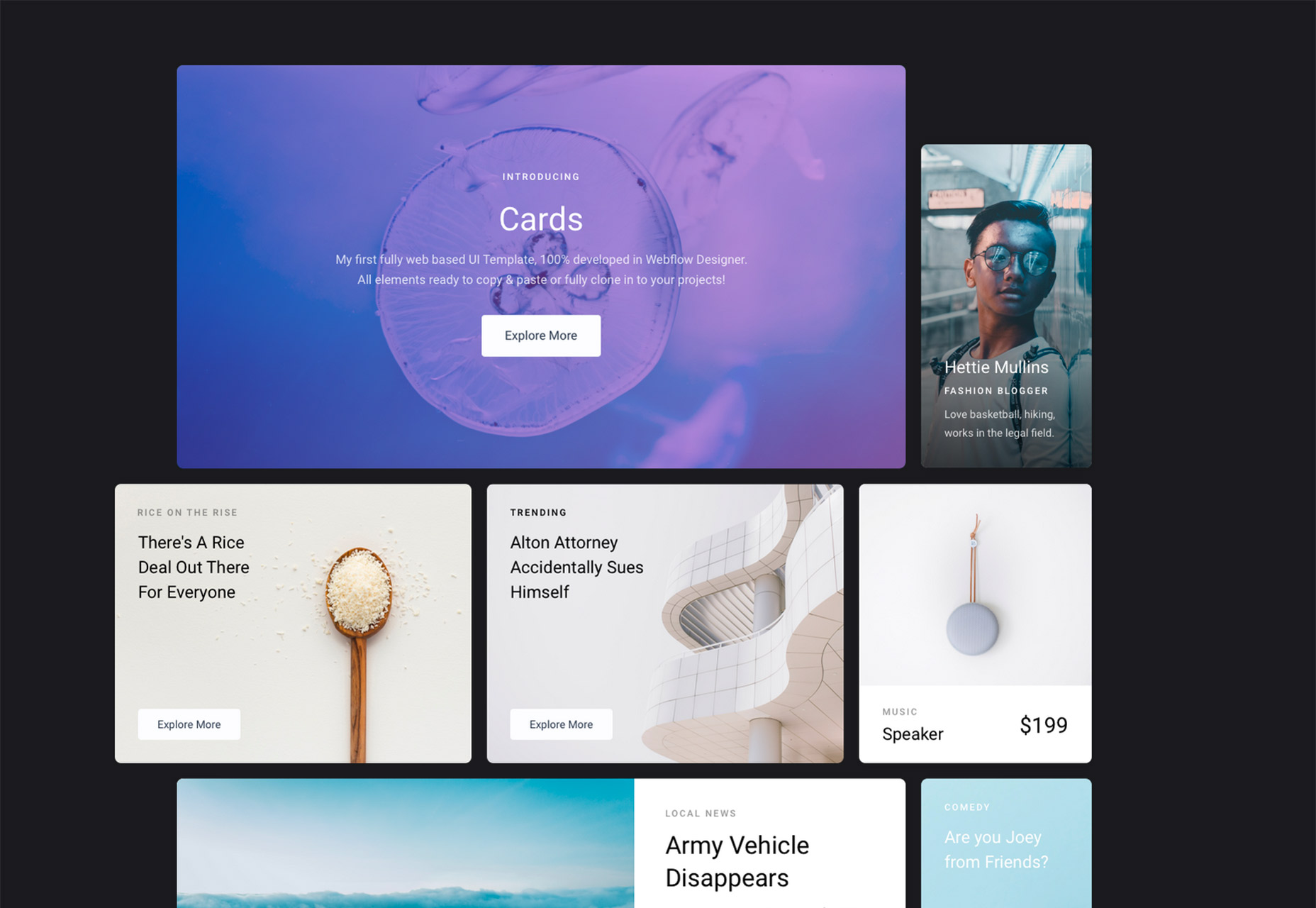
If you are a Webflow use, the Cards Webflow UI Kit is a great free tool. It’s one of the first clonable UI kits that’s been made completely with Webflow (so you know it’ll work). Elements include a kit with buttons, tags, alerts and social icons in a card-style format.

BBC Sound Effects

You probably use Creative Commons images all the time for projects, but what about sound? BBC Sound Effects is a library of 16,000 sound effects from the BBC library that come with the BBC copyright but are available to use for personal, education or research purposes. (If nothing else, it’s just fun to listen to all the sound bits.)

ScreenFocus

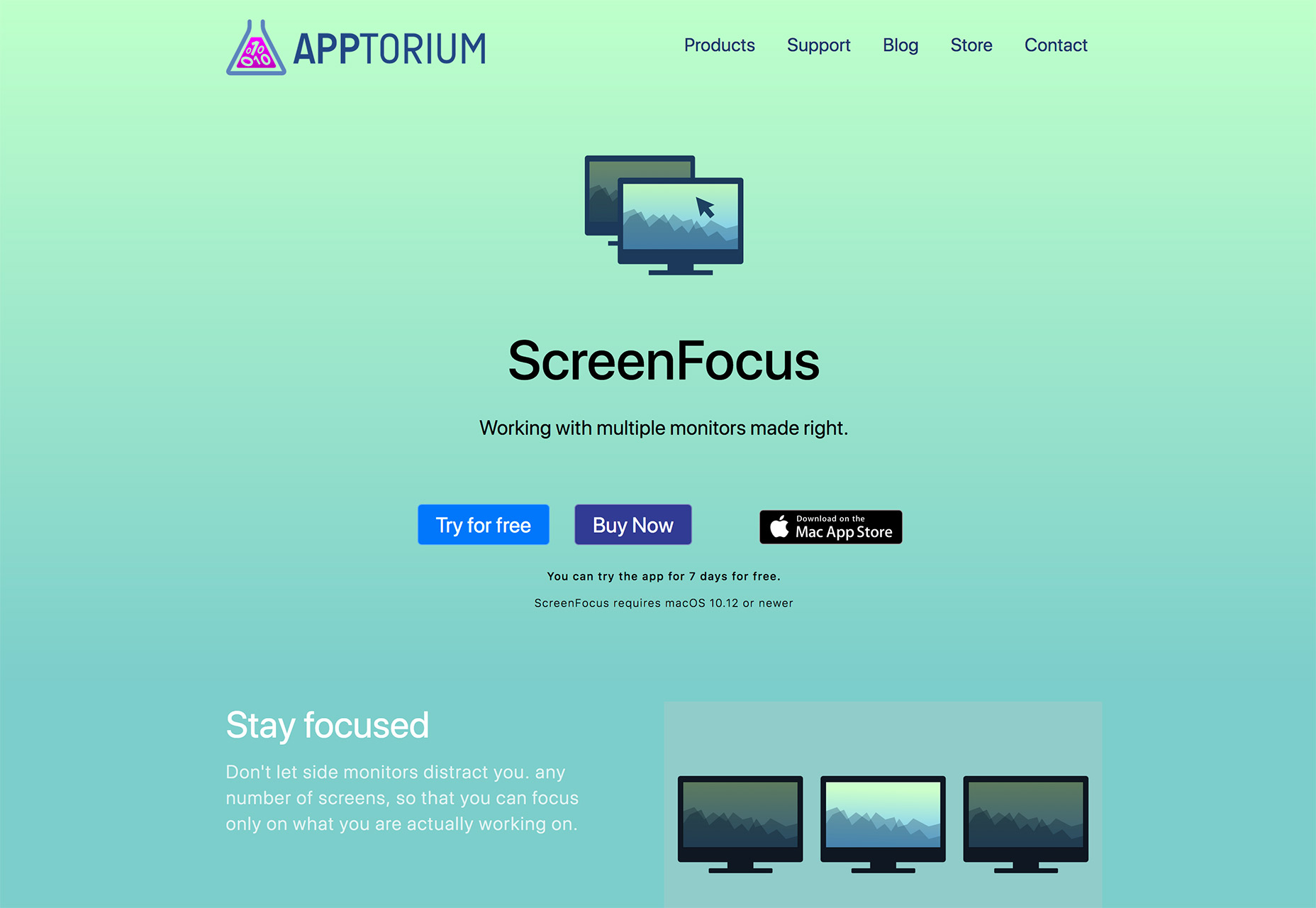
ScreenFocus is a productivity tool that can help you make the most of a dual-monitor setup. It includes the ability to change settings between screens, such as dimming an unused monitor so it is not distracting.

React Circle

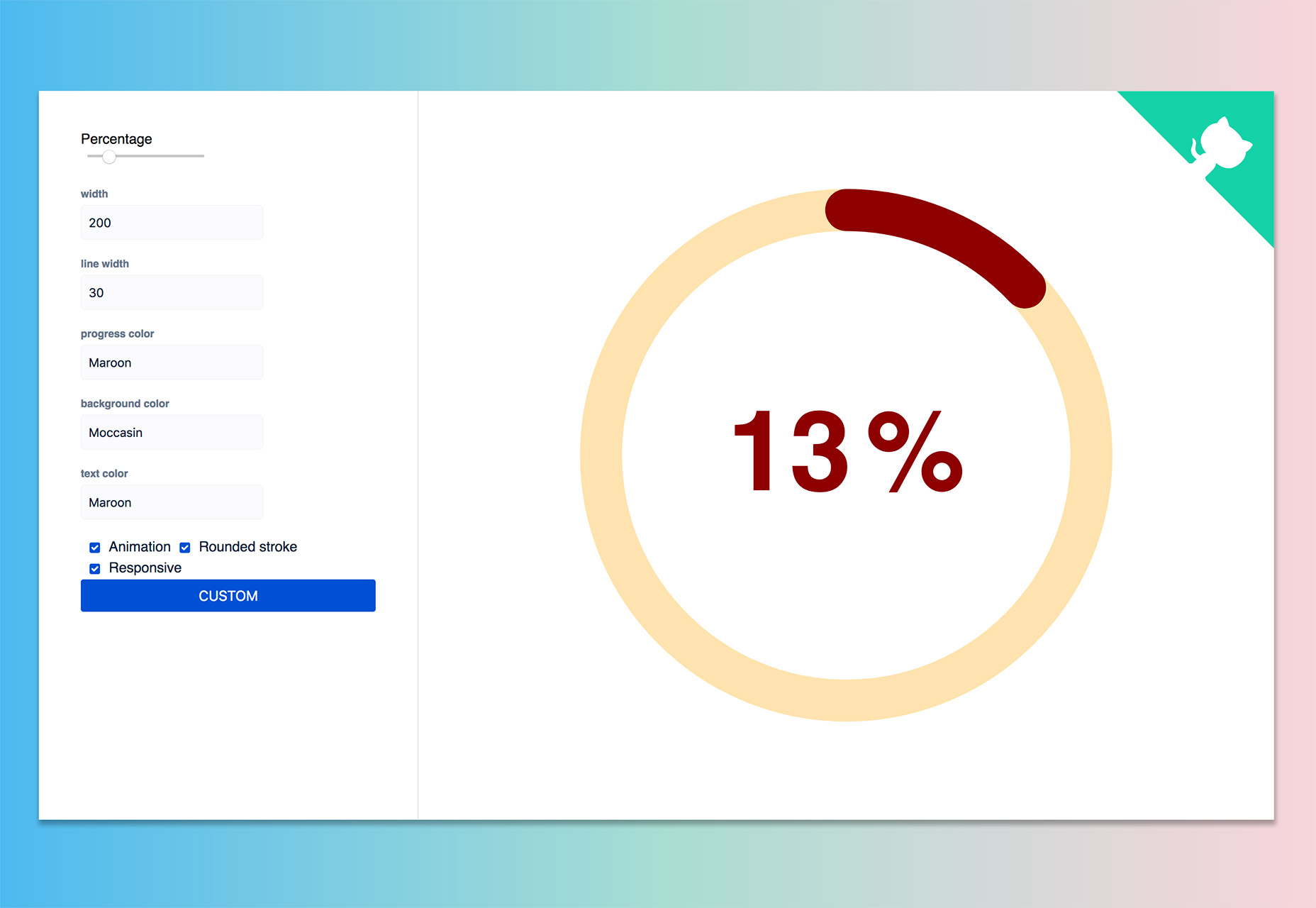
React Circle renders a dashboard-style progress animation in the shape of a circle. It is made using customizable SVG.

Unavatar

Want to use the same avatar across multiple social media profiles? This micro service lets you do that with just a few lines of code and a username, email address or domain.

Login Critter

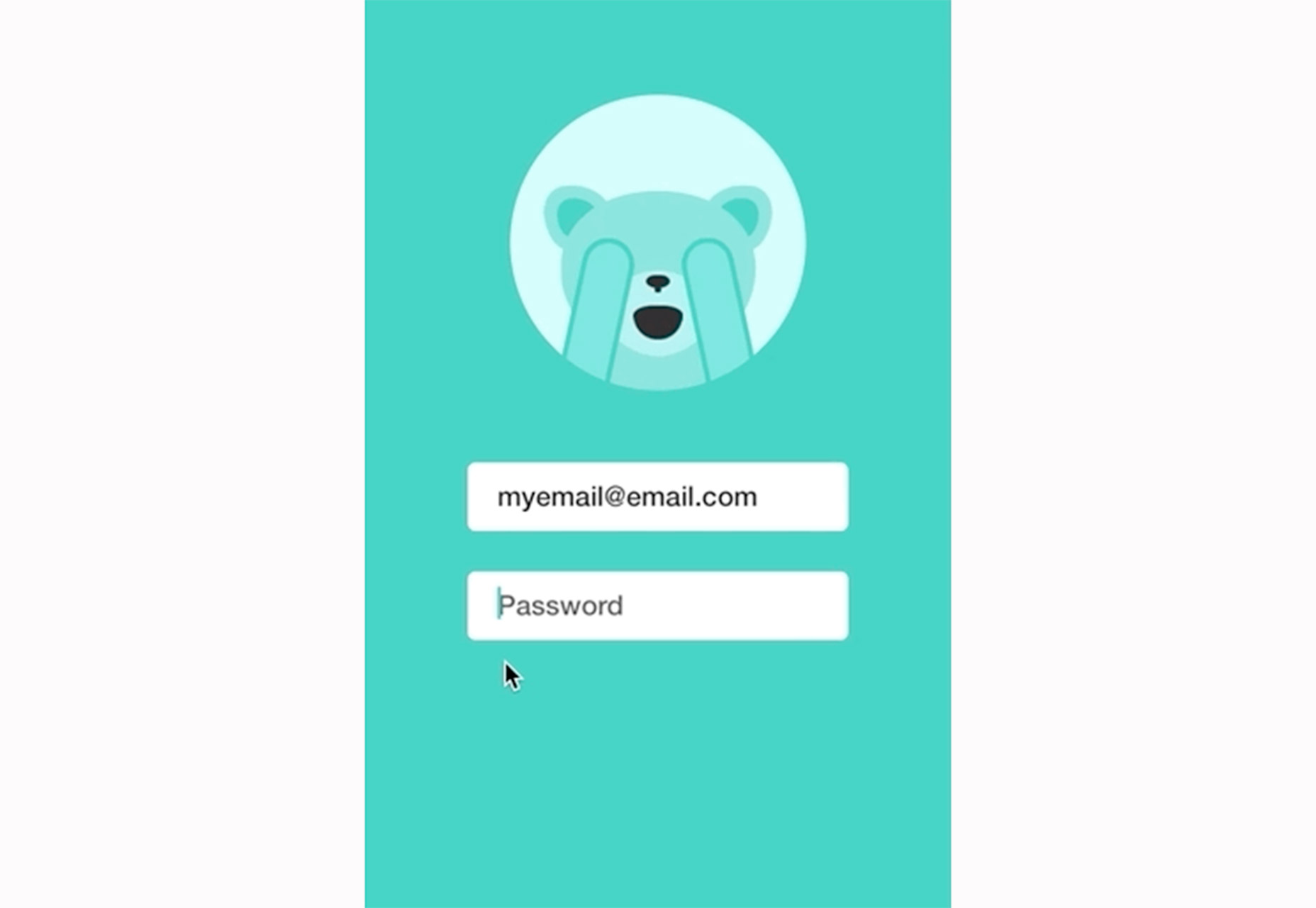
Make your login form standout with a custom critter avatar. Login Critter is an animated login screen with multiple states for the “critter” – neutral, active, ecstatic and shy (shown below). Grab it on GitHub.

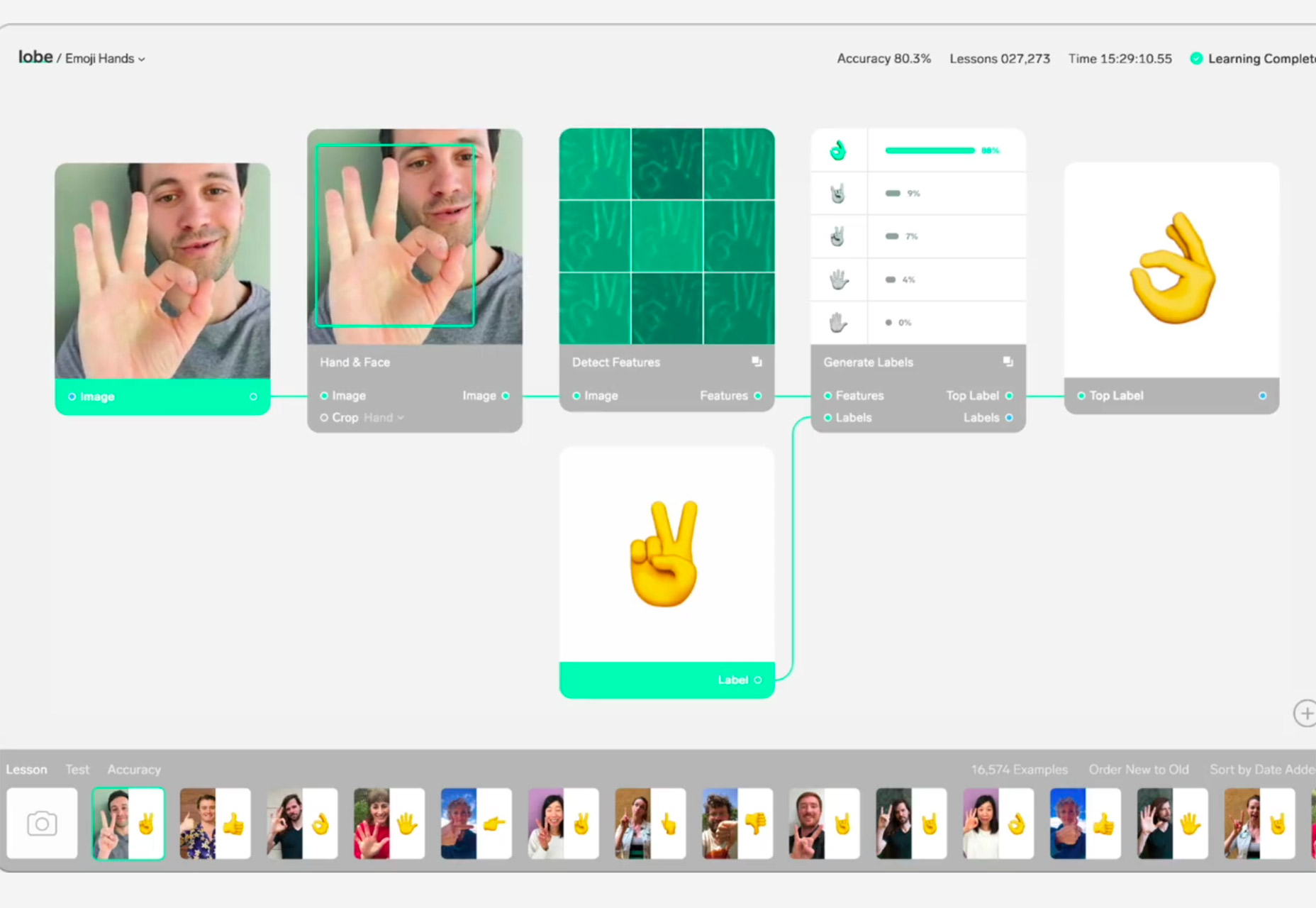
Lobe

Lobe is a visual artificial intelligence tool that helps you build a deep learning model for apps. The tool is in beta and had a wide application, from helping connect apps to people to showcasing data and information.

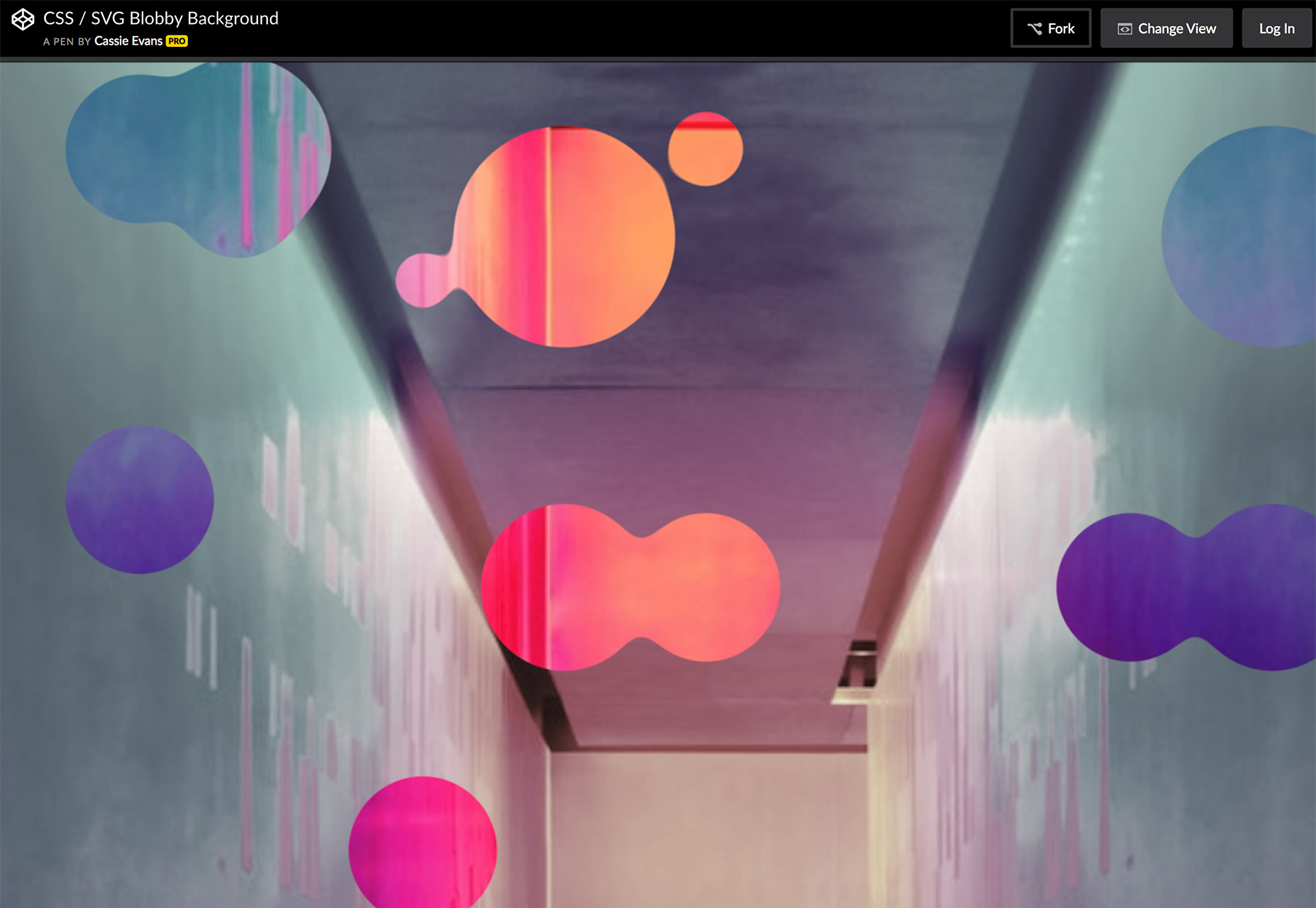
Blobby Background

The popularity of unusual shapes makes Blobby Background a fun fork on CodePen. The demo uses SVG masks and filters to function.

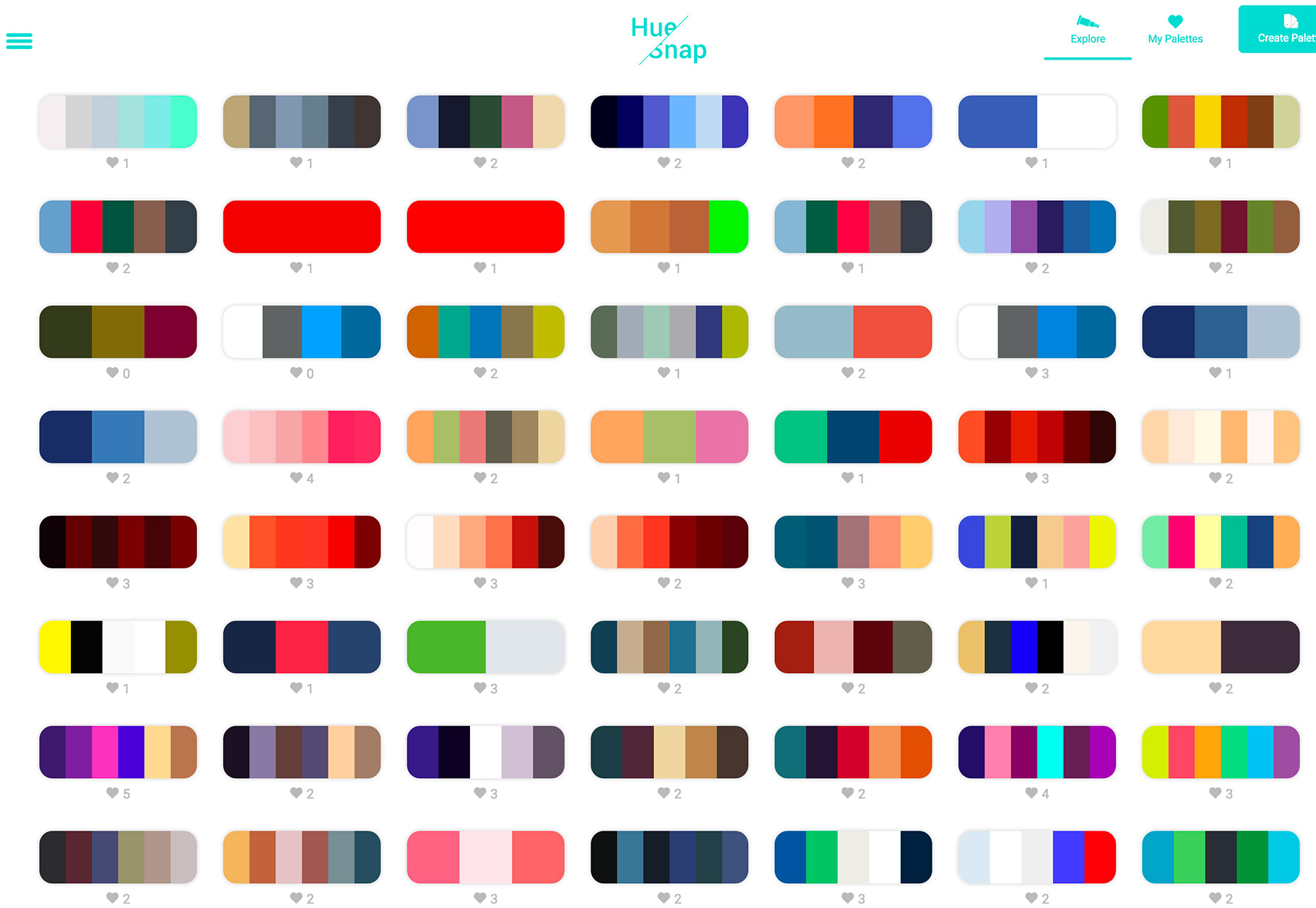
HueSnap

HueSnap is one more color palette generation tool. Browse hundreds of color combinations and save your favorites for later use. What’s impressive about this gallery is the number of palettes that you can see at once.

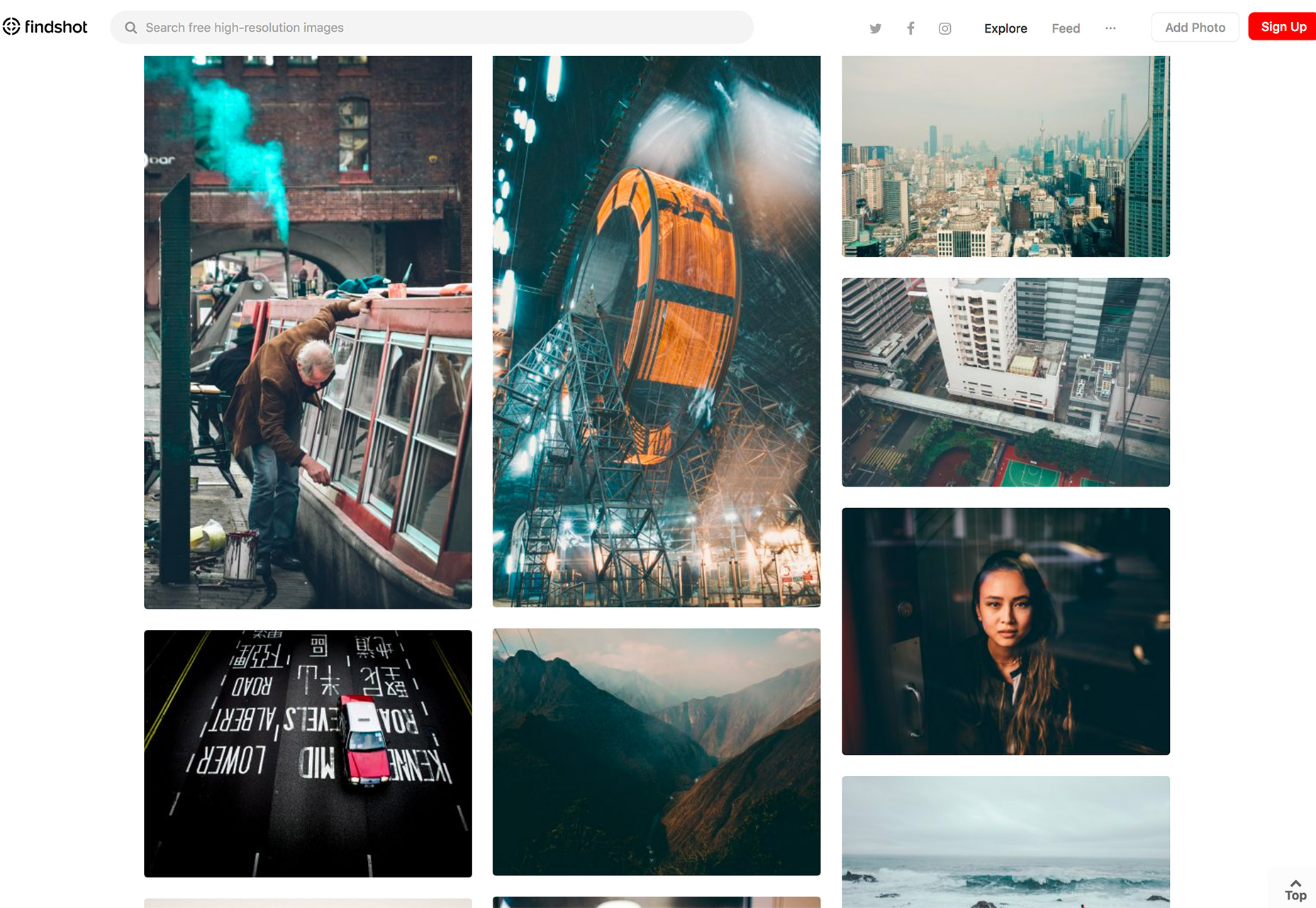
Findshot

Findshot is a new, free stock photo repository. Sign up via email and new photos that you can use for free in projects will come right to your inbox. You can also search the free collection.

Pico-js

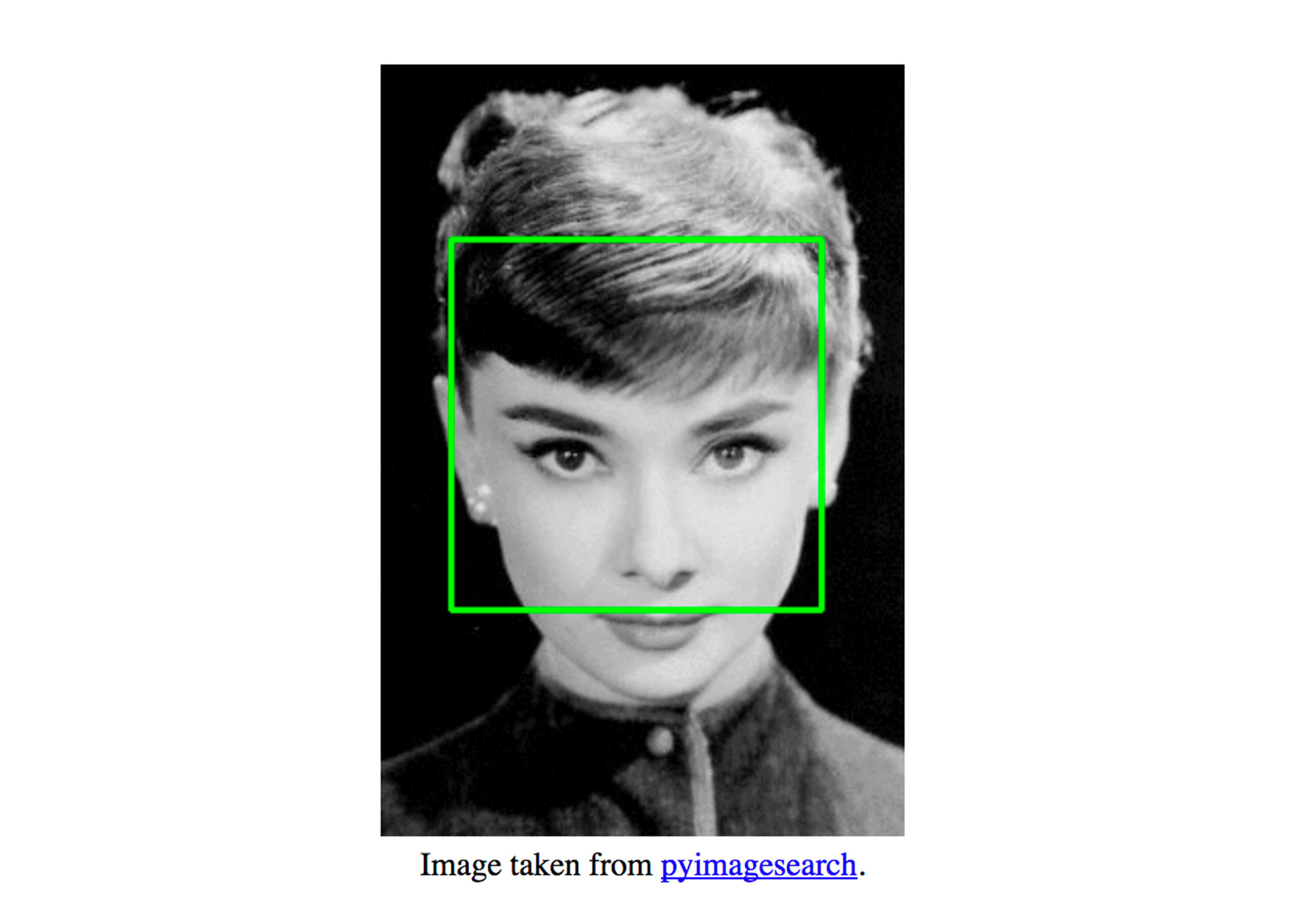
Pico.js is a face detection library that uses just 200 lines of JaveScript. The neat thing about this element is that it is super small and lighter than many other options out there. (It’s just 2kb when minified.)

Modular

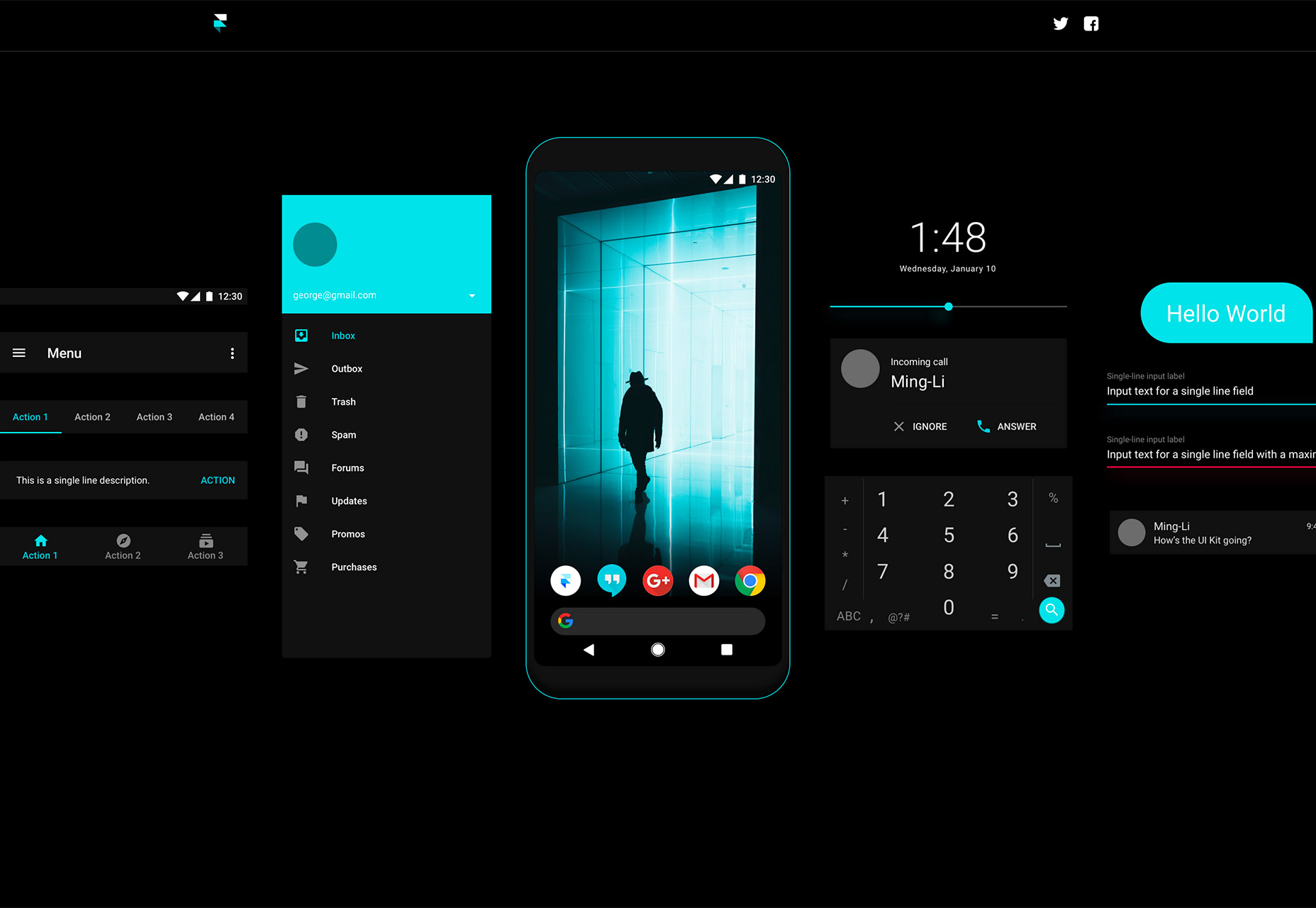
Modular is a free Android UI kit with adaptable elements in the Material Design style. It includes 167 items with 78 elements in 13 categories.

Tutorial: Responsive Knockout Text with Video

This tutorial from Giulio Mainardi for CSS-Tricks shows you how to build a super trendy knockout text element with video. The great thing about the tutorial is it does everything responsively – that’s the real trick here – so that your element will look great anywhere.

Semantic Experiences

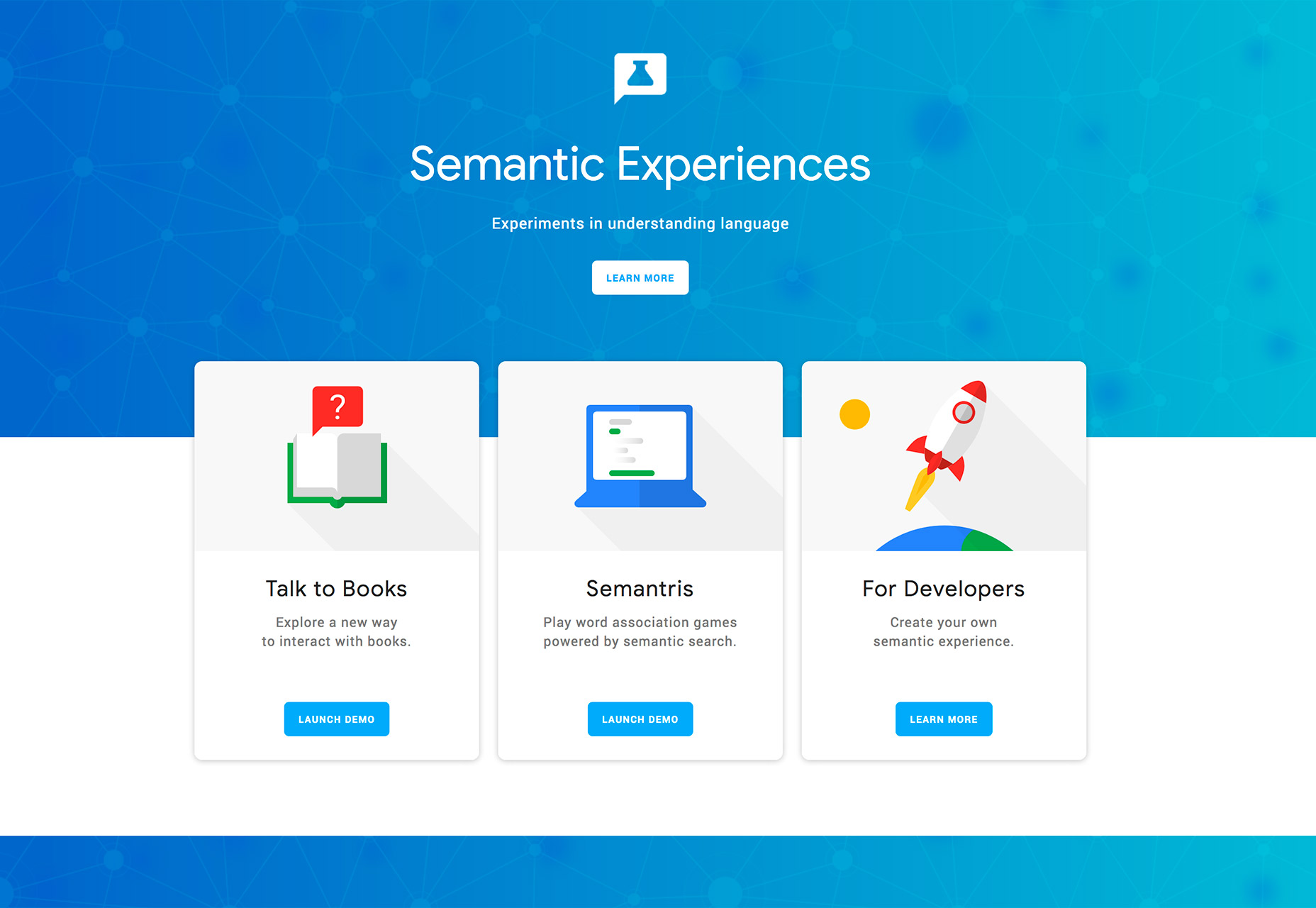
Voice search and internet “scrolling” is getting to be a bigger deal by the day. Interfaces have to understand expressions and natural language. That’s why the Google team is working on Semantic Expressions, an experiment to help developers better understand natural language.

Design Systems Repo

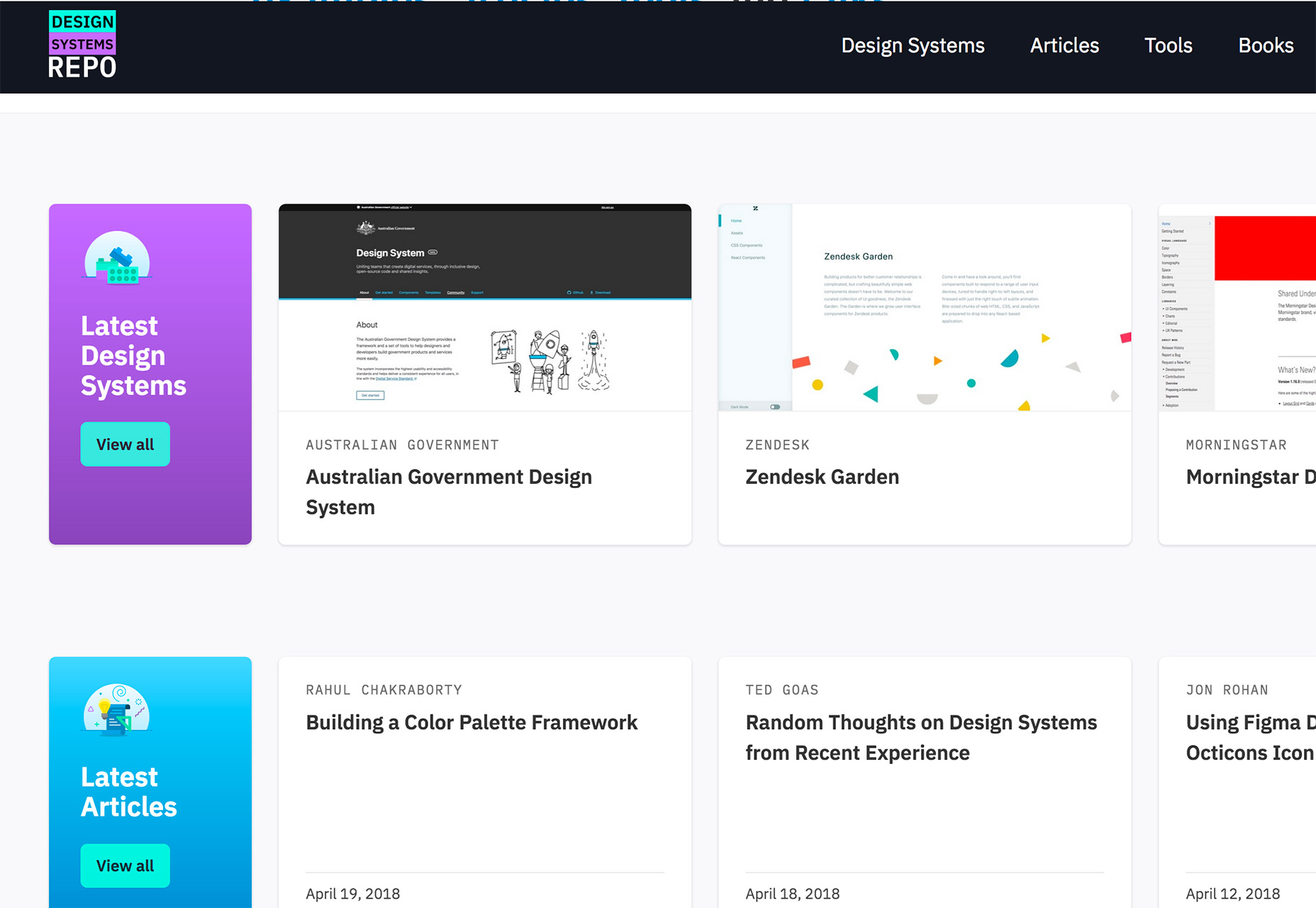
This website is a giant collection of examples, articles and tools about design systems. The database is pretty large and is a great place to find inspiration or think about different ways of doing things.

Science of Color Codes

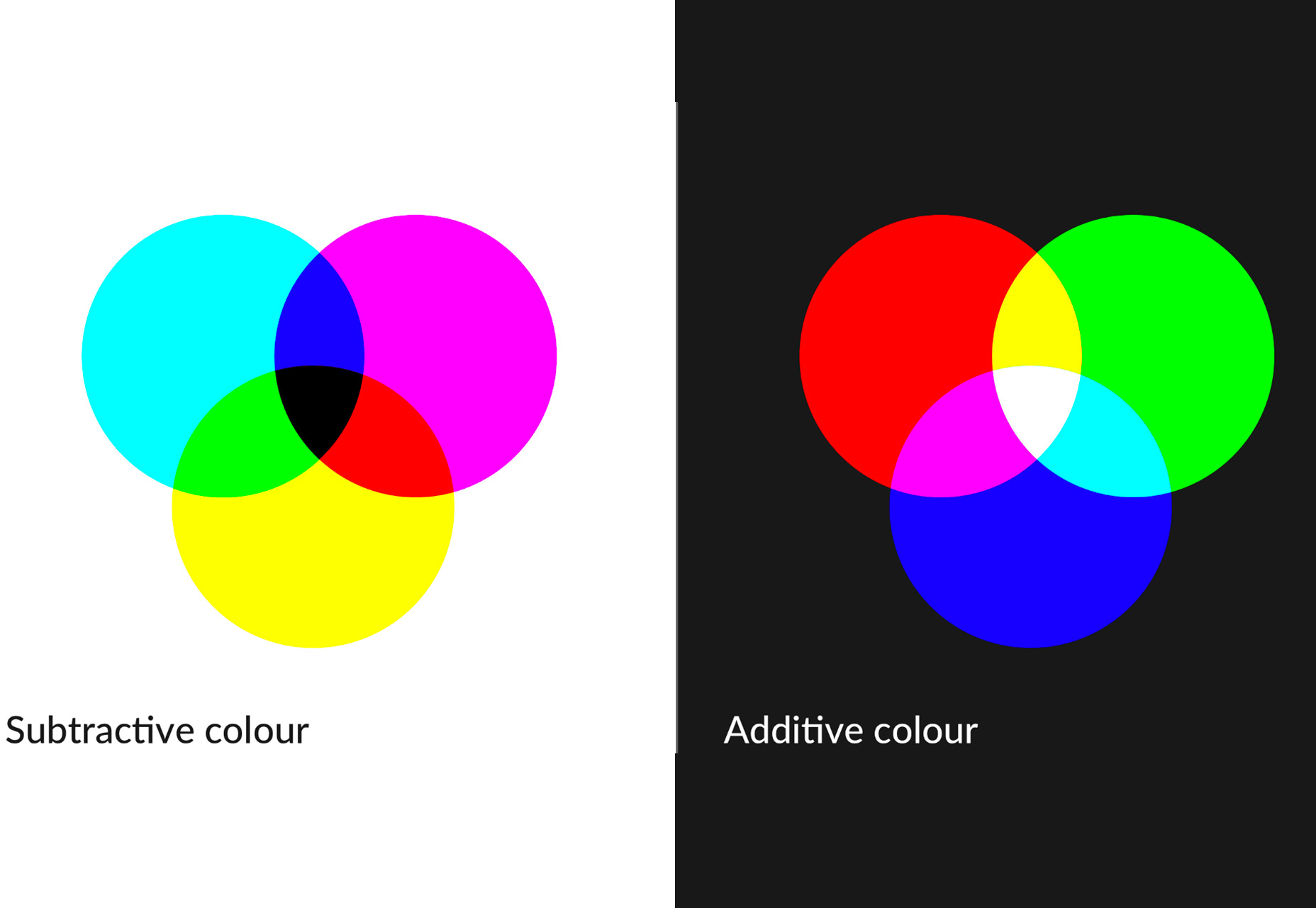
Color codes are more than just a series of numbers that spit out a specific hue. There’s some science that supports how each of these systems – RGB, Hex, HSL, CMYK and Pantone – actually works. Patrick Woodhead takes a deep dive into that science.

Fontisto

Fontisto is a giant collection of SVG icons that you can customize with CSS. It’s a responsive tool and is easy to use without JavaScript. Plus, Fontisto is free for personal and commercial use. It includes simple icons, social media icons and even brand elements.

Aloja

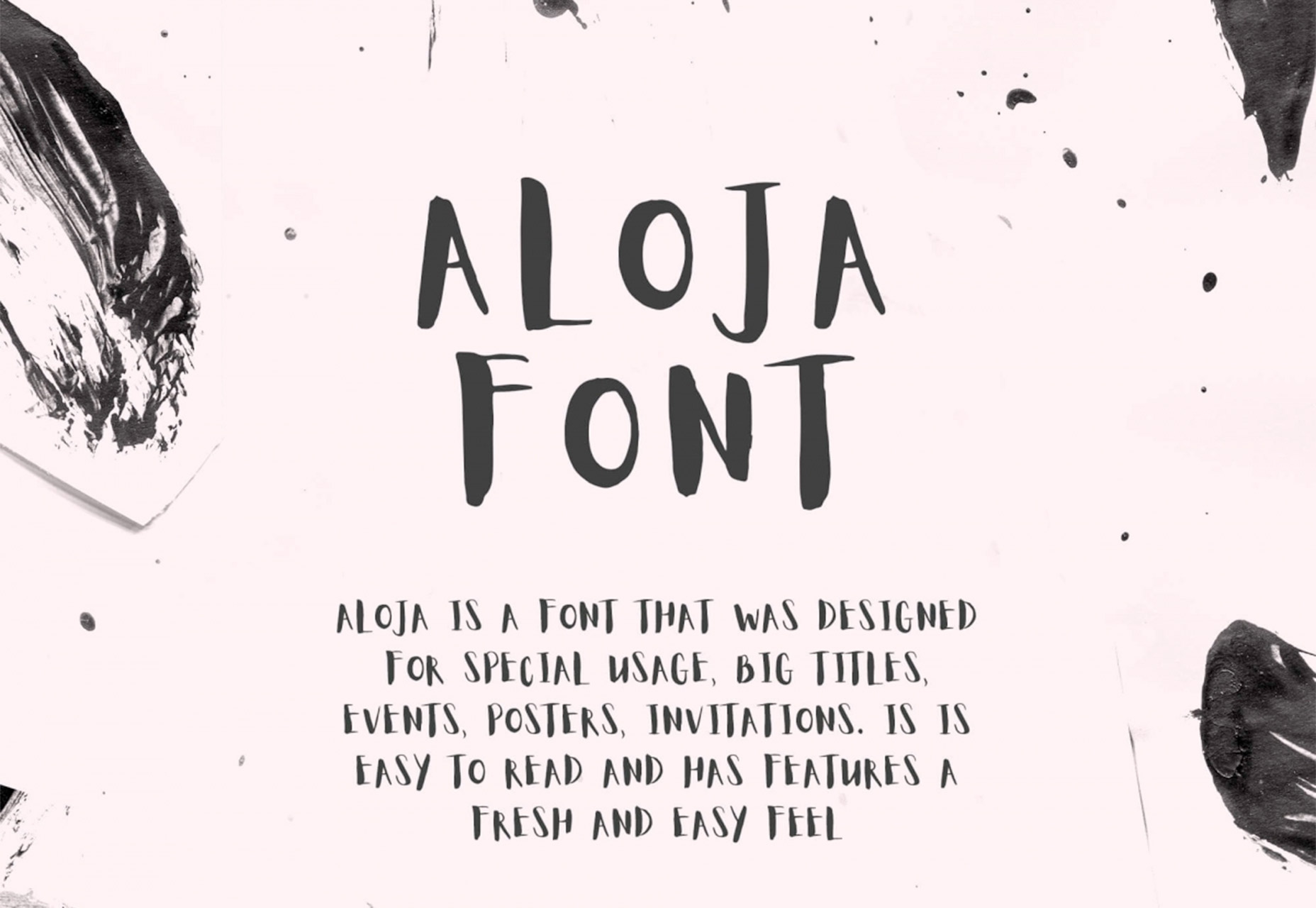
Aloja is a free handwriting-style font that’s made for display uses. The bigger you use it, the better. The character set include capital letters only, numerals and basic punctuation.

Dank Mono

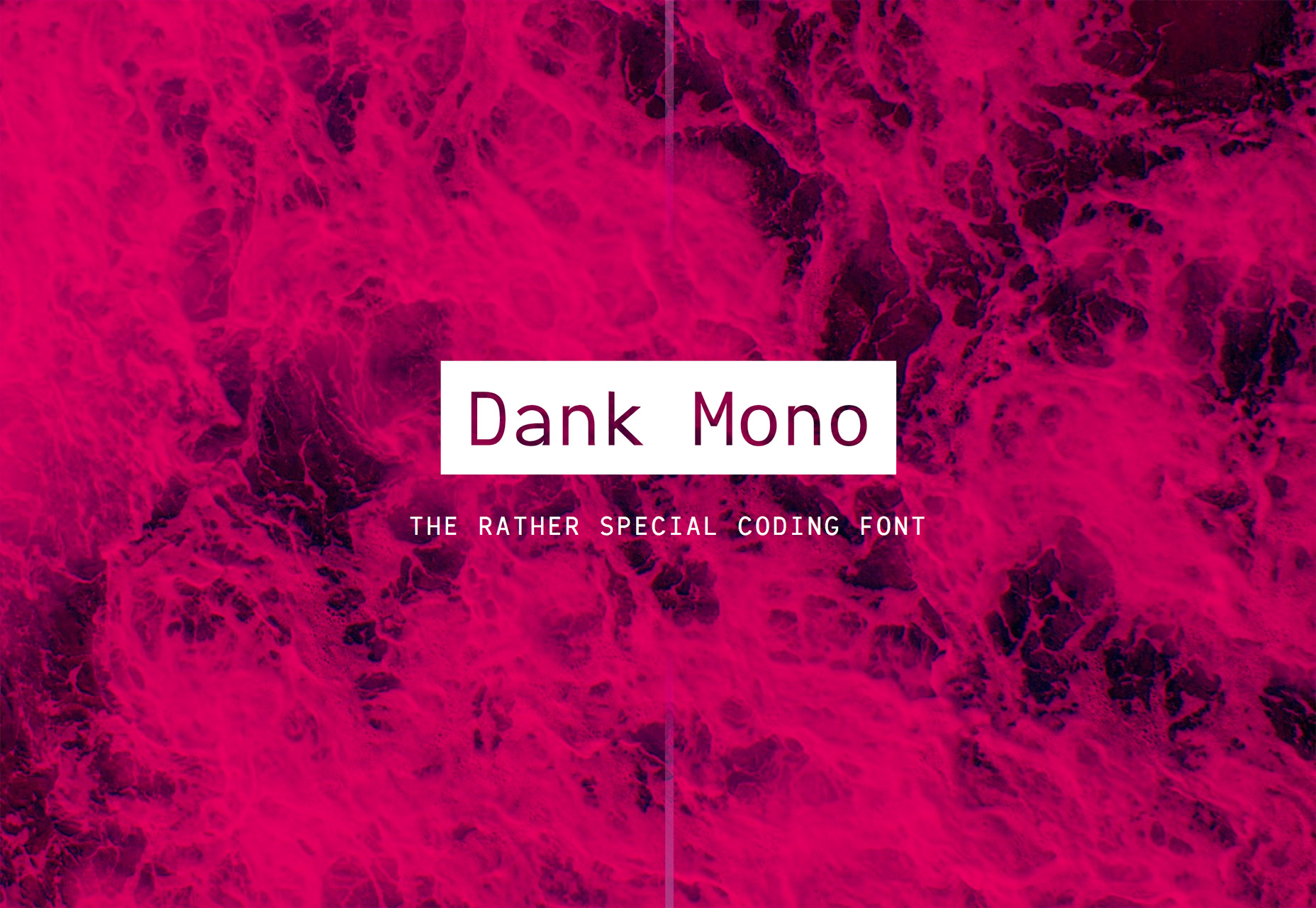
Dank Mono is a coding font. It is made to look great and work with retina displays. It includes a full character set, ligatures and italics. This is a premium font (paid).

MD Tall

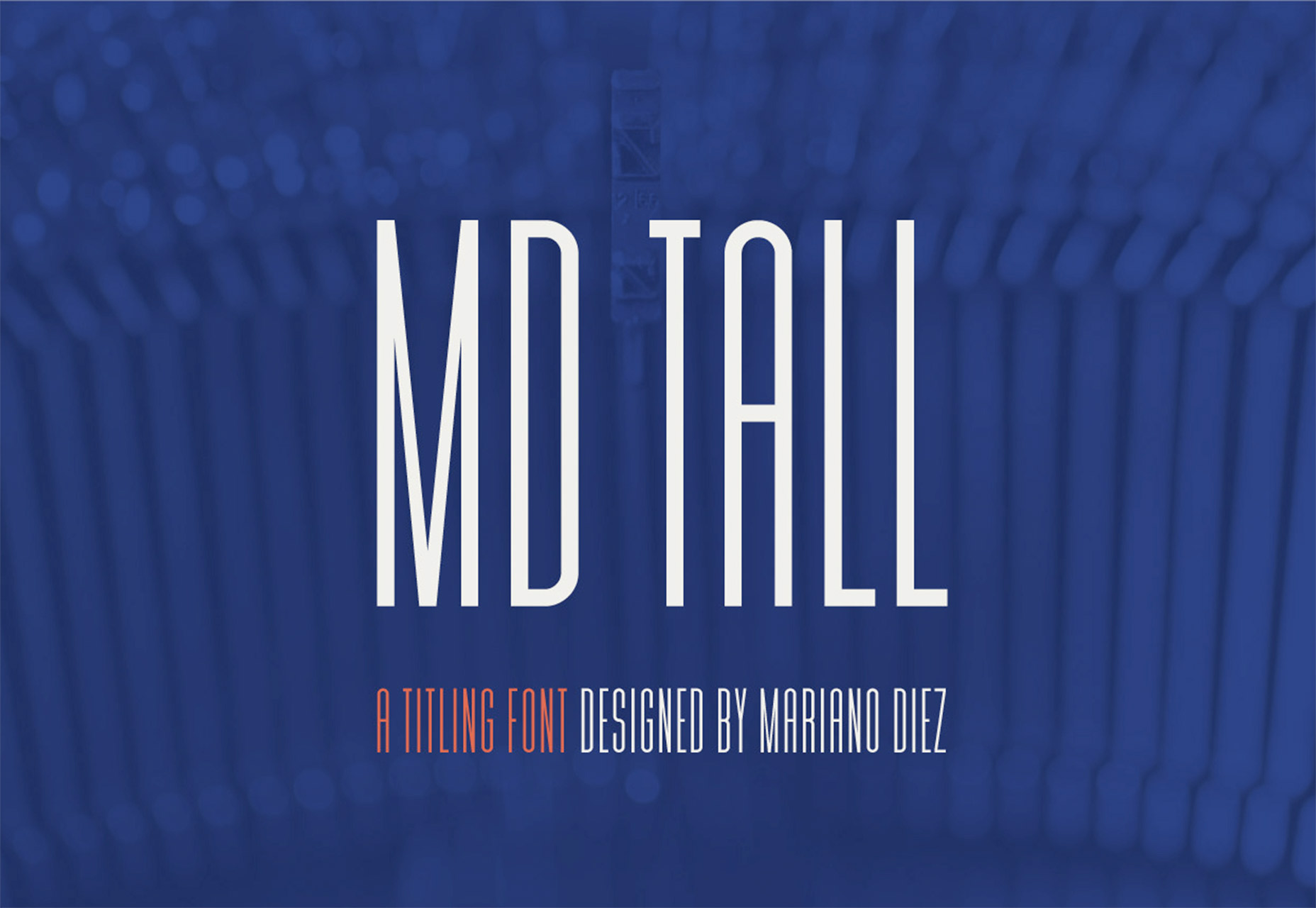
MD Tall is a display typeface that has a high x-height and works primarily for small blocks of text. It has an uppercase character set with a few alternate characters, numerals and punctuation.

Add Realistic Chalk and Sketch Lettering Effects with Sketch’it – only $5!

Source

from Webdesigner Depot https://www.webdesignerdepot.com/2018/05/whats-new-for-designers-may-2018/

Sunday, 20 May 2018

Popular Design News of the Week: May 14, 2018 – May 20, 2018

Every week users submit a lot of interesting stuff on our sister site Webdesigner News, highlighting great content from around the web that can be of interest to web designers. 
The best way to keep track of all the great stories and news being posted is simply to check out the Webdesigner News site, however, in case you missed some here’s a quick and useful compilation of the most popular designer news that we curated from the past week.

Note that this is only a very small selection of the links that were posted, so don’t miss out and subscribe to our newsletter and follow the site daily for all the news.

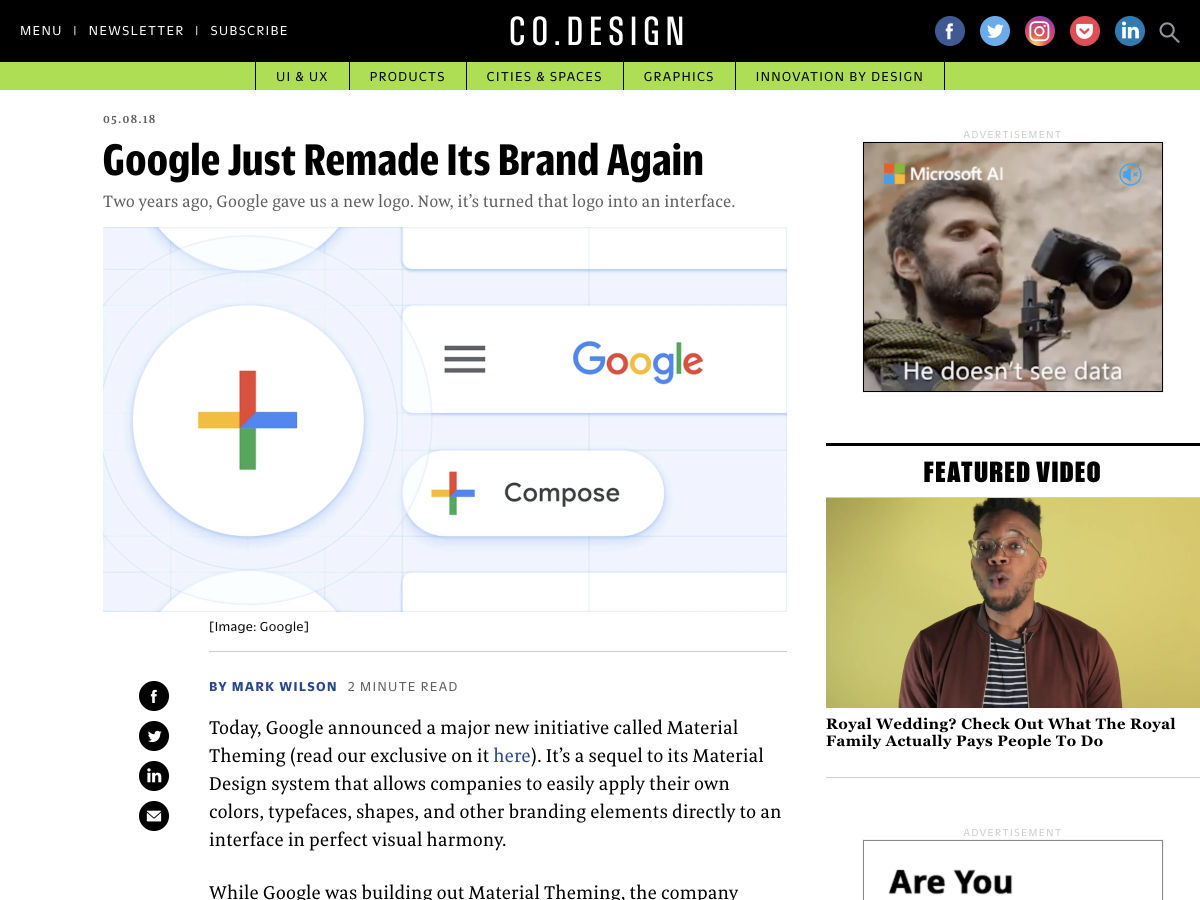
Google Just Remade its Brand Again


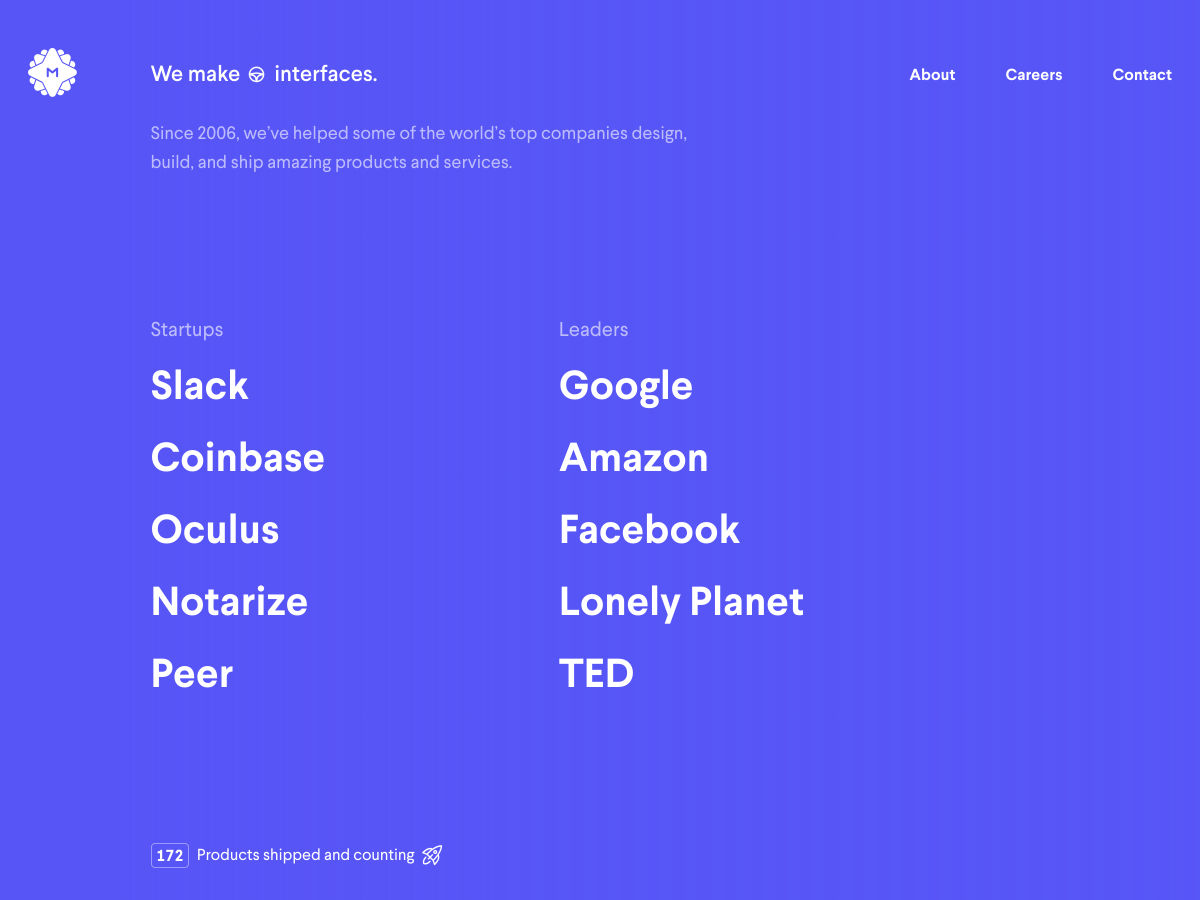
Site Design: MetaLab


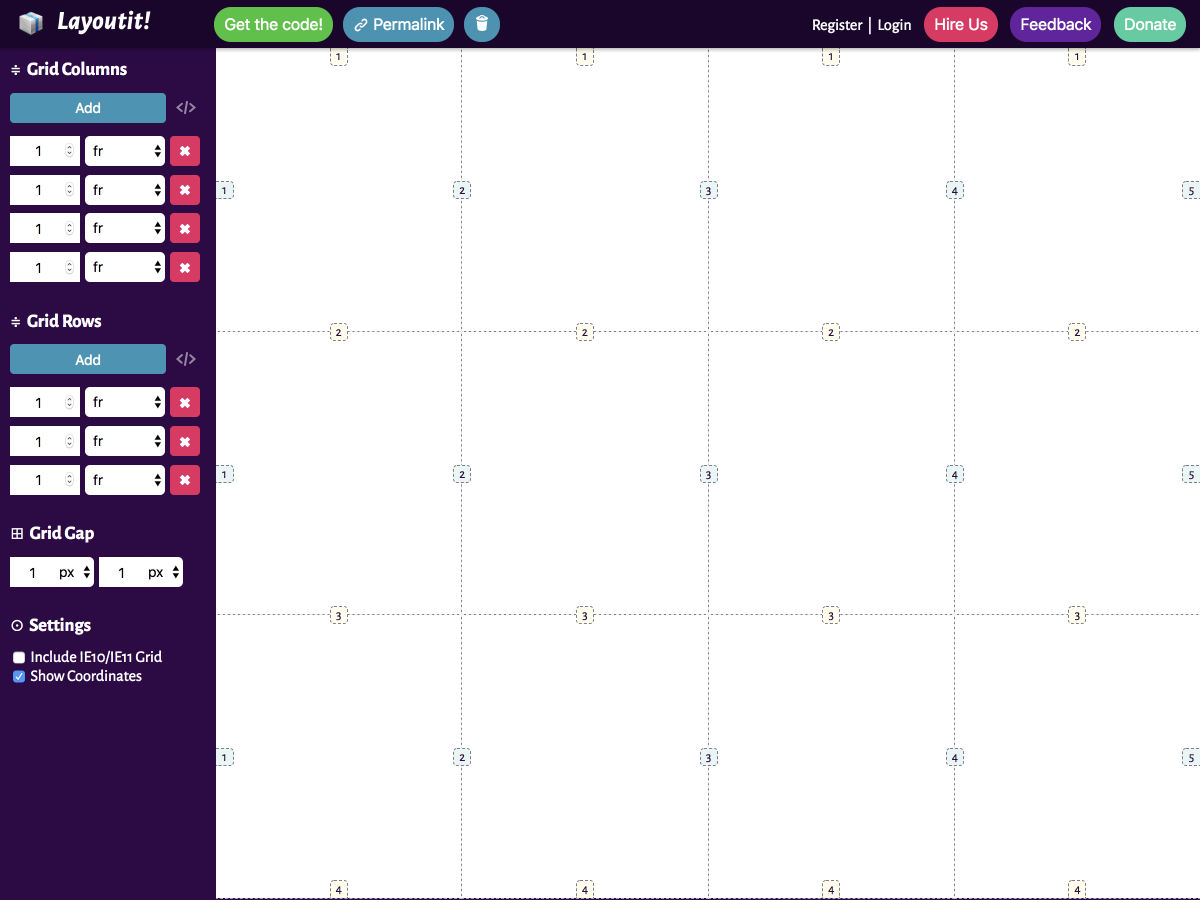
LayoutIt CSS Grid Generator


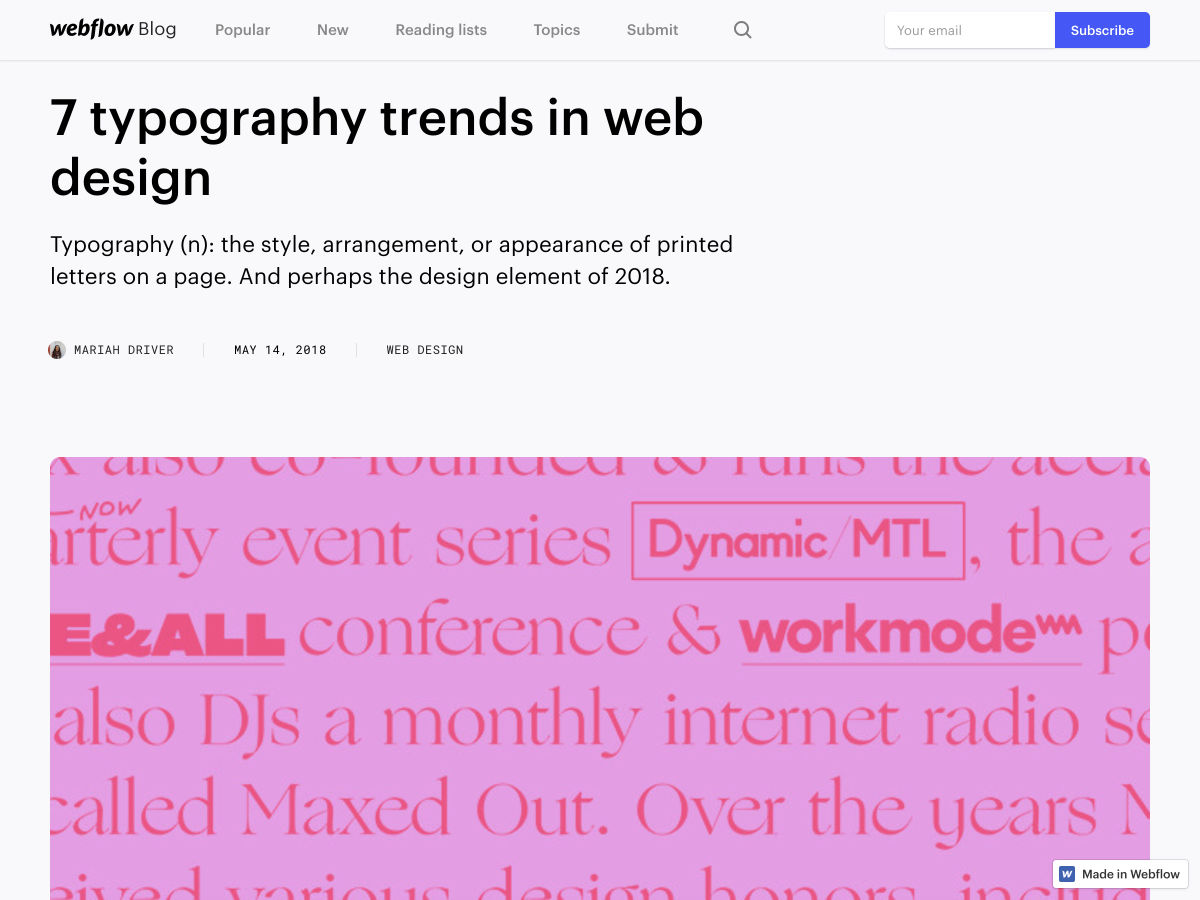
Typography Trends in Web Design


JavaScript is Good, Actually


How to Double your Page Views Without Publishing Anything New


Introducing Airbnb Cereal


Spirit is Out Now for Mac


On Design Changing the World


Crunch 2.0 – Insane PNG Image Optimization


10 Interaction Design Books You’d Be Crazy not to Read


Working Type


Design Systems


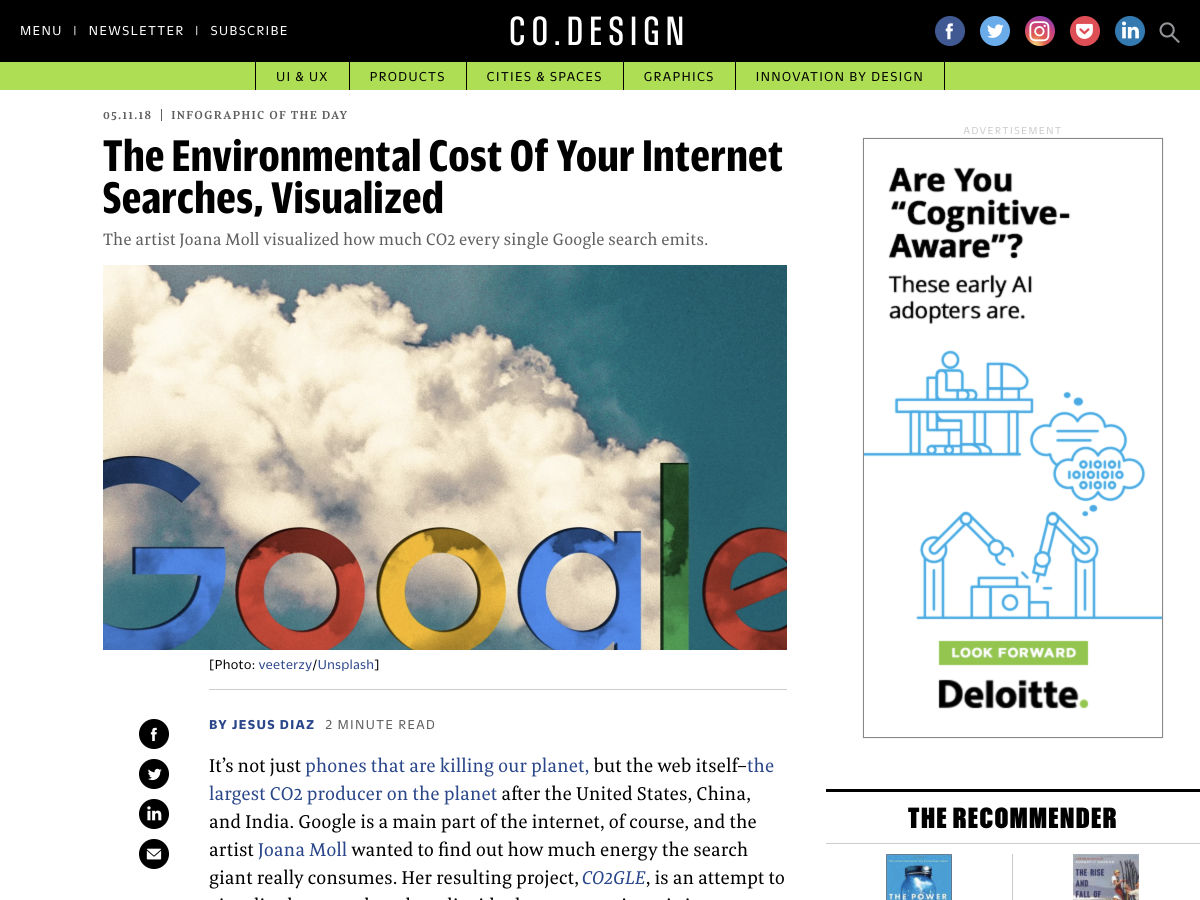
The Environmental Cost of your Internet Searches, Visualized


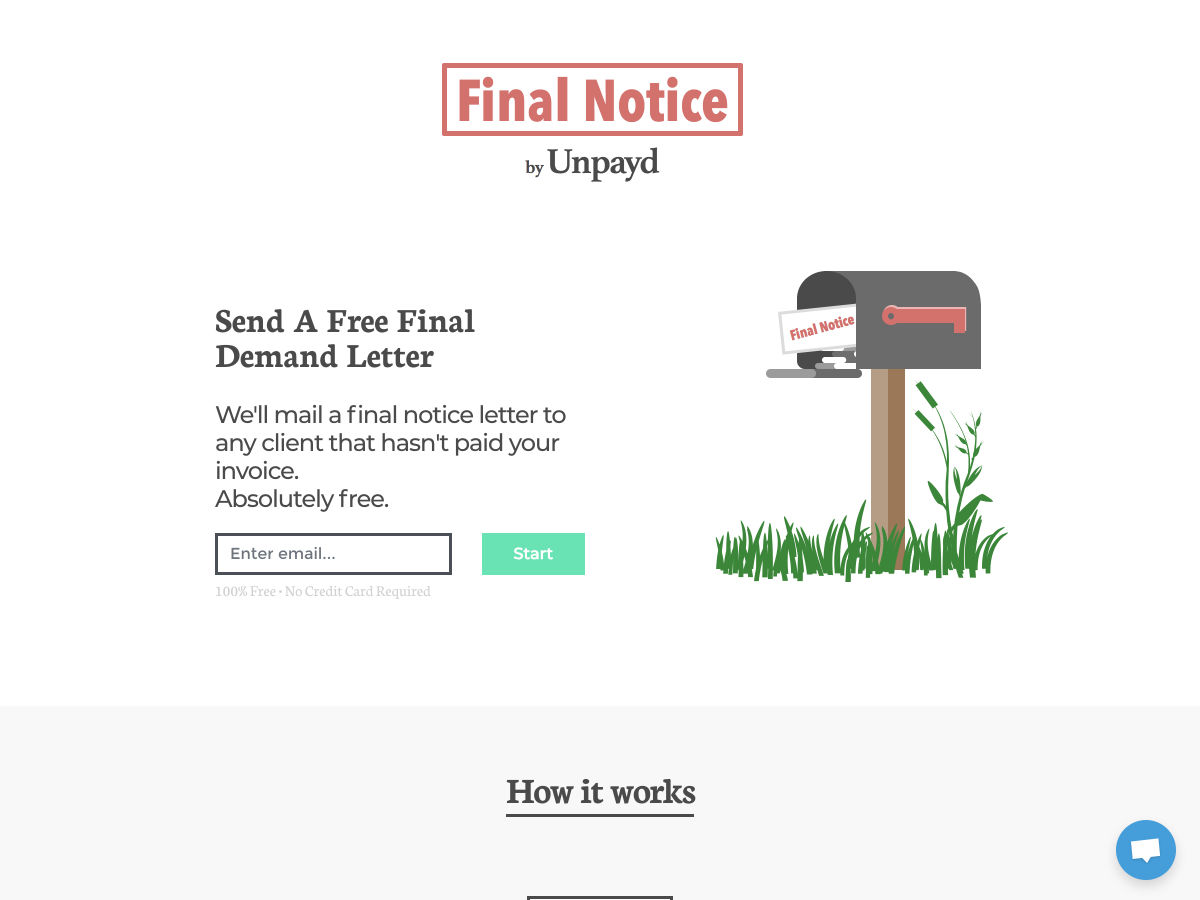
Final Notice by Unpayd – Send a Free Final Demand Letter to your Non-paying Clients


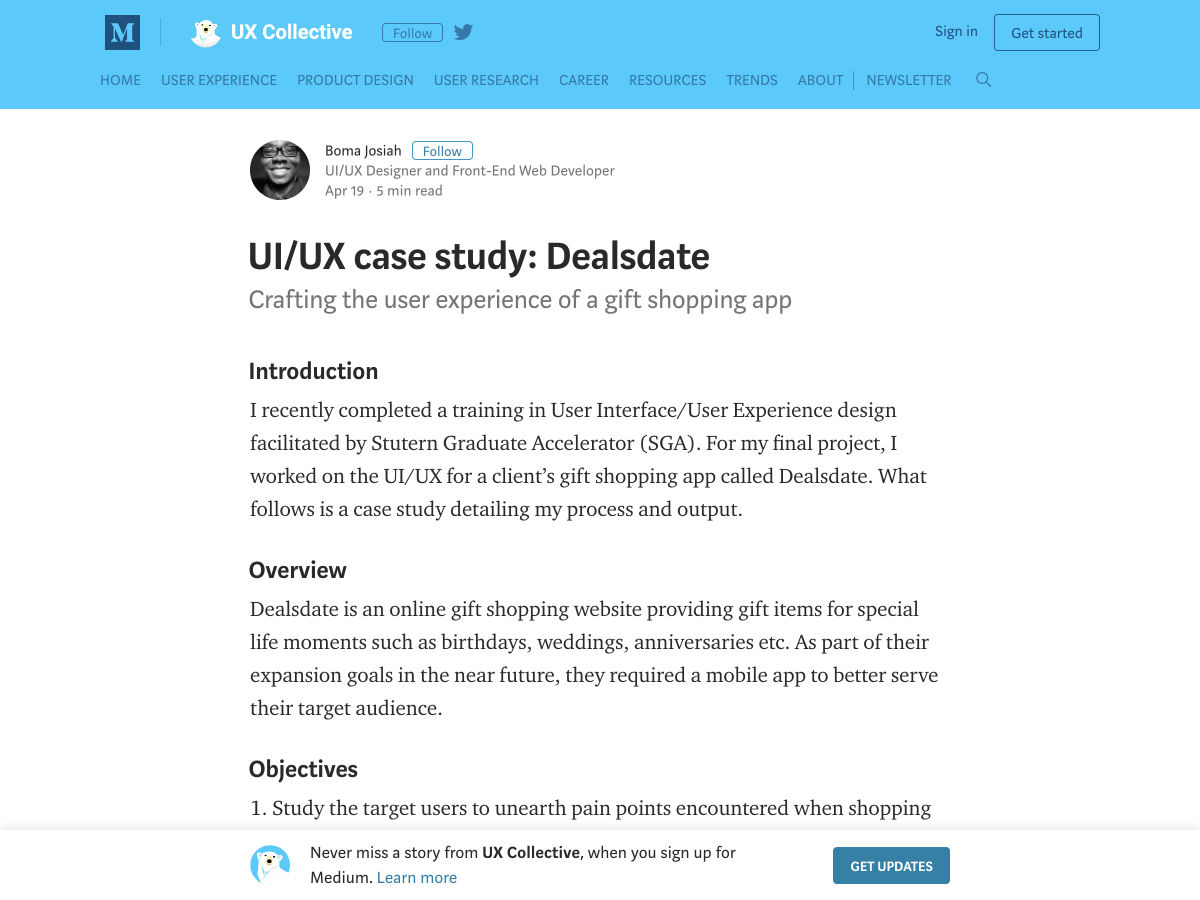
UI/UX Case Study: Dealsdate


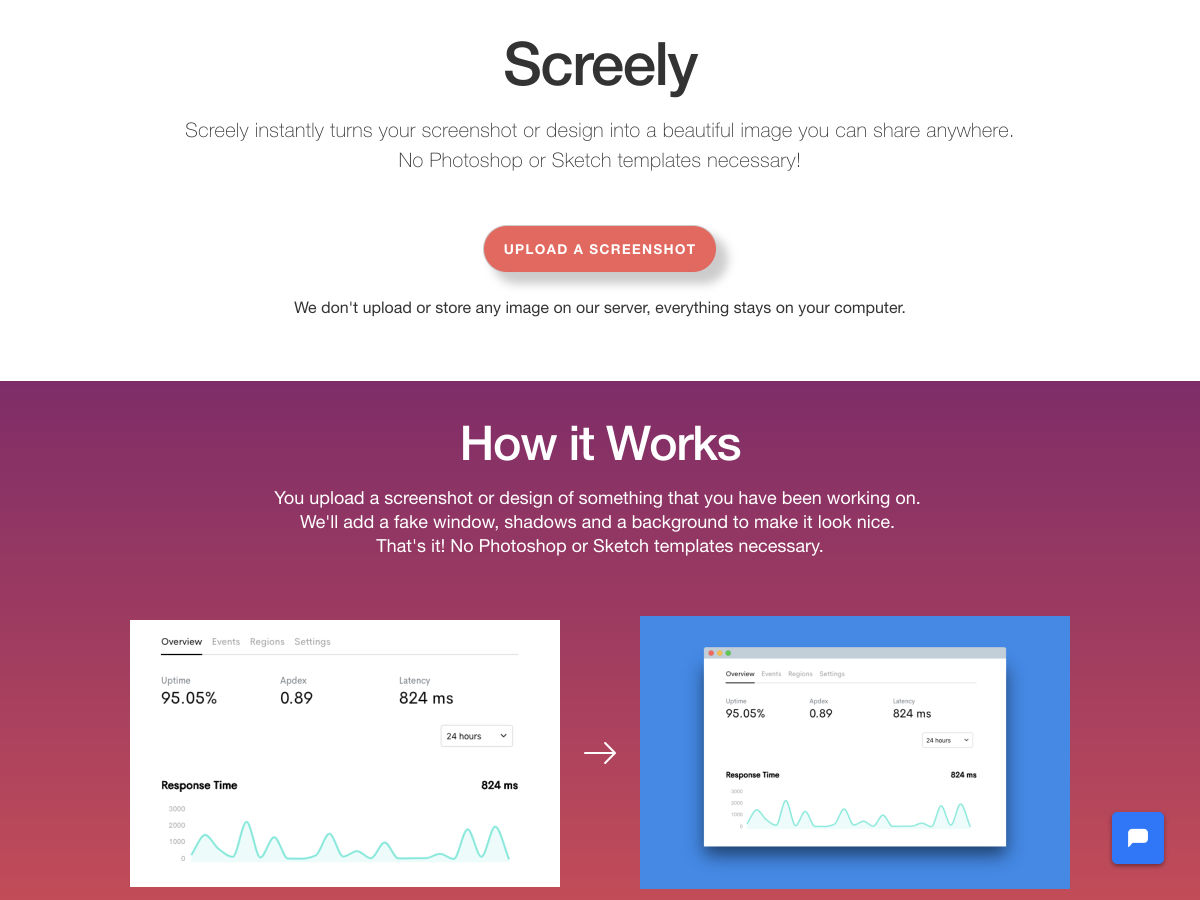
Screely – Instantly Turn Screenshots into Beautiful Images


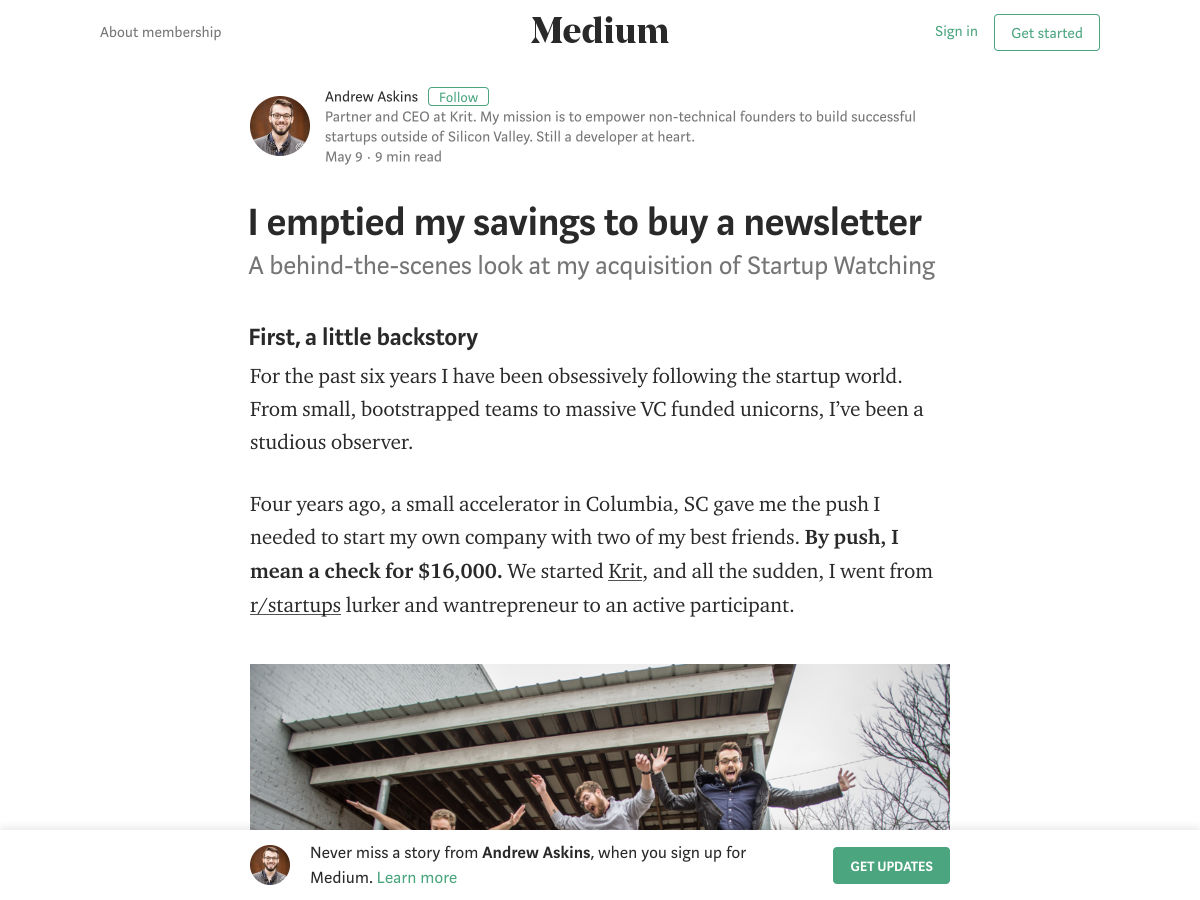
I Emptied my Savings to Buy a Newsletter.


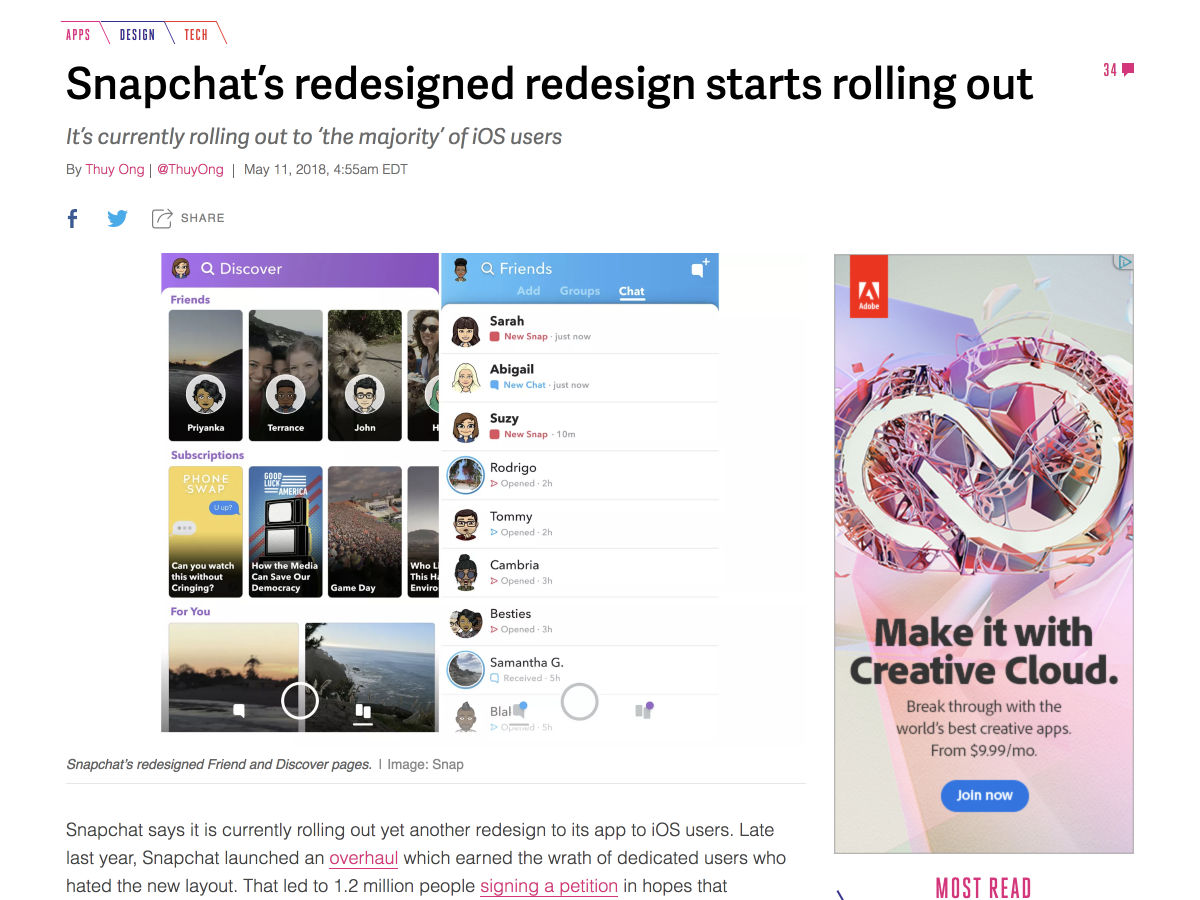
Snapchat’s Redesigned Redesign Starts Rolling Out


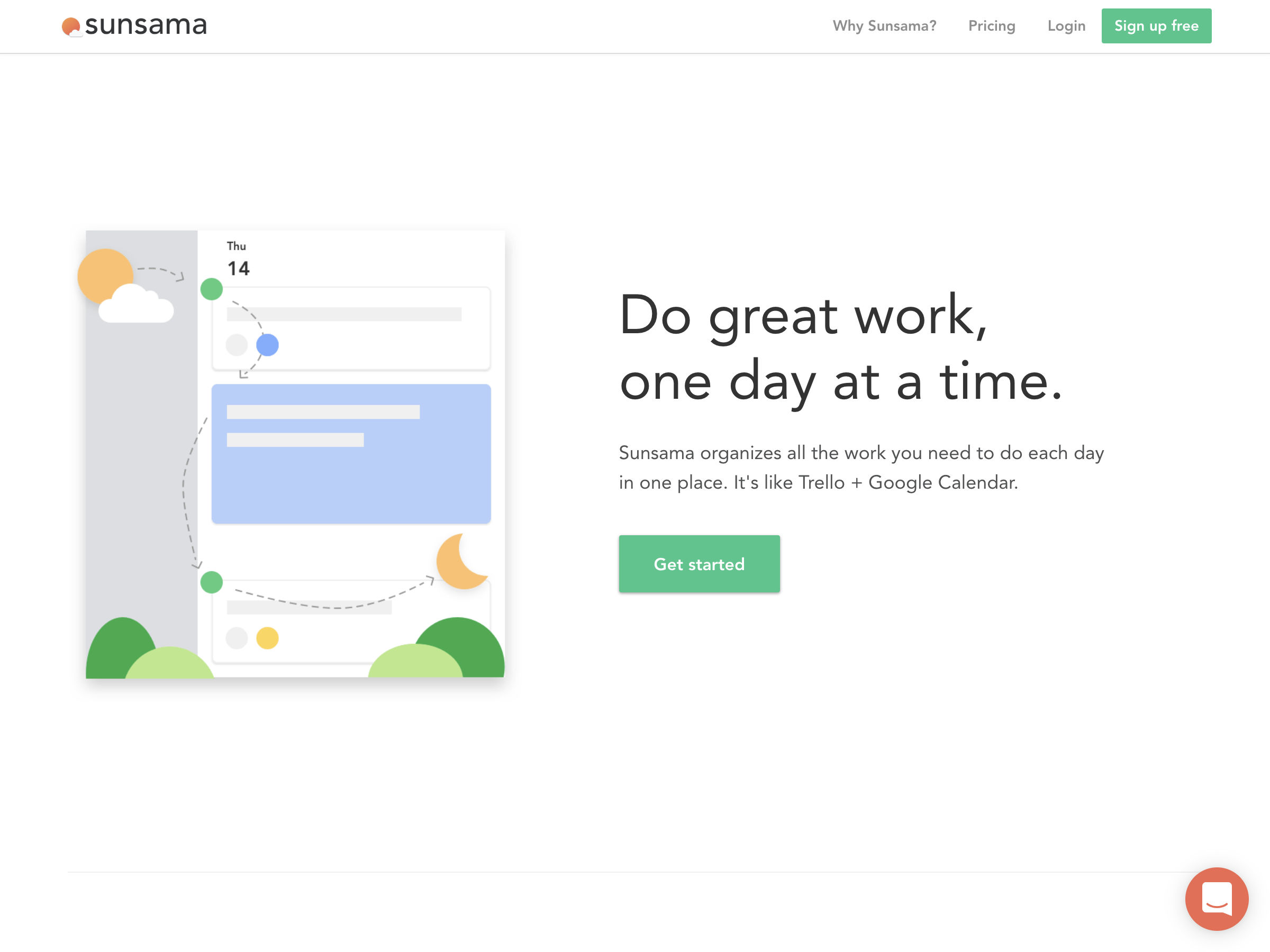
If Trello and Google Calendar Had a Baby… Sunsama!


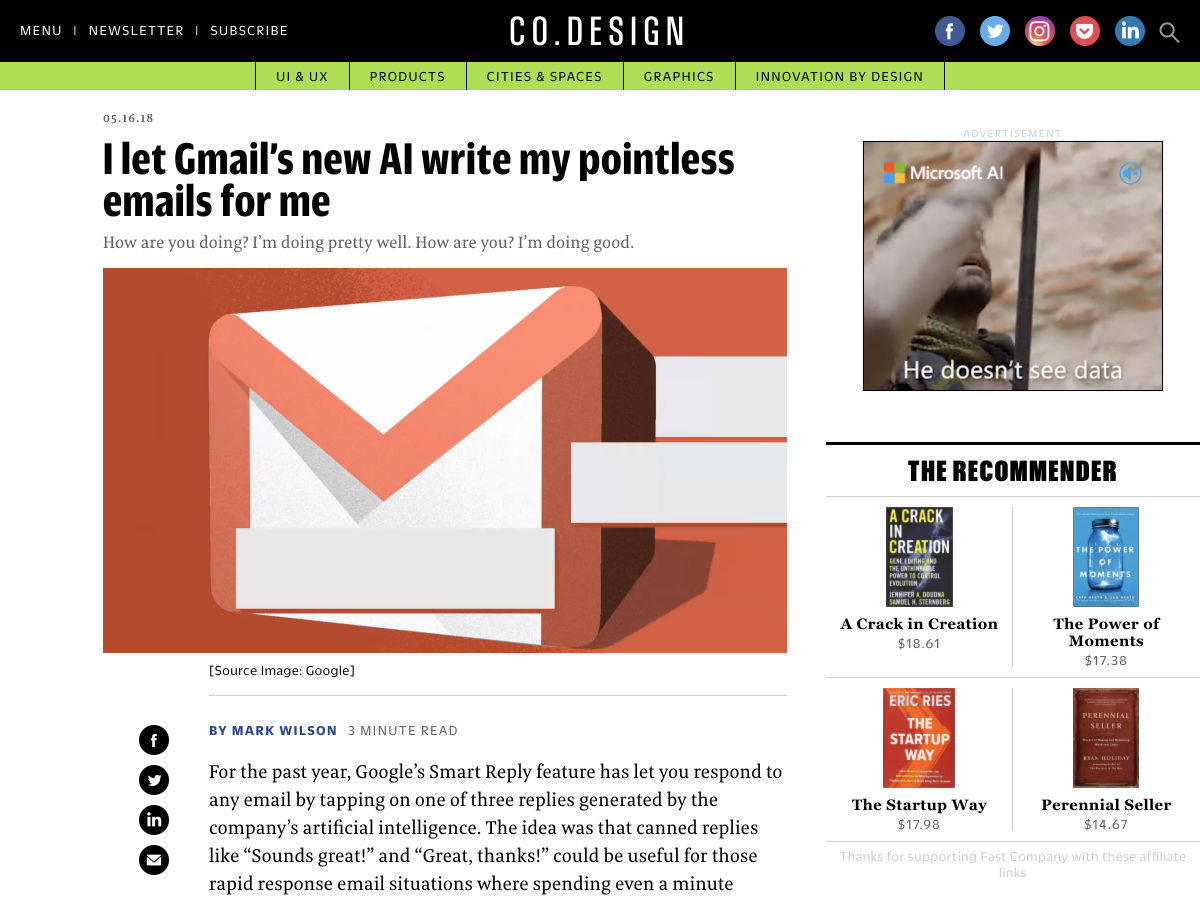
I Let Gmail’s New AI Write my Pointless Emails for Me


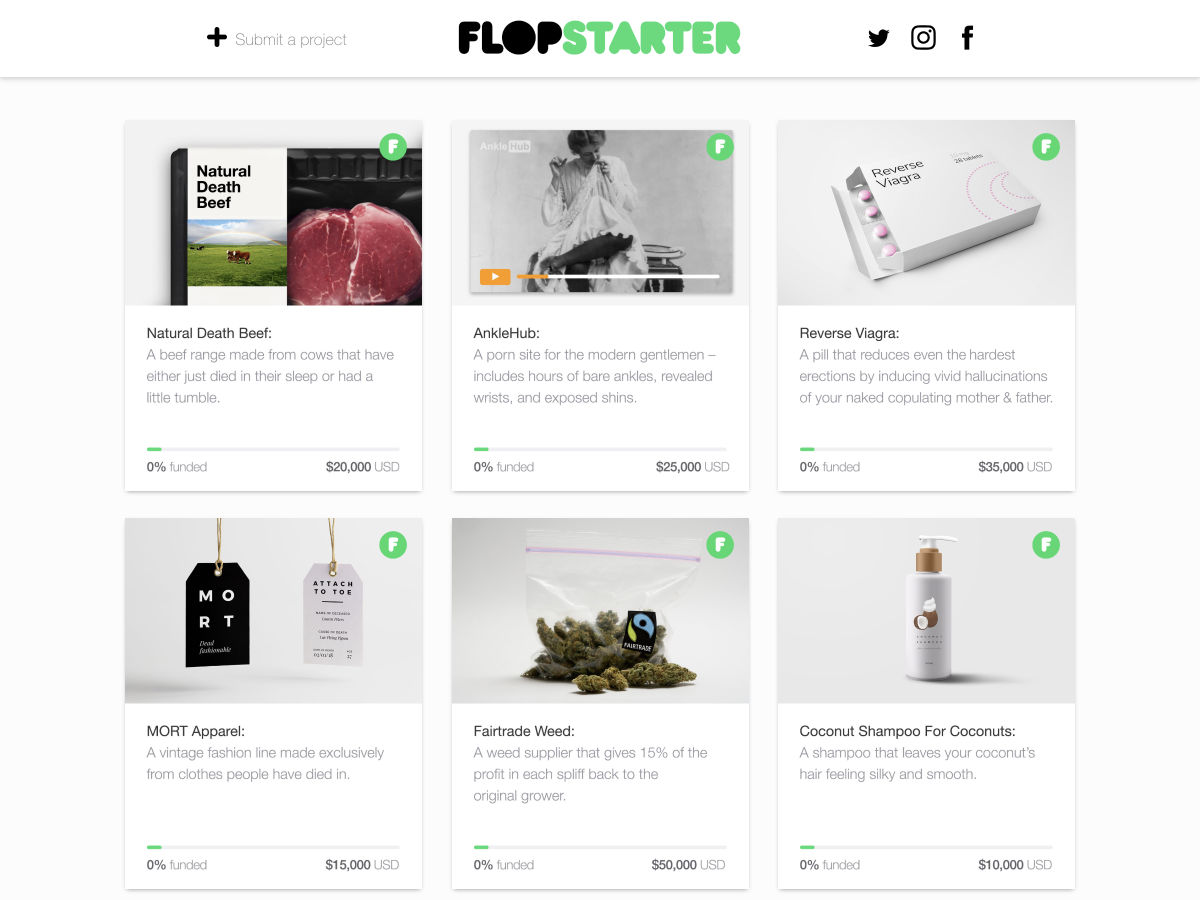
Flopstarter – A Platform for Bad Ideas


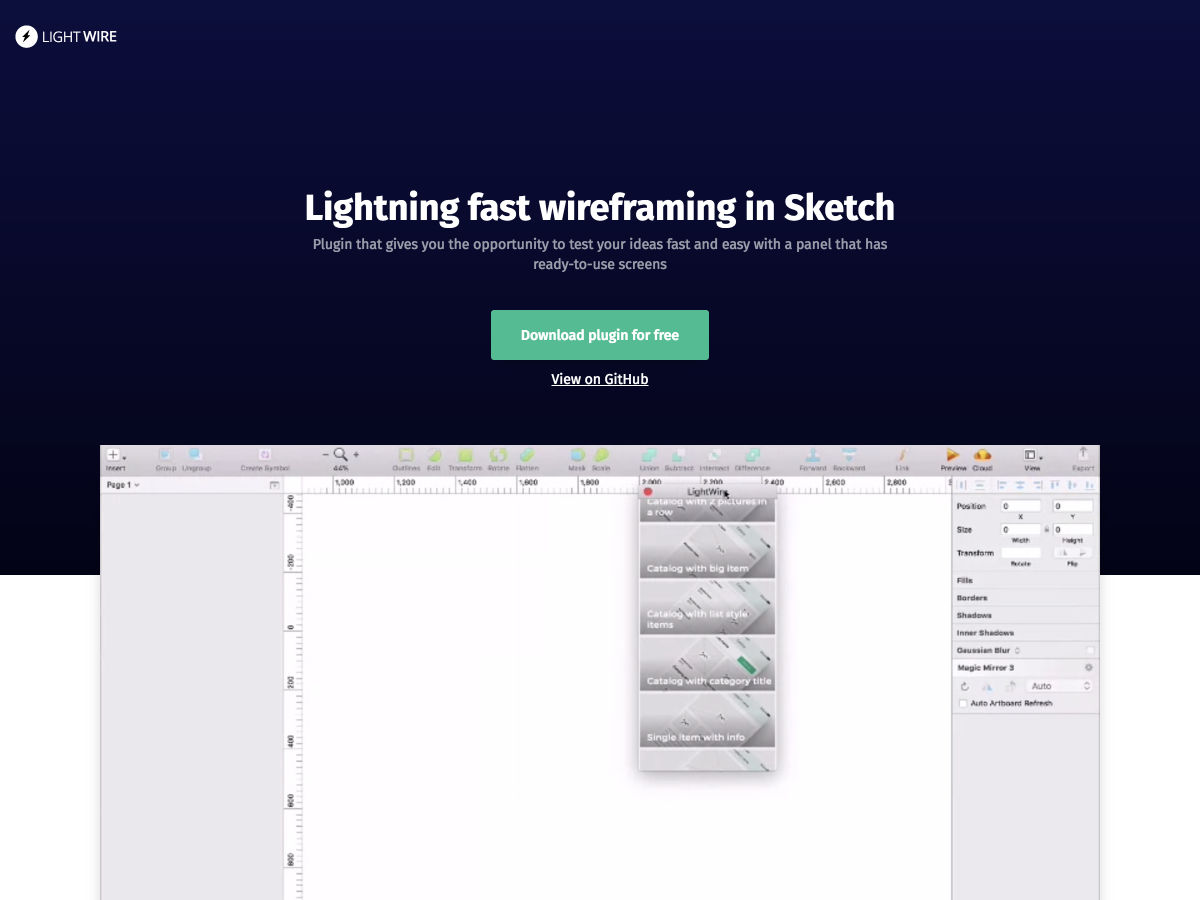
Lightning Fast Wireframing in Sketch


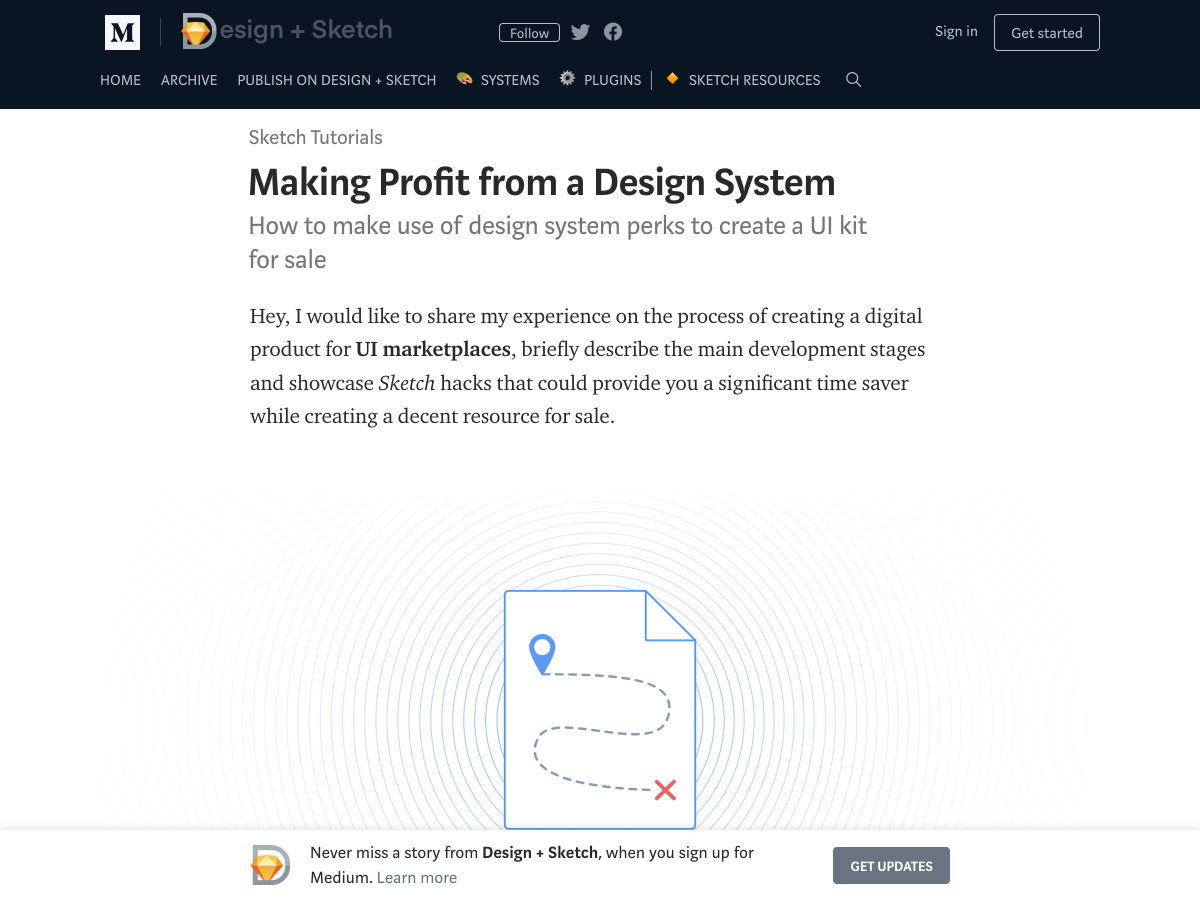
Making Profit from a Design System


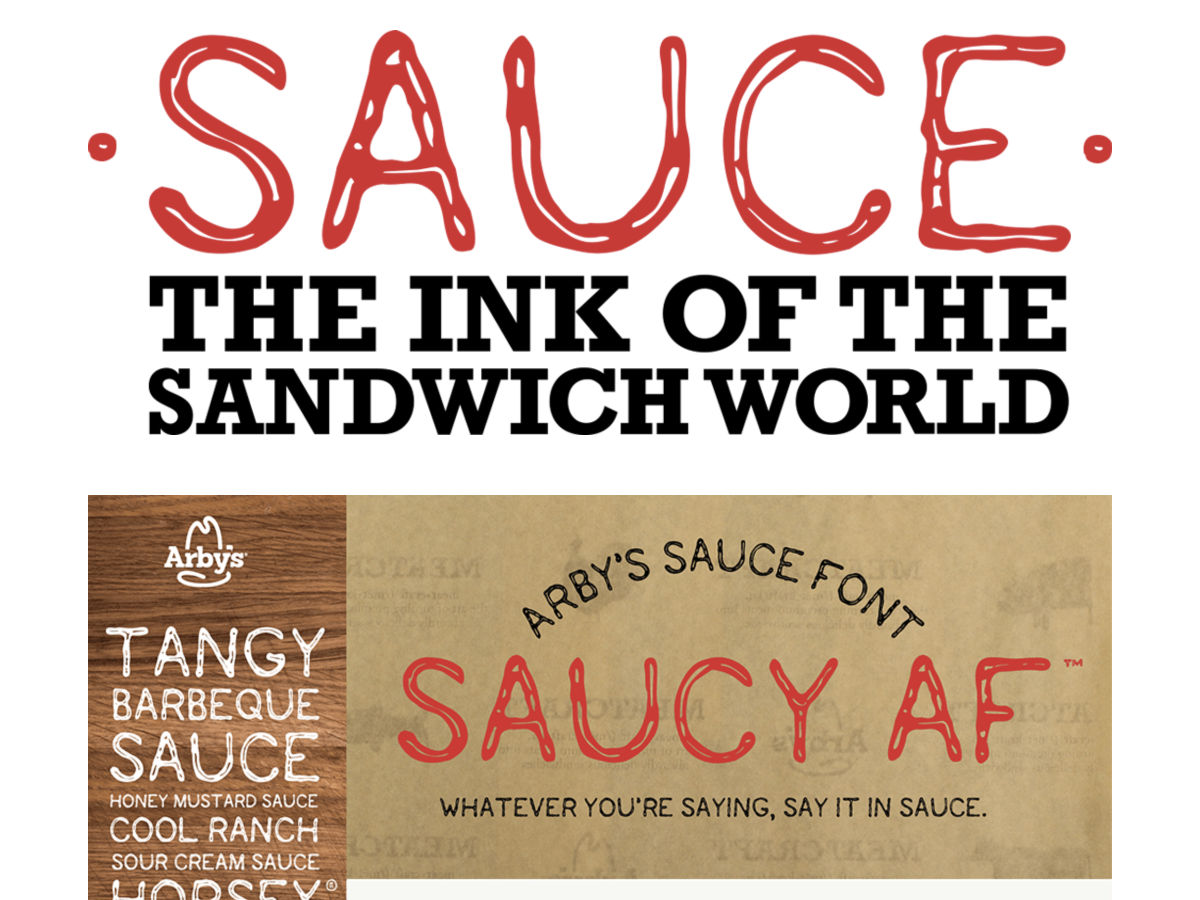
Arby’s Made a Font, So…


Want more? No problem! Keep track of top design news from around the web with Webdesigner News.

Add Realistic Chalk and Sketch Lettering Effects with Sketch’it – only $5!

Source

from Webdesigner Depot https://www.webdesignerdepot.com/2018/05/popular-design-news-of-the-week-may-14-2018-may-20-2018/