Wednesday, 20 February 2019

Interview: Jorn and Koen of Framer X

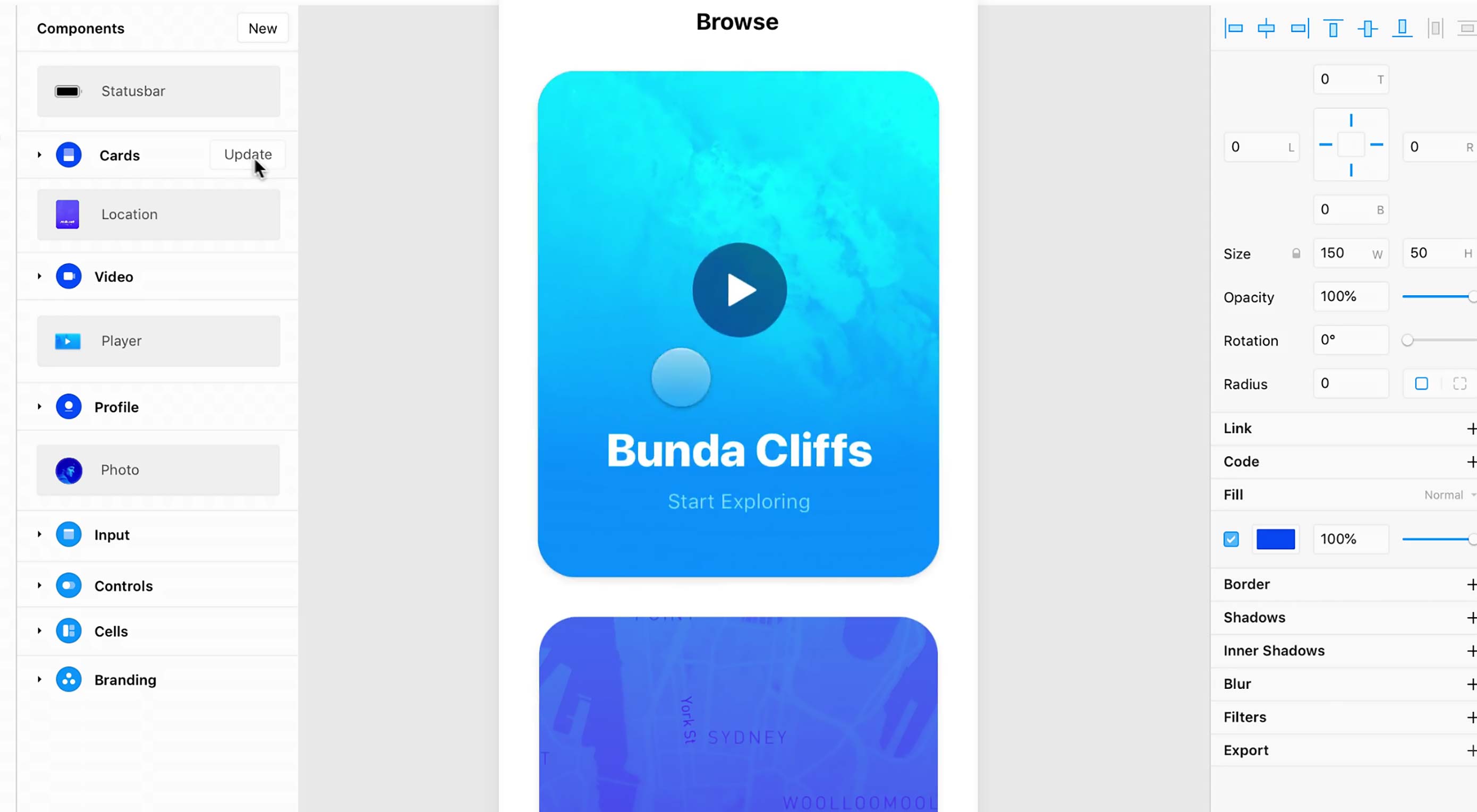
The holy grail of web design used to be a three-column layout where every column had equal height. Now, the holy grail is making it so anyone can design a website or app. Visual design apps abound, one of the big names in the Mac community right now is Framer X.

Framer X isn’t staying on only the Mac platform, though. The team has big plans, and it involves more than making it easier to push pixels. They reached out to WDD to see if we wanted to get a sneak peek of what’s coming next, and since I am one of the resident app nerds, I had the pleasure of interviewing them.

WDD: Tell us about yourselves.

Framer: So Jorn and I (Koen) worked at our first company, Sofa, together in 2009. Things really took off after we won a few Apple Design Awards, when we got a call from Mark Zuckerberg. The rest is history, as they say — our company and team were acquired by Facebook in 2011, where we ended up doubling their product design team.

We spent two years there helping launch some major product features but eventually moved back to Amsterdam and co-founded Framer in 2013. It’s been both challenging and extremely rewarding to stick to our guns and build this company in the Netherlands, even raising our Series B last year.

WDD: I’m a Windows user, so I have to ask: when is Framer X coming to Windows?

Framer: It’s in the works! We have a team working hard on this and it’s part of our plan to open up Framer X to a wider audience. I can’t give you definitive dates but you can expect something in 2019. And until then, you can sign up for the waitlist here.

WDD: What inspired you to build Framer? What’s the origin story?

Framer: When we were working at Facebook, we found ourselves pitching these innovative product ideas using traditional presentation slides. It was really frustrating to try and convey responsive, interactive design ideas to board members through static imagery – it’s just counter-intuitive.

As design has evolved, so has our thinking around tooling

Unfortunately, that’s just how things were done at the time, as interactive design was still relatively new and static images were the norm. Which is why, shortly after leaving Facebook, we co-founded Framer to focus on helping everyone better express digital product ideas.

As design has evolved, so has our thinking around tooling. While Framer Classic captured a large share of the very best designers in the world, it was only accessible to a small subset of all designers, as it used code to express ideas.

So we launched a whole new product, Framer X, which opens up interactive design to everyone, regardless of coding ability and offers interfaces for everyday design tasks like wireframing, visual design and interactive work.

WDD: What other design apps most inspired your feature choices and design?

Framer: I’ve always been very inspired by Unity – especially how accessible it is. In a sense, we are building an interactive IDE for product design that anyone can use, much like Unity has done for the gaming industry.

WDD: Your software is big on sharing and centralizing libraries of design assets, and by extension, design systems. How do you, as designers, balance the benefits of design systems (consistency and speed) with the desire for experimentation most designers feel at some point?

Framer: It is definitely a tricky balance. As a company, we have a big maker culture, with a huge emphasis on shipping. A lot of of this is because we genuinely love solving hard product problems, but just as much because our community has come to expect this of us.

As we’ve grown, we’ve come to see the value of adding some structure to this process, including creating our own React-based design system, Fraction. Everyone is still very much empowered to try and test — we even have an R&D team and leave time on Fridays for more experimental projects.

WDD: Out of all the features currently on Framer X, which are you most proud of?

Framer: We’re most proud of the features that make our app so collaborative. For example, Framer X contains a built-in store where users can publish components that can do practically anything, from media players to advanced interactive controls to entire design systems.

This means that new users can instantly leverage the work of advanced users, which provides immediate value to all users and offers incredible network effects. Our community has always been at the core of our product, and the store allows us to bring that into our product in a meaningful way.

WDD: Which feature do you most wish you’d done better with on the first try?

Framer: Interactive design is always evolving, so of course our platform is as well. Framer X’s Interactive tools — Link, Page, and Scroll — have undergone the most changes, thanks in part to the feedback we got from our beta users.

Everything that used to require lines of code in Framer Classic can now be created using the canvas tools we have. I’m not sure we would do anything differently, but hindsight being 20/20, perhaps we could have done some things sooner.

WDD: You can export elements as CSS and SVG code in Framer X. Any plans to support CSS Grid for layout?

Framer: We are planning to launch a grid tool in 2019! Stay tuned.

WDD: Where do you see Framer going in 2019?

Framer: We’re going to bring Framer X to Windows and the Web to give more people access to our interactive design tool. We’ll still be focused on making it the best tool for interactive design and with that, the best place for your team to build out your design systems.

My belief is that people are way more creative than they think and with the right platform, anyone can design. So I’d love to head toward a direction where Framer X becomes accessible enough to appeal even to people who use Powerpoint.


Thanks to Jorn and Koen for taking the time to answer our questions.

Add Realistic Chalk and Sketch Lettering Effects with Sketch’it – only $5!

Source

from Webdesigner Depot https://www.webdesignerdepot.com/2019/02/interview-jorn-and-koen-of-framer-x/

Monday, 18 February 2019

What’s New for Designers, February 2019

Get ready to create a new list of bookmarks! The new tools featured this month are perfect for saving; some of them you’ll want to come back to over and over, such as a security checklist, cool background maker and a season-specific typeface.
If we’ve missed something that you think should have been on the list, let us know in the comments. And if you know of a new app or resource that should be featured next month, tweet it to @carriecousins to be considered!

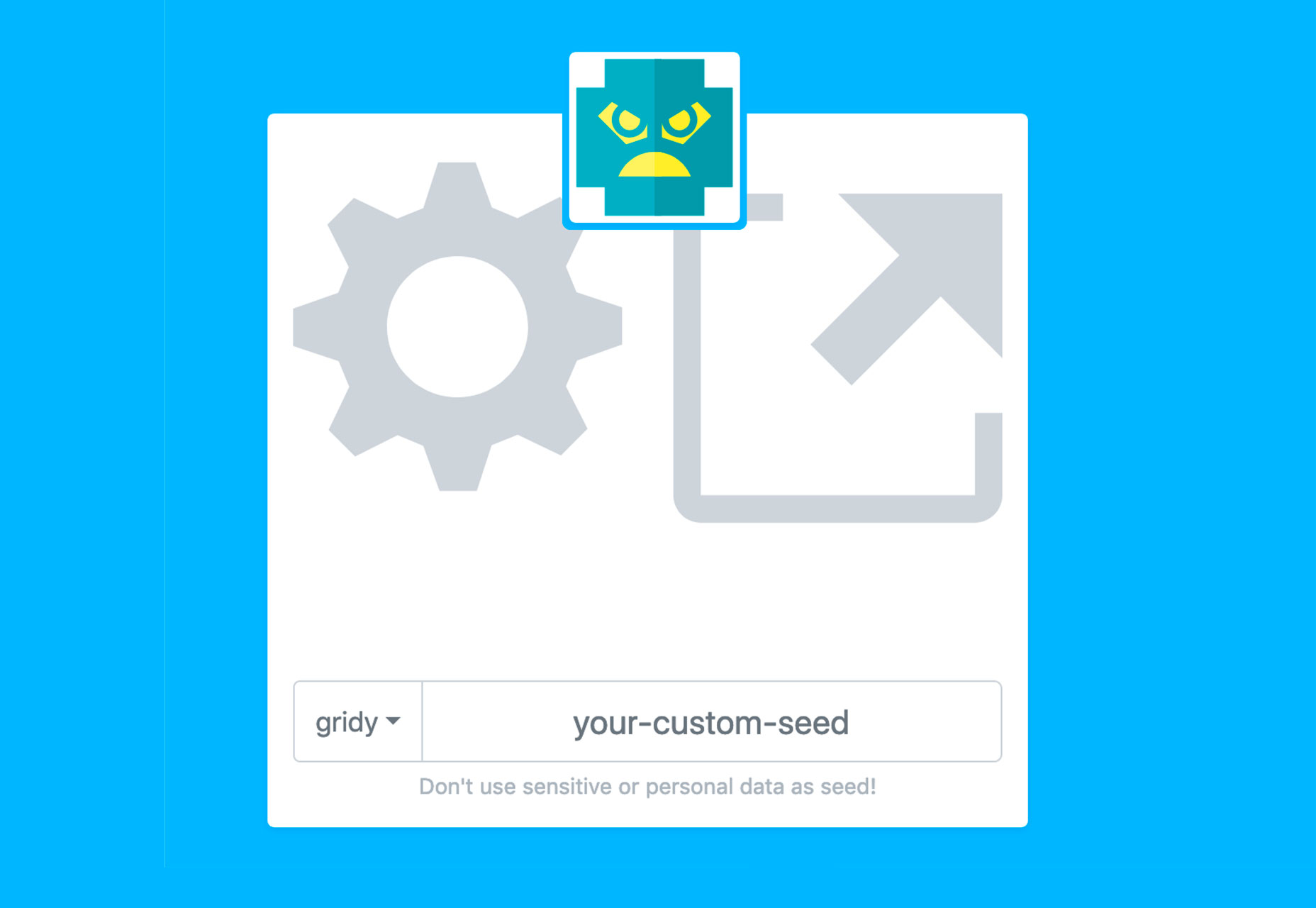
DiceBear Avatars

DiceBear Avatars allows you to create placeholder avatars in cool block style. You can create characters or identicons using the free HTTP API.

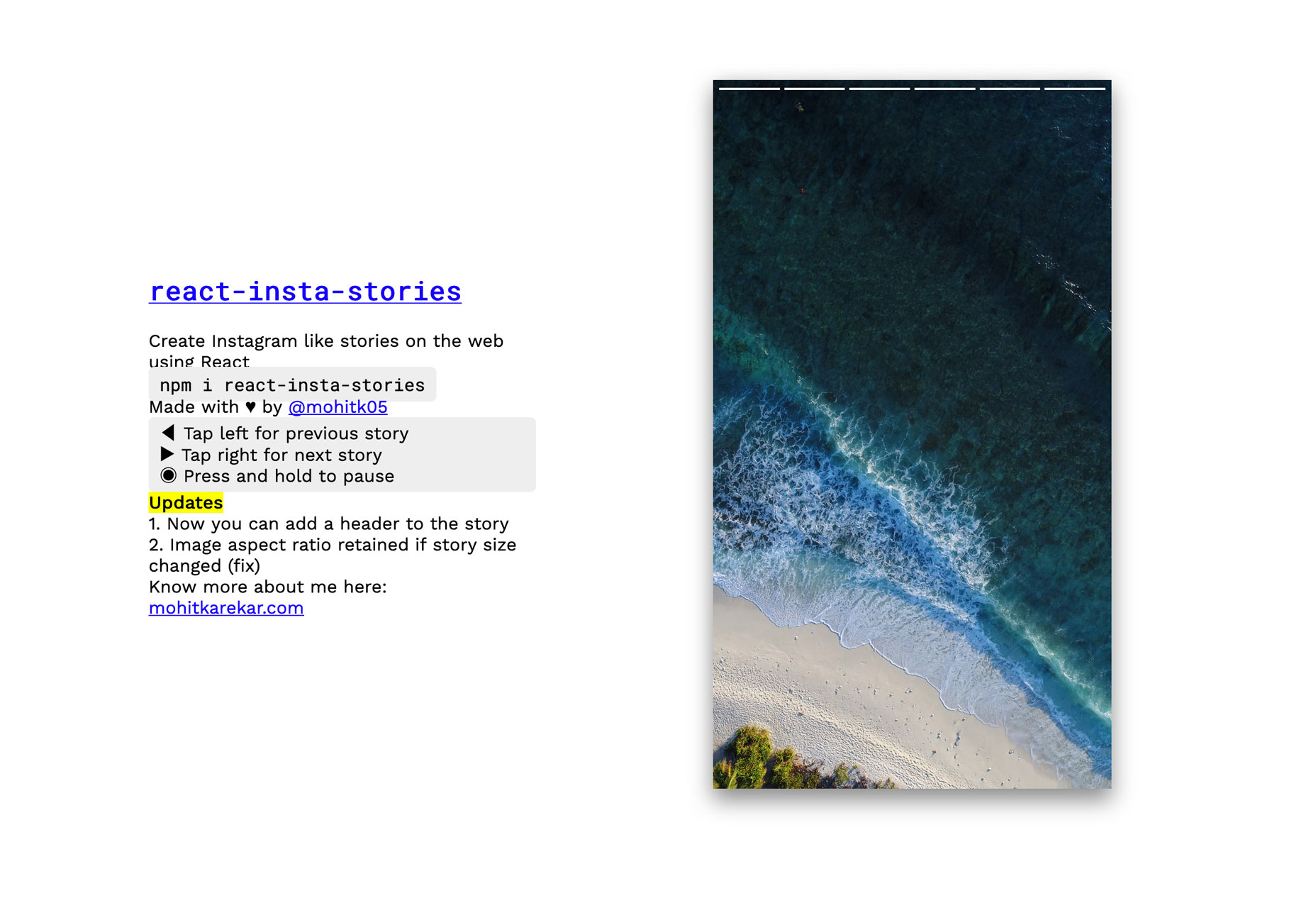
React Insta Stories

React Insta Stories is a namesake component that allows you to create Instagram or Snapchat stories on the web. Install it with npm and use an array of image URLS. It takes care of duration and the loading indicator.

Sheety

Sheety lets you turn any Google sheet into an API. It’s free and you can use it to power websites, apps or whatever. Plus, anything you change in the originating spreadsheet, updates to the API in real-time.

Minisearch

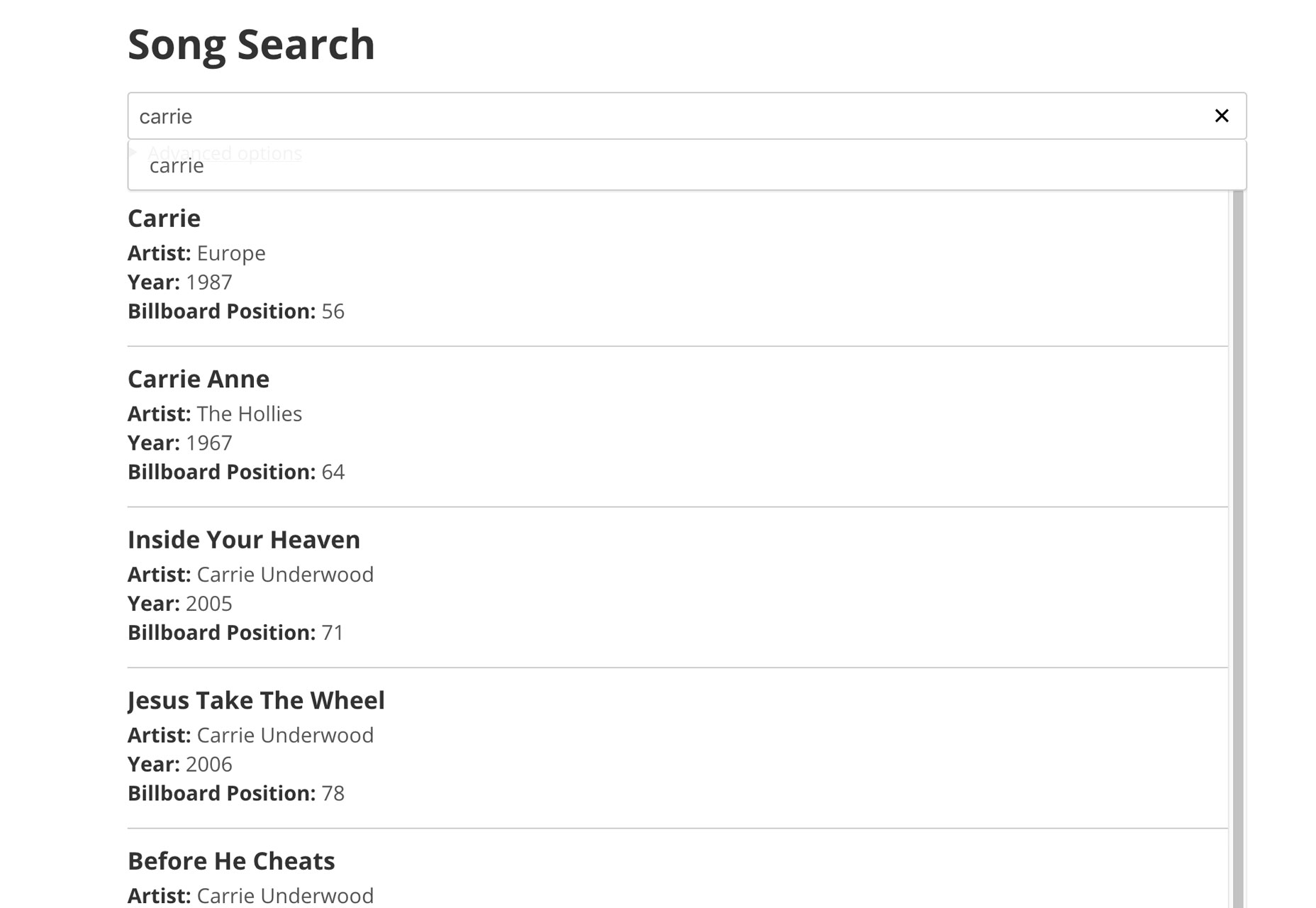
Minisearch is a tiny but powerful in-memory fulltext search engine for JavaScript. It is respectful of resources, and it can comfortably run both in Node and in the browser. The demo search (below) is fun. I was able to search my name as it pertained to all of the Billboard Hot 100 from 1965 to 2015.

Lobe

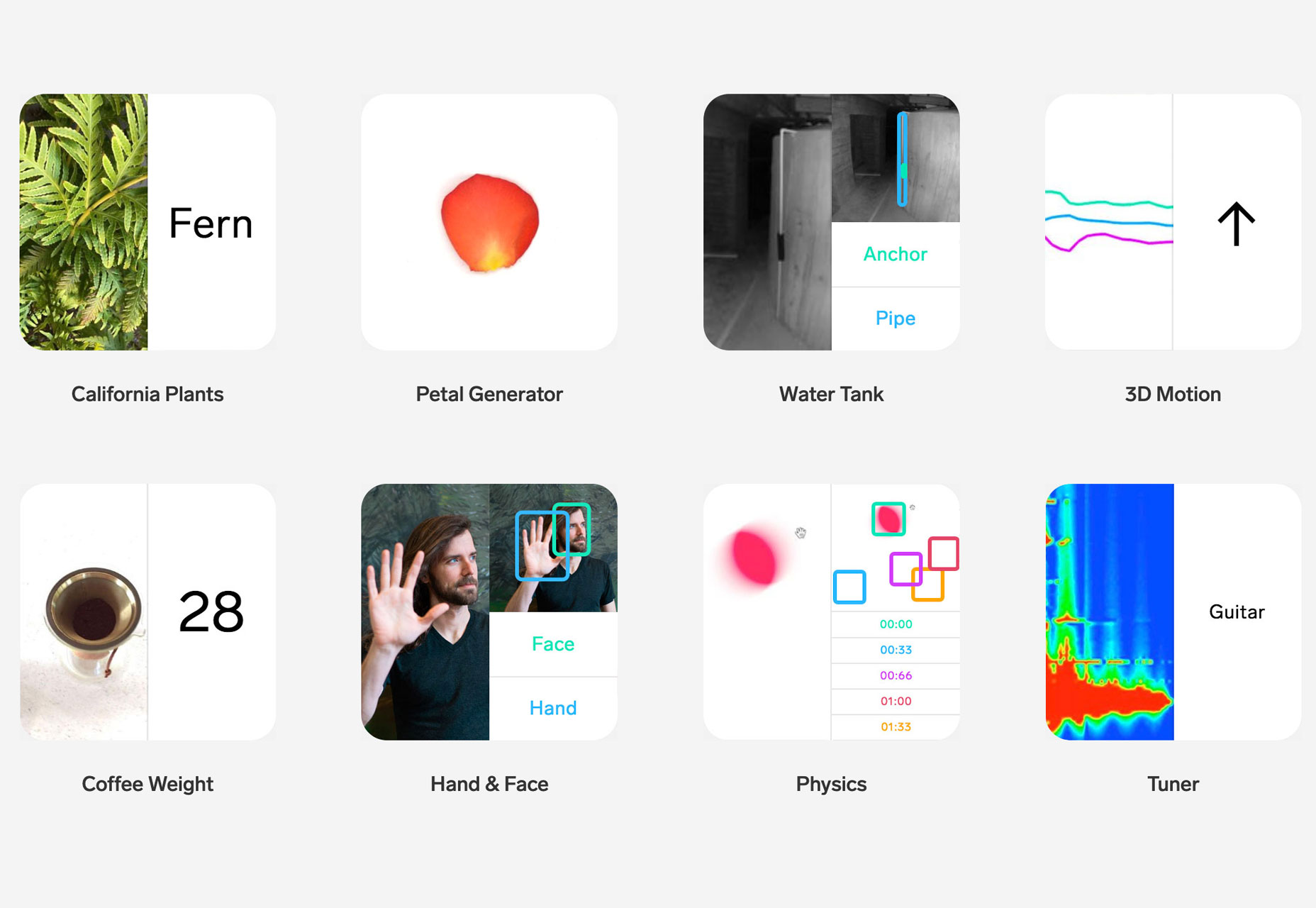
Lobe will let your web app learn through a visual interface. It can read handwriting, see emotion and hear music. Join the beta to find out what this deep learning app can do for your projects.

Bubble Toggle

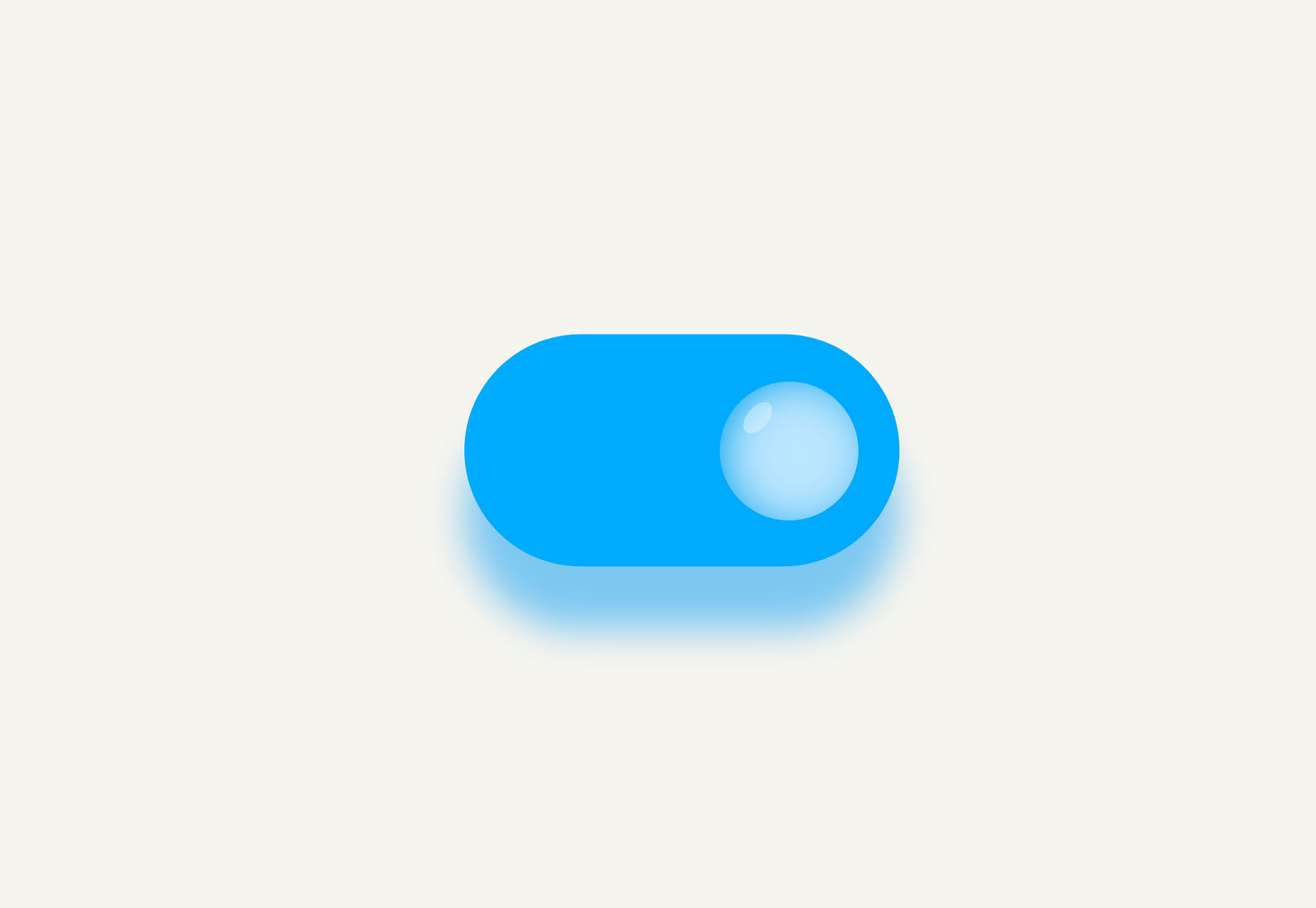
Bubble Toggle is a fun pen by Chris Gannon that features a toggle button with a trendy bubble switch.

Textblock

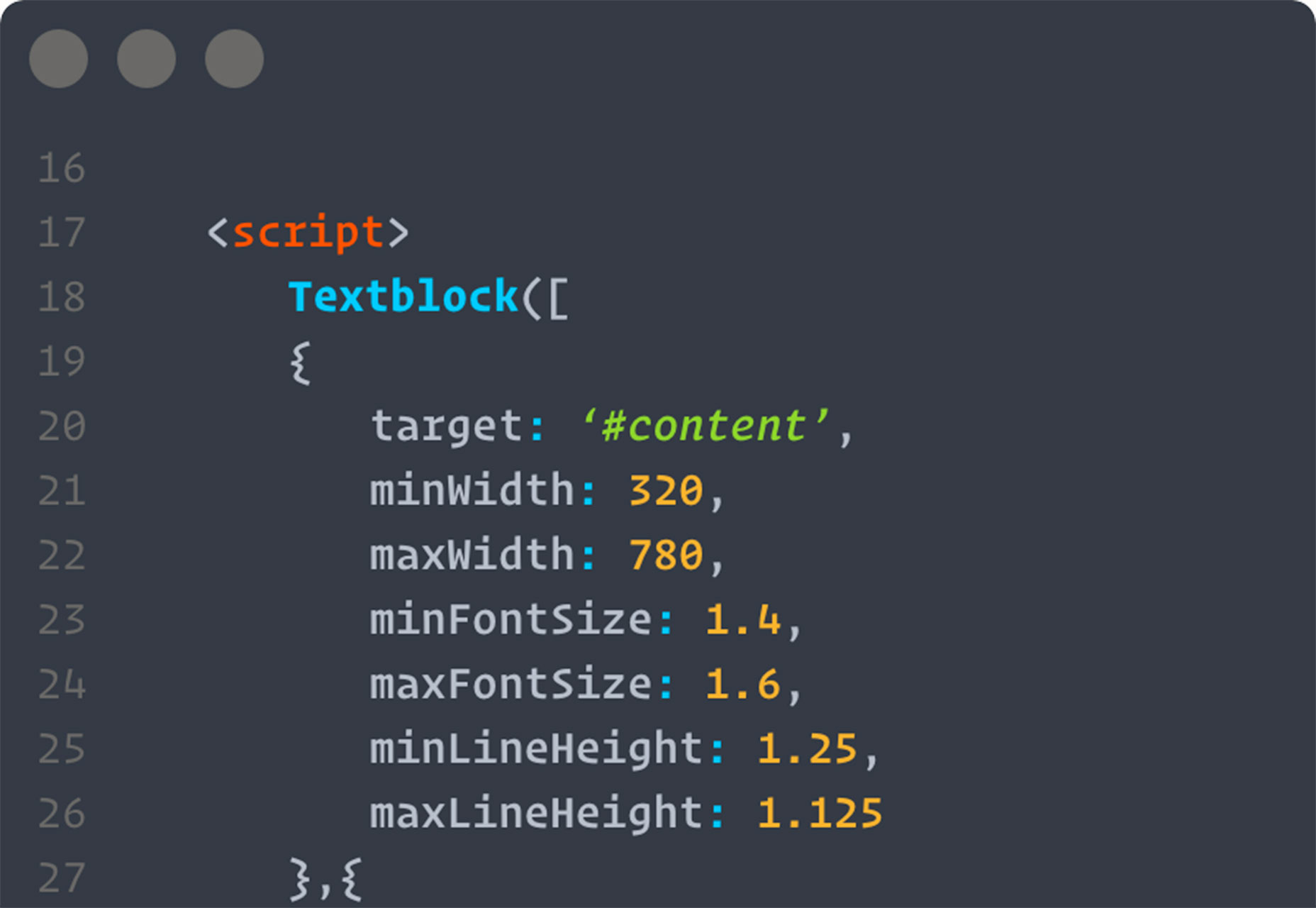
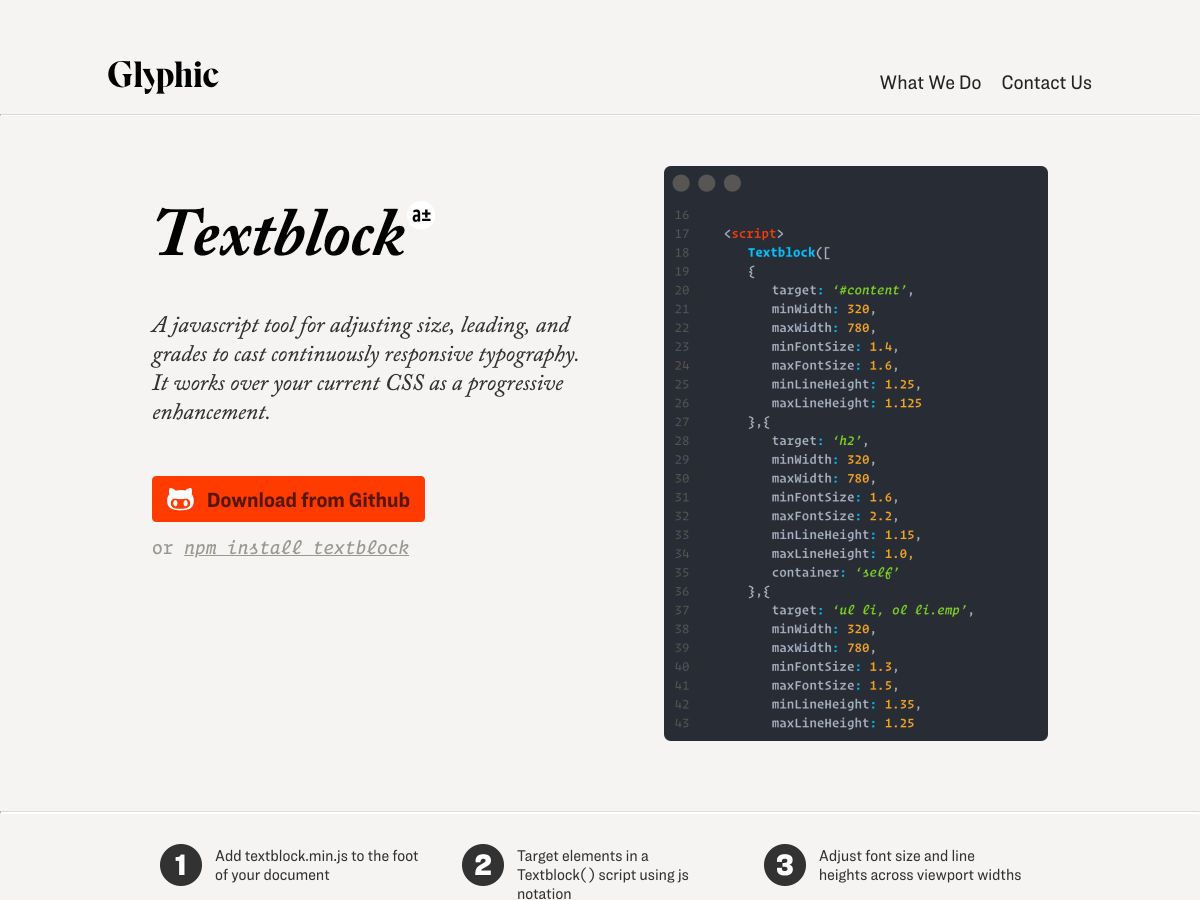
Textblock is a JavaScript tool that helps you adjust leading and size to create more beautiful responsive typography. It works by calculating a setting based on minimum and maximum values for font size, line height, variable grades and container width.

SocialSizes

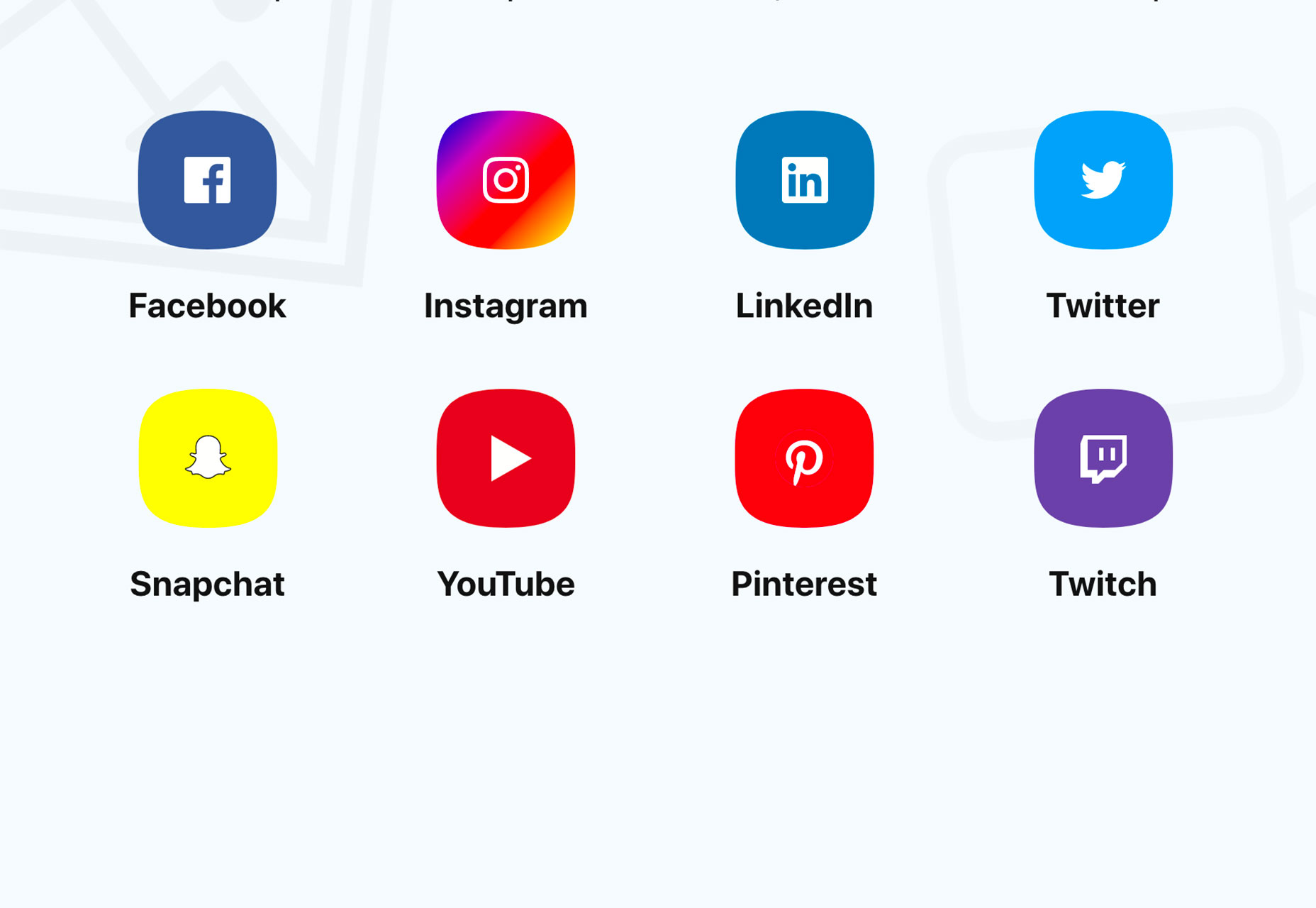
SocialSizes solves a common problem: Finding the right template and sizing for social media images. The tool includes templates for Sketch, Adobe XD and Photoshop for common social media channels: Facebook, Instagram, LinkedIn, Twitter, Snapchat, YouTube, Pinterest and Twitch. It’s one of those tools that just makes life that much easier.

Awesome Podcast

Awesome Podcast might help you find your new favorite show to listen to while working. The list is a compilation of podcasts for software engineers. (And it’s grouped in such a great way to you can find something to listen to about JavaScript or PHP or Ruby or web development or any number of other topics.)

Palette App

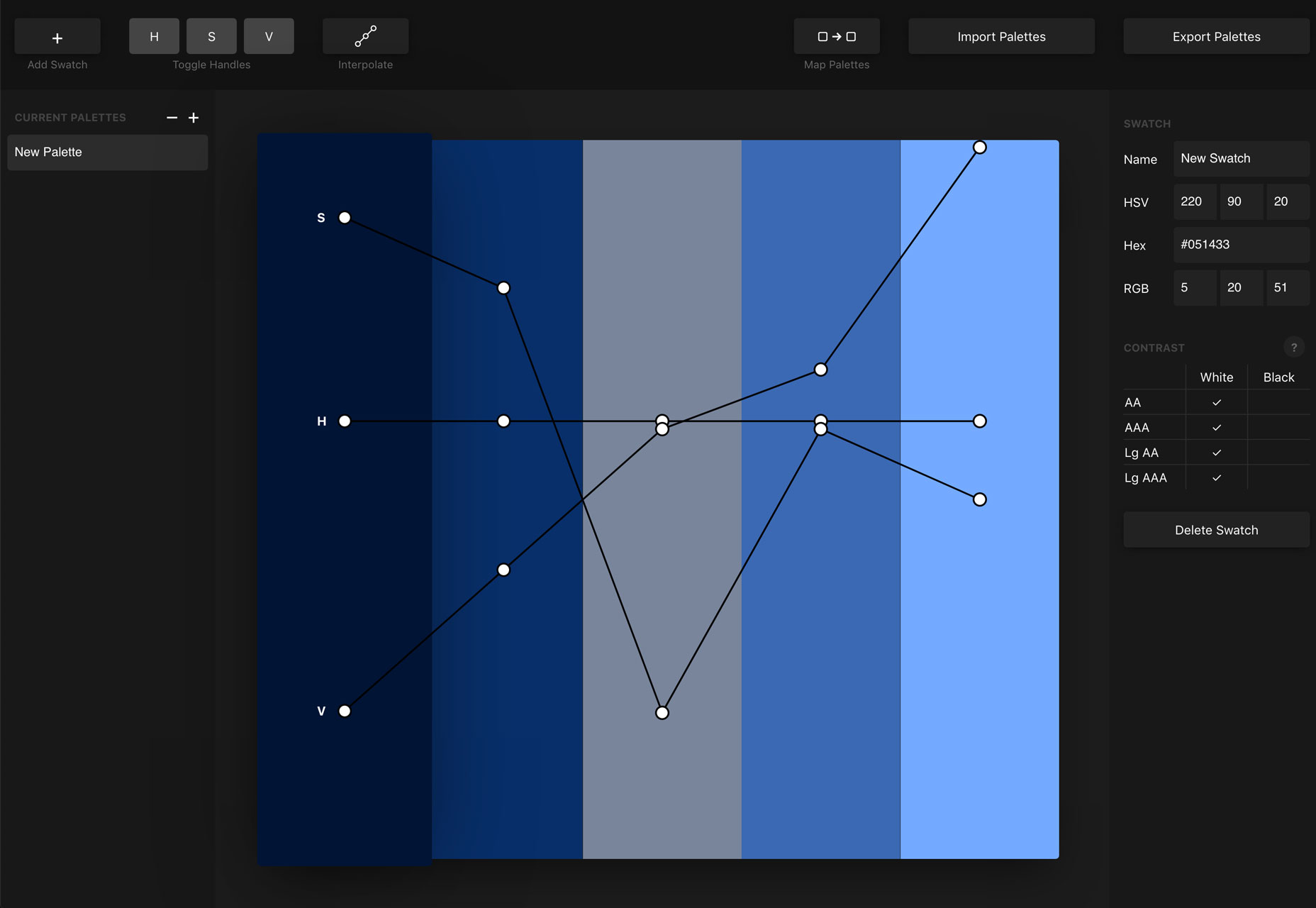
Palette App is designed to help you build smooth color schemes, where hues flow from one color to the next. The toggles and tools let you fine tune hue, saturation and gradients. You can bring in color palettes from other places and test them or create a new palette right in the app.

Photo Creator

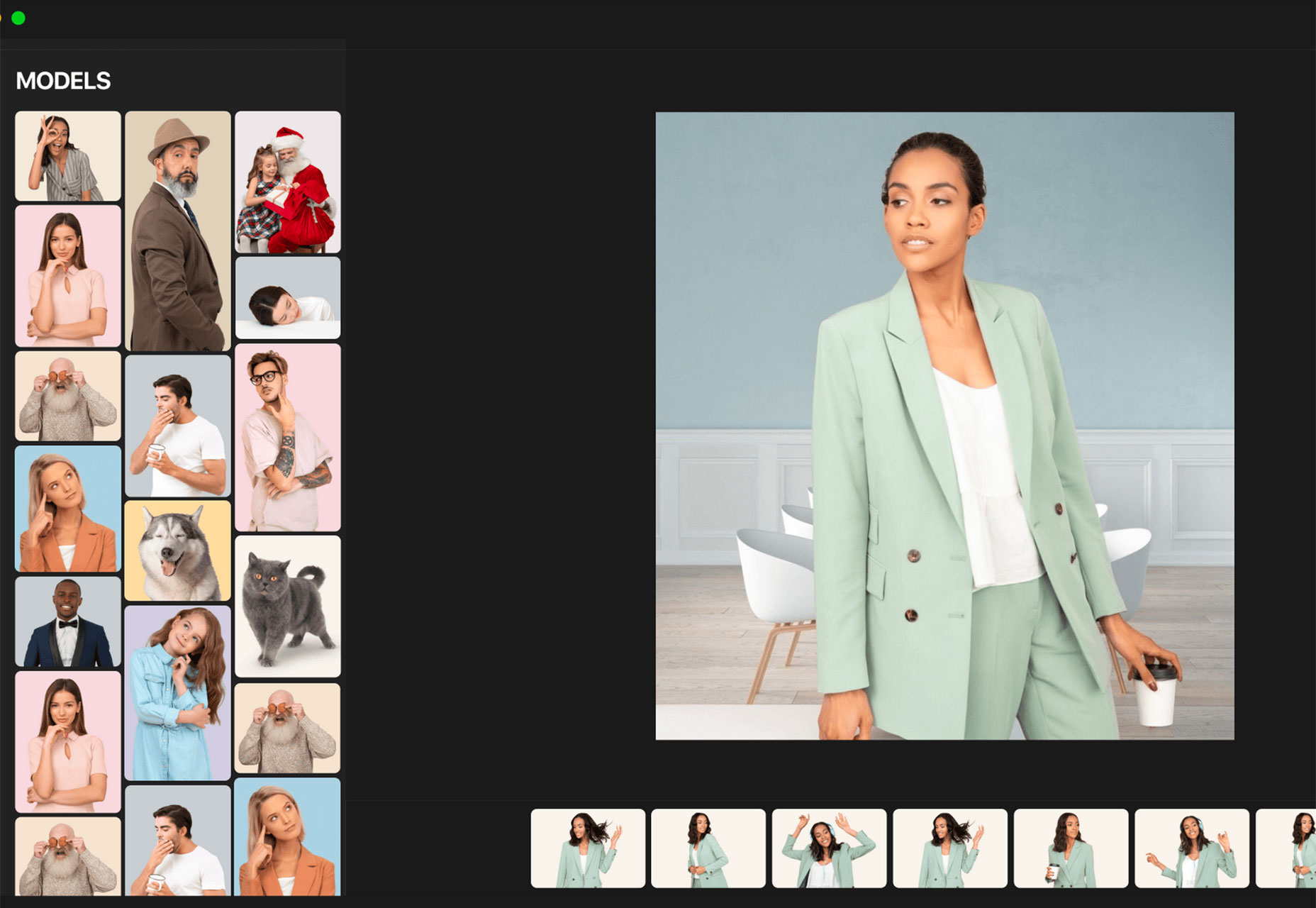
Photo Creator is a tool that lets you create your own stock photos. (Seriously!) Mix and match models backgrounds and objects to get just the picture you need for projects. Export images (free and paid options) for use online and in print.

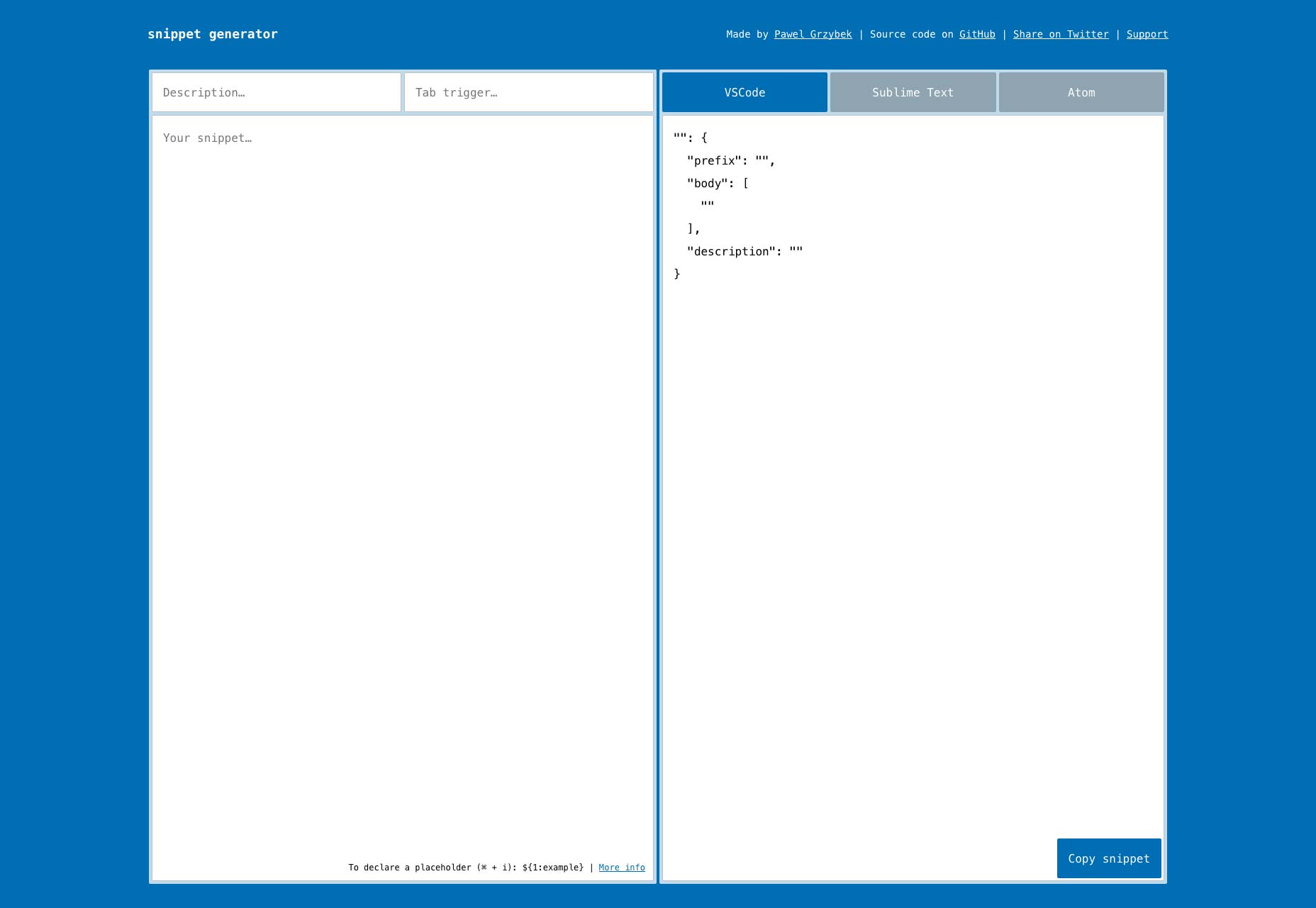
Snippet Generator

Snippet Generator lets you create code snippets and copy for quick use. The tool toggles between VSCode, Sublime Text and Atom. It is a tiny React app.

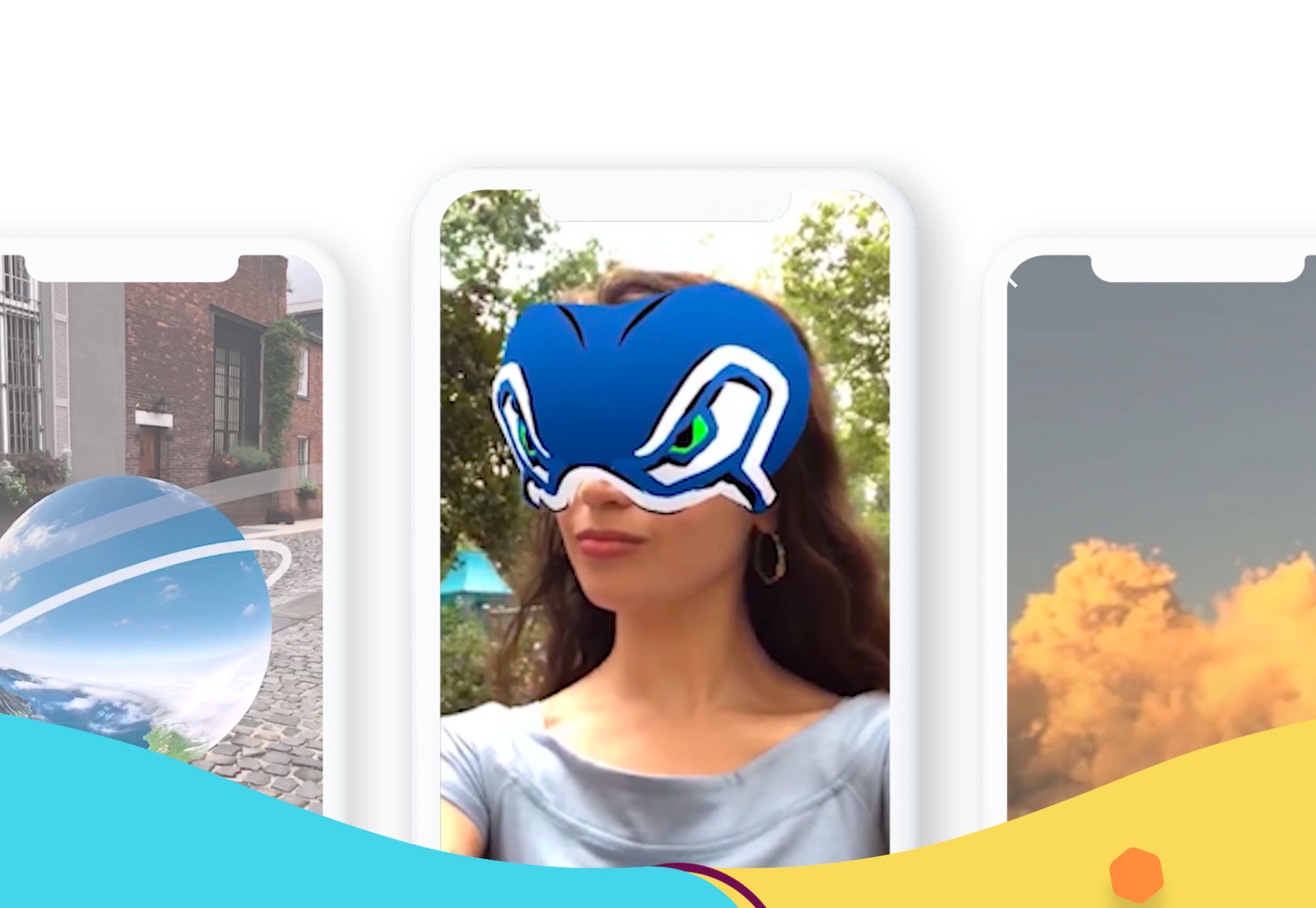
SVRF Developers

SVRF Developers lets users search face filters, 360 videos and 360 photos and is free to use on all types of apps from cameras, to messaging to chat or community. What’s cool about the tool is that it helps your users find more AR and VR web experiences.

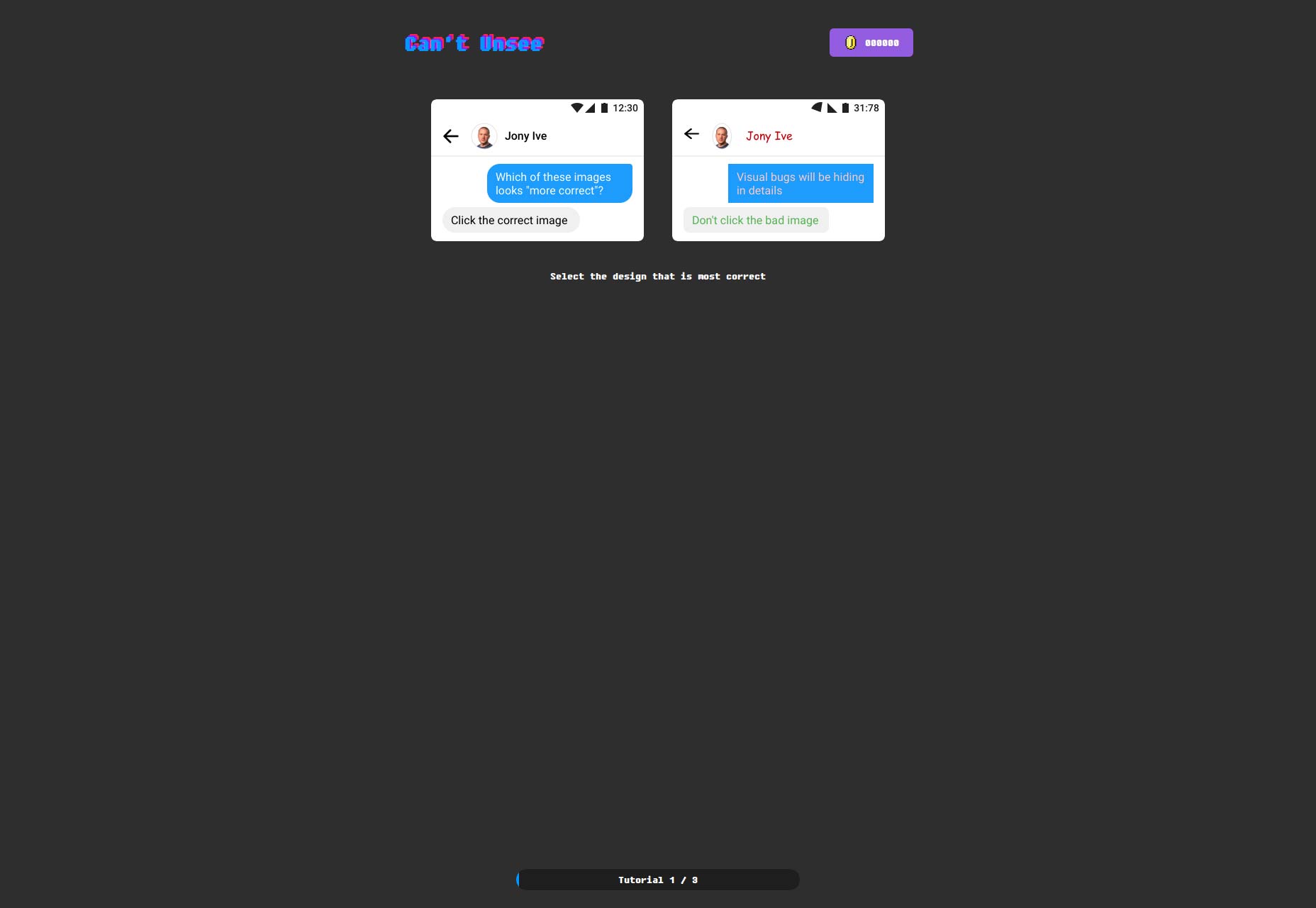
Can’t Unsee

Can’t Unsee is a design skills game. Are you brave enough to pick the right iteration designs on the screen?

JournalBook

JournalBook is a private – and offline – personal journal. While the tool is filled with prompts to help you get started, your notes and thoughts are stored on your device. It’s a cool concept if you want to practice a little journaling.

Animated Mesh Lines

Animated Mesh Lines is a cool set of five WebGL demos over on the Codrops Playground. The library helps you understand how to create customer geometry to create an interesting graphic style.

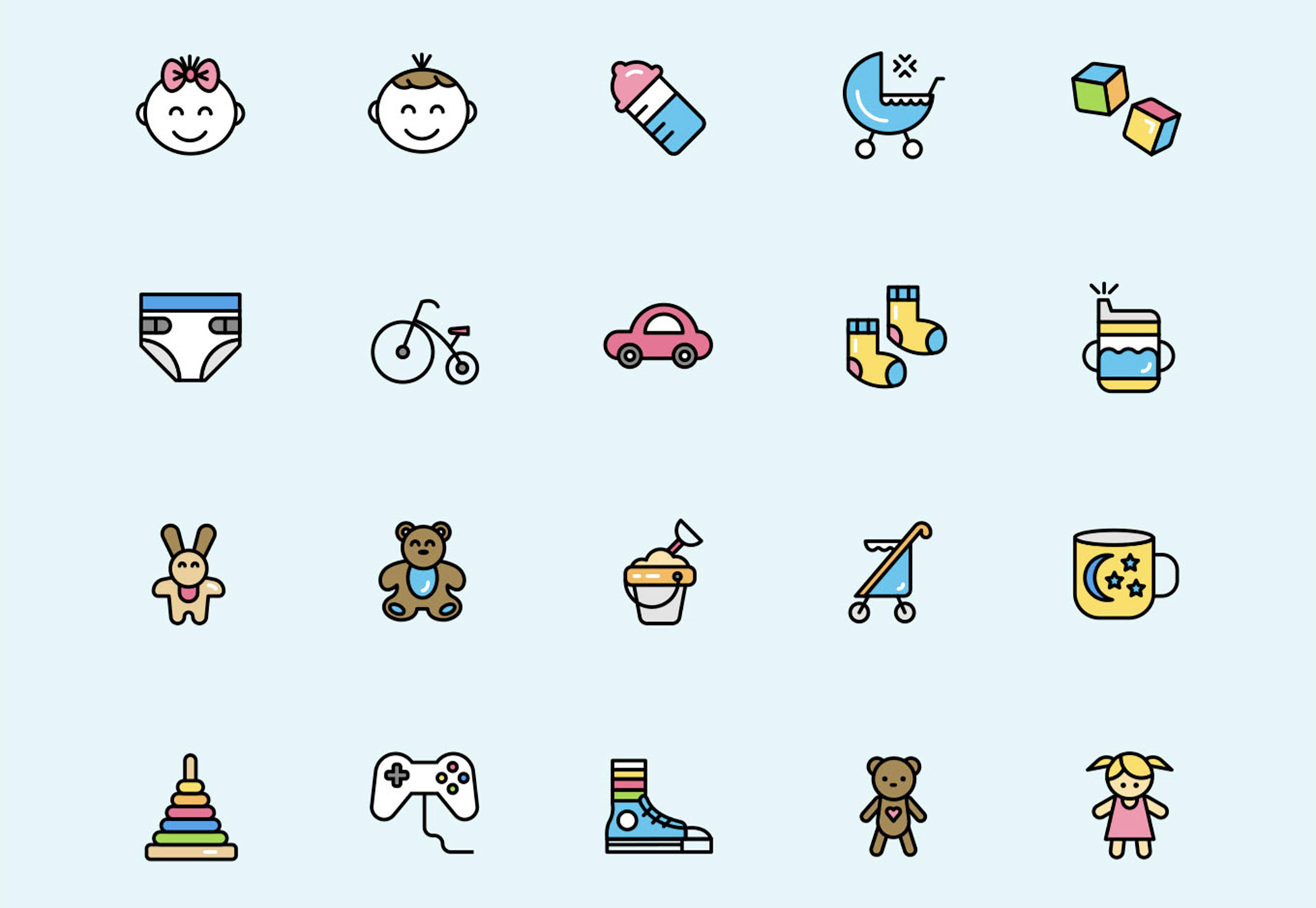
Childhood Flat Icons

Childhood Flat Icons is a fun set of elements that will make you feel like a kid again. The collection includes 100 icons that show the development of a child with representations plus plenty of toys and child-like elements. It comes in AI, SVG and PNG formats.

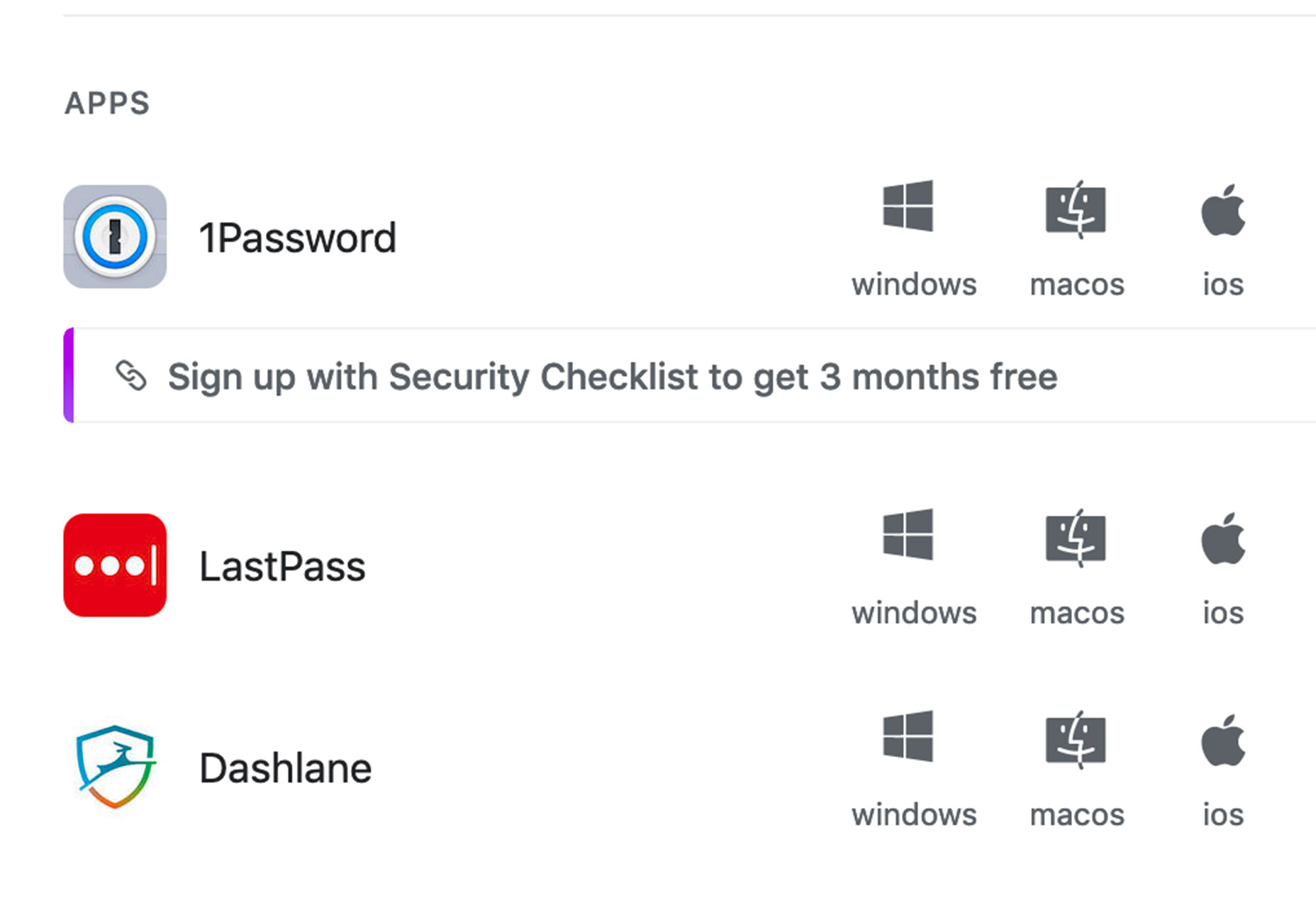
Security Checklist

Security Checklist is a must-have tool. It is an open source list with everything you need to know about keeping yourself and your identity safe on the internet. How many of these things are you already doing?

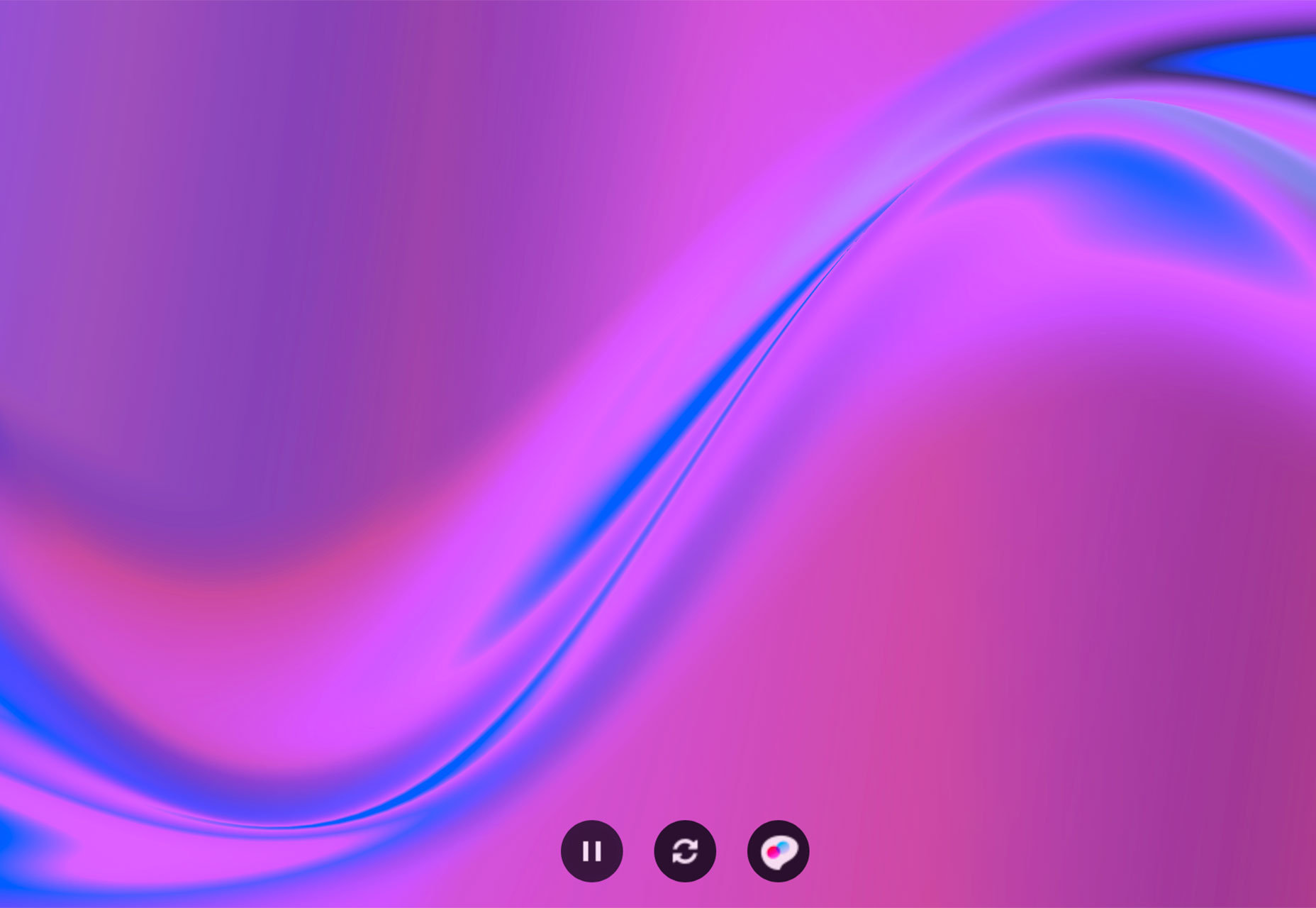
BG-Painter

BG-Painter is a fun tool to create animated (or still background images). Just start with one of the preset “paint” options and change colors to fit your project. And everything you create is free to use as you like thanks to creator Frank Hsu.

Static Site Boilerplate

Static Site Boilerplate is a starting point for building modern static websites. It includes all the tech you need, then add your code and deploy your website. It’s that easy (kind of).

UXWing

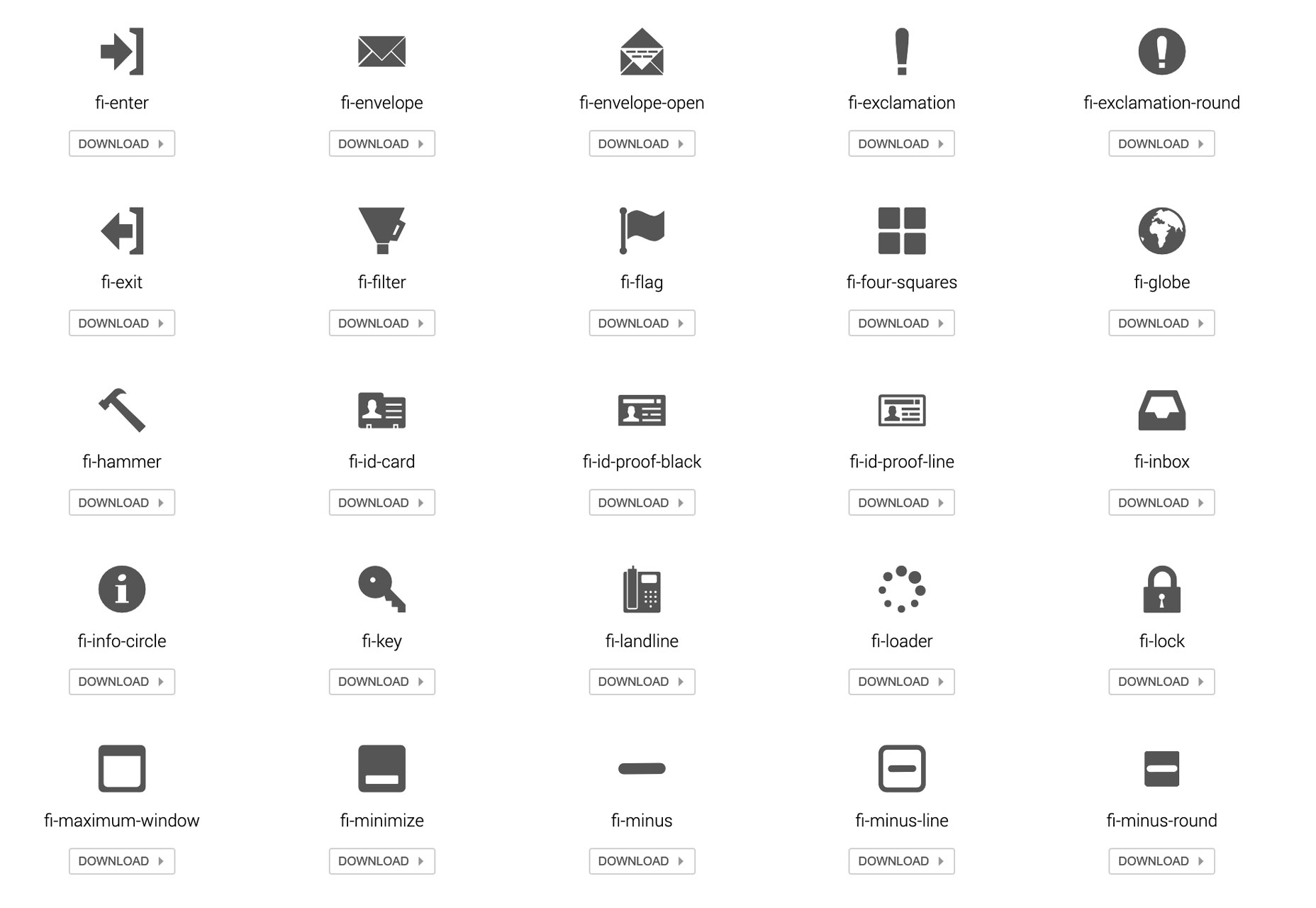
UXWing might have every icon you’ll ever need. It’s a massive collection of scalable icons for web design and front-end development. Just search for what you need and download.

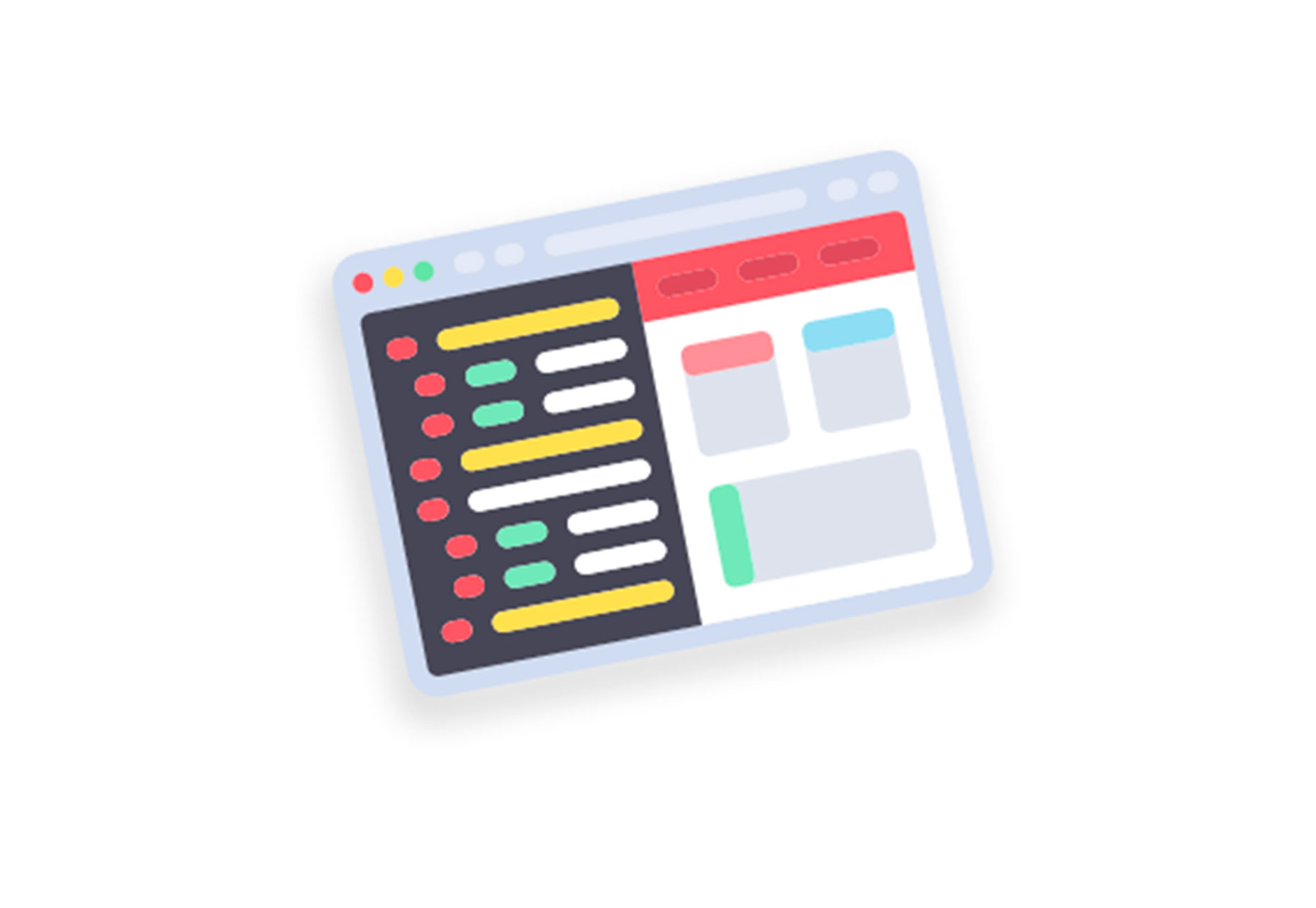
Startup Illustration Kit

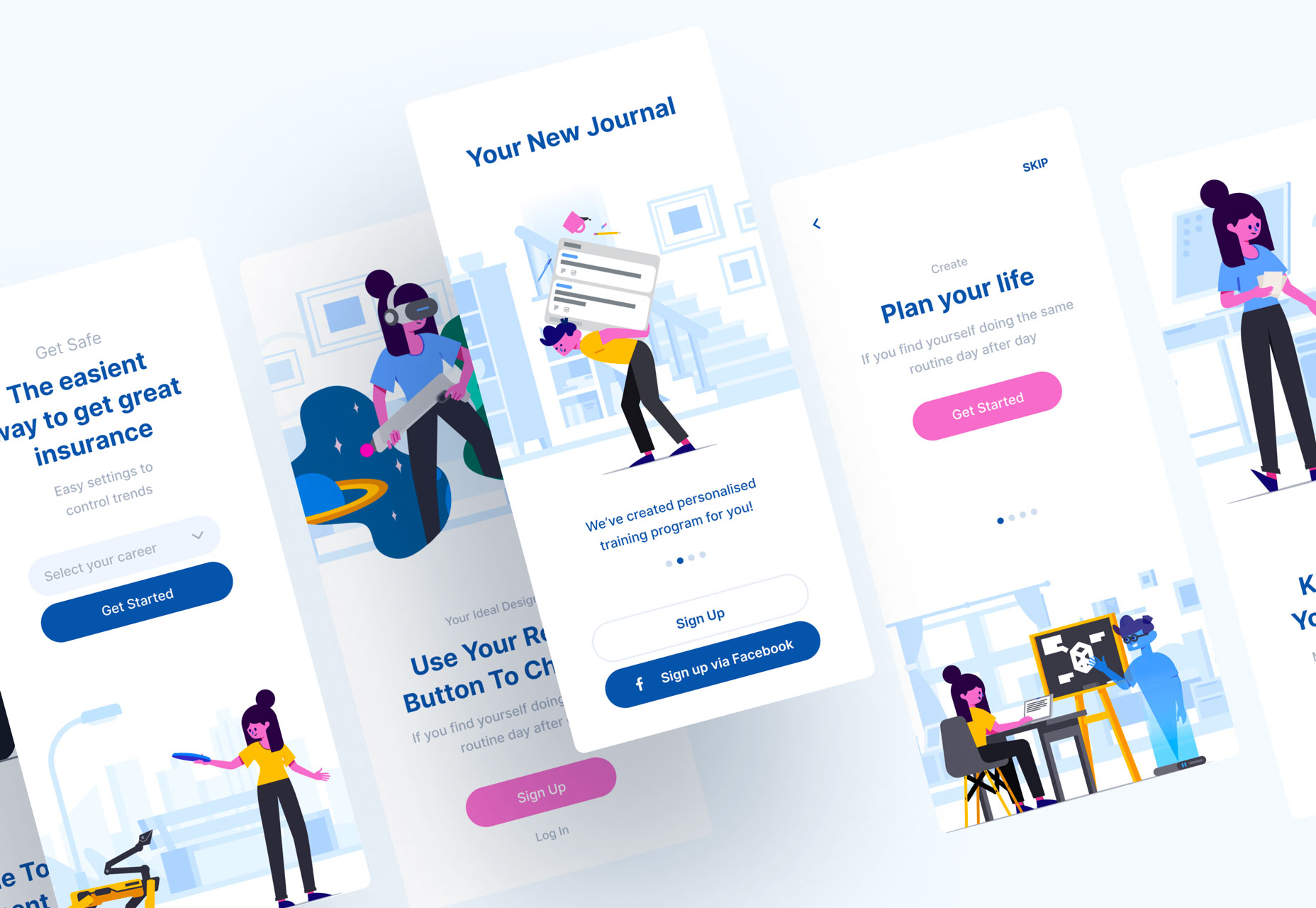
Startup Illustration Kit gives you the tools to tell your company story visually, even when you don’t have a lot of photos or elements to showcase your small business. Use it to create a full set of characters to tell your tale. The kit has 30 illustrations with their own characters.

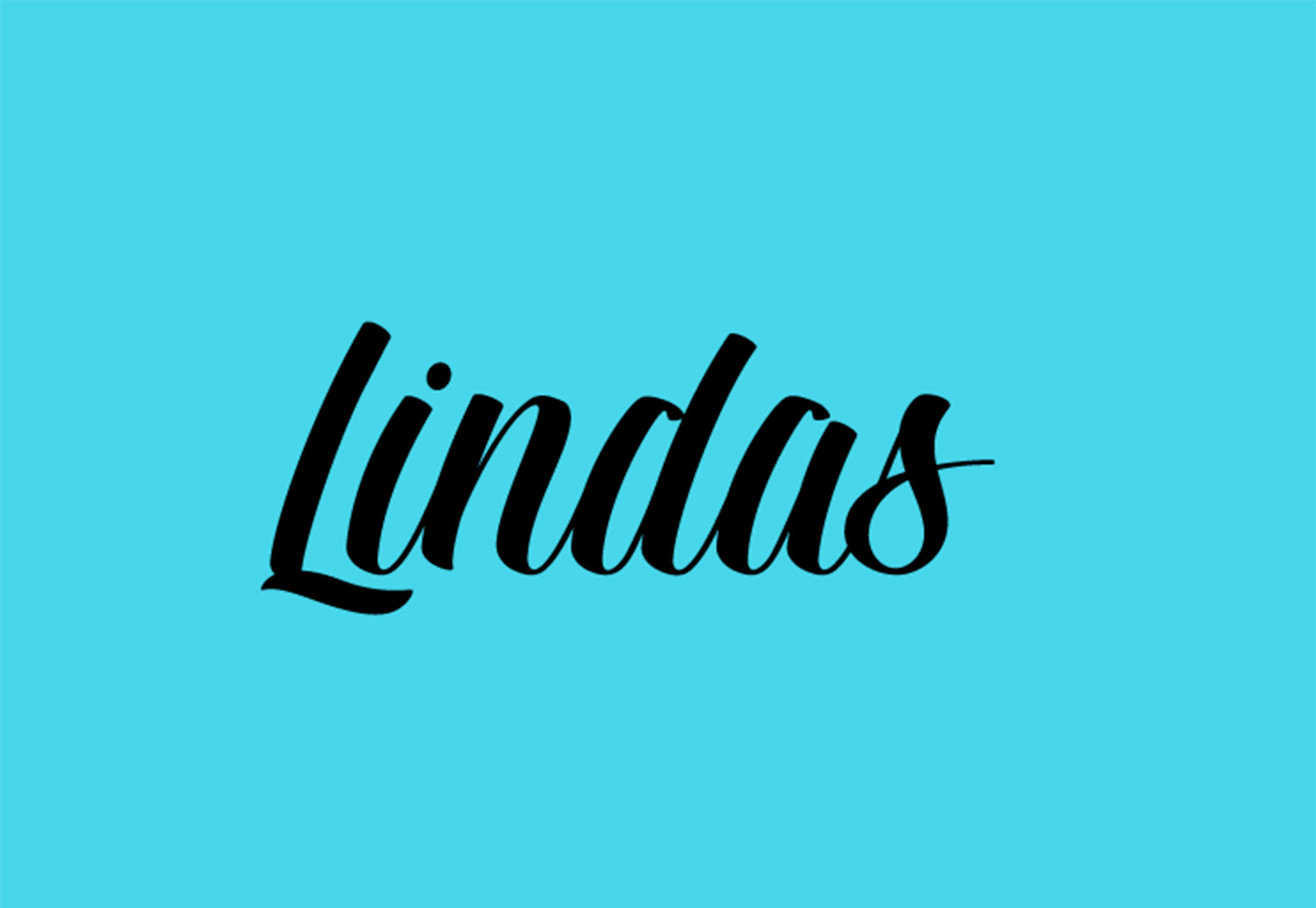
Lindas

Lindas is a free-for-personal use font with a full set of upper- and lowercase letters and numerals. It has a more masculine script style that’s widely appropriate.

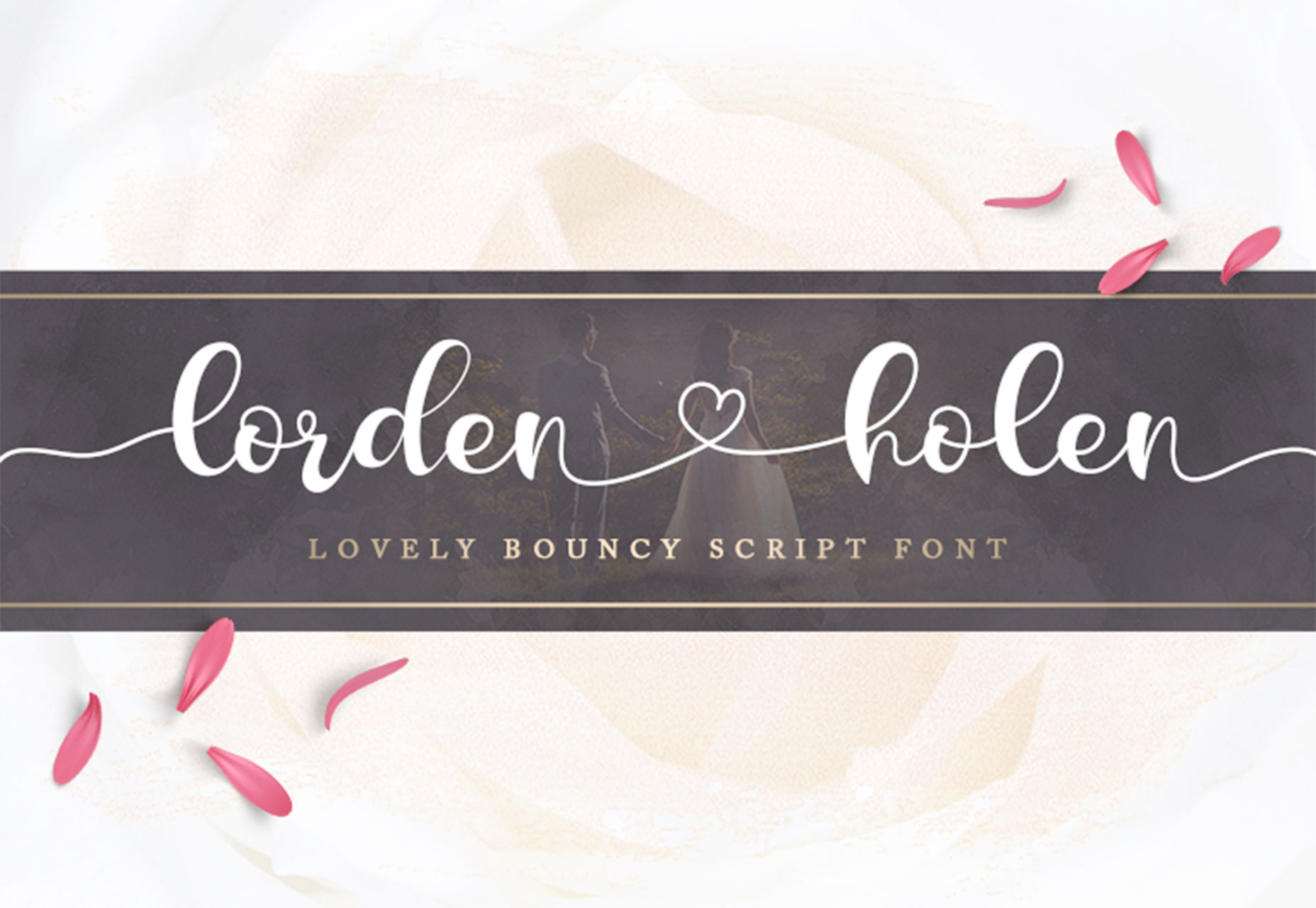
Lorden Holen

Lorden Holen is your simple (and lovely) font for Valentine’s Day. It’s light and connected with just the right feel for love. The glyphs have some great personality as well.

Reno Mono

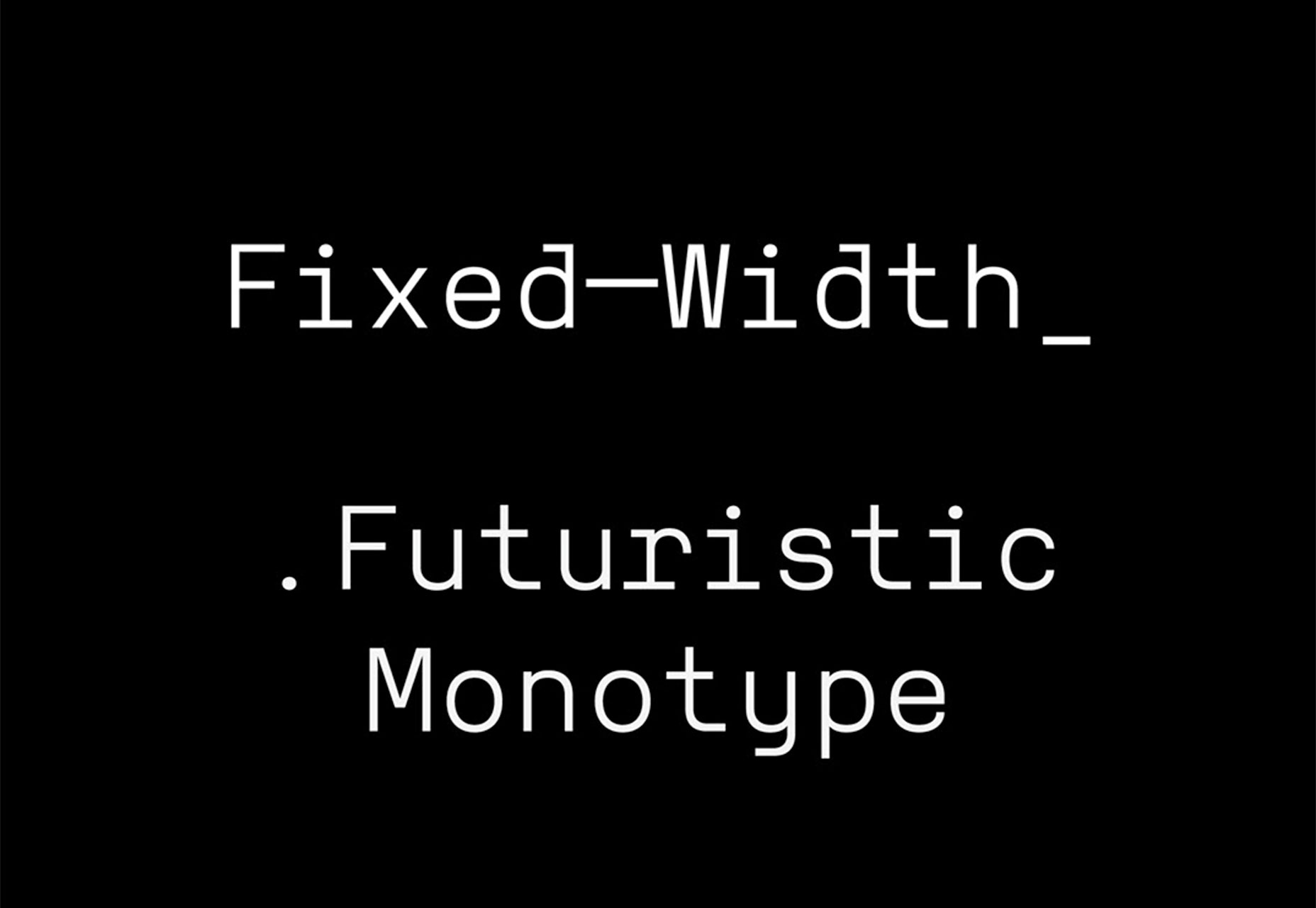
Reno Mono is a monospaced font with a modern style. What’s especially nice about it is that it has more personality than many other similar options and feels more usable, thanks to a rather modern take on monospacing. Plus, this free font is readable at small sizes.

US Blaak

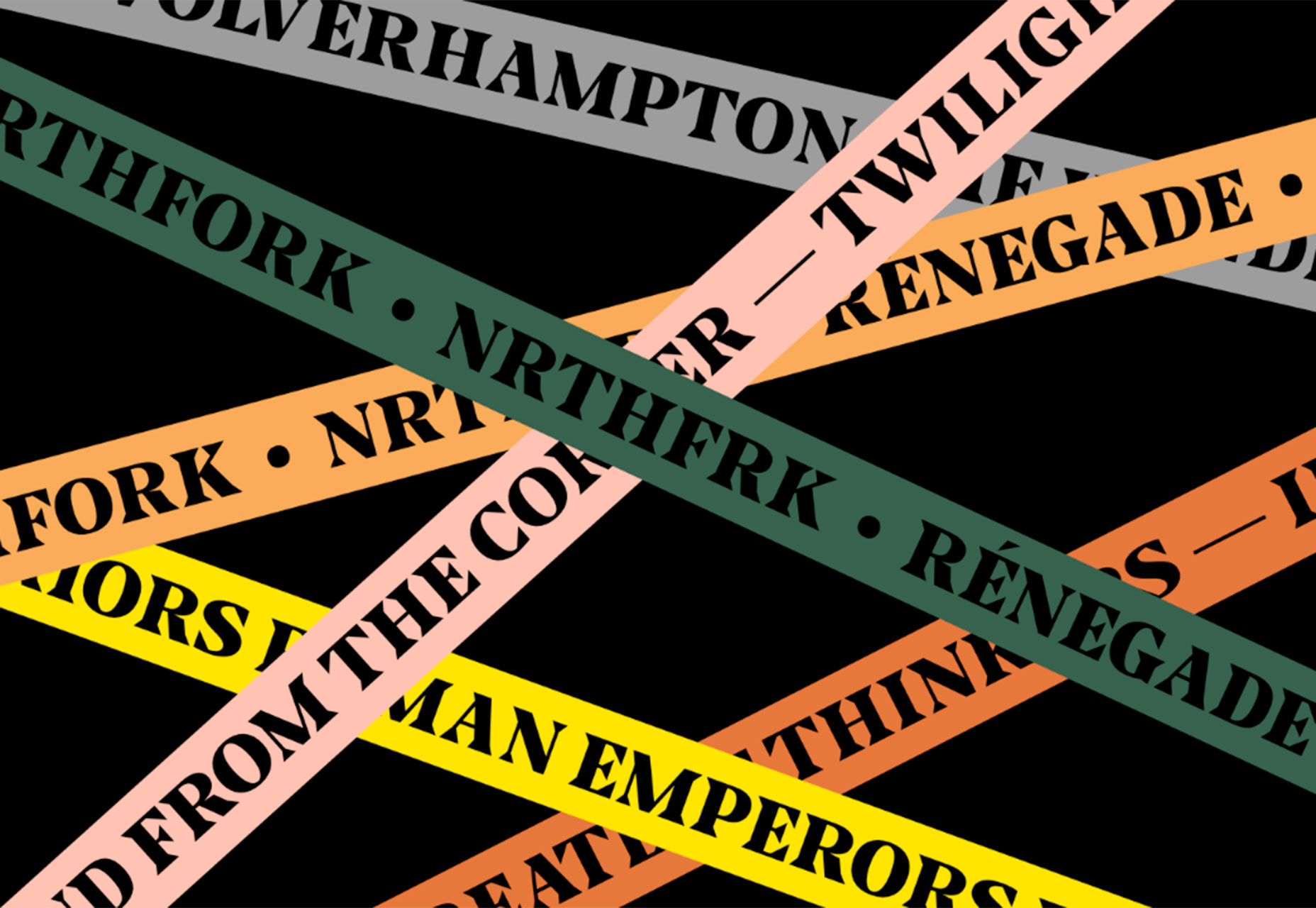
US Blaak is a fun slab-style font with a great black weight for display. Each letter in this premium serif style has sharp strokes and interesting angles.

Venn

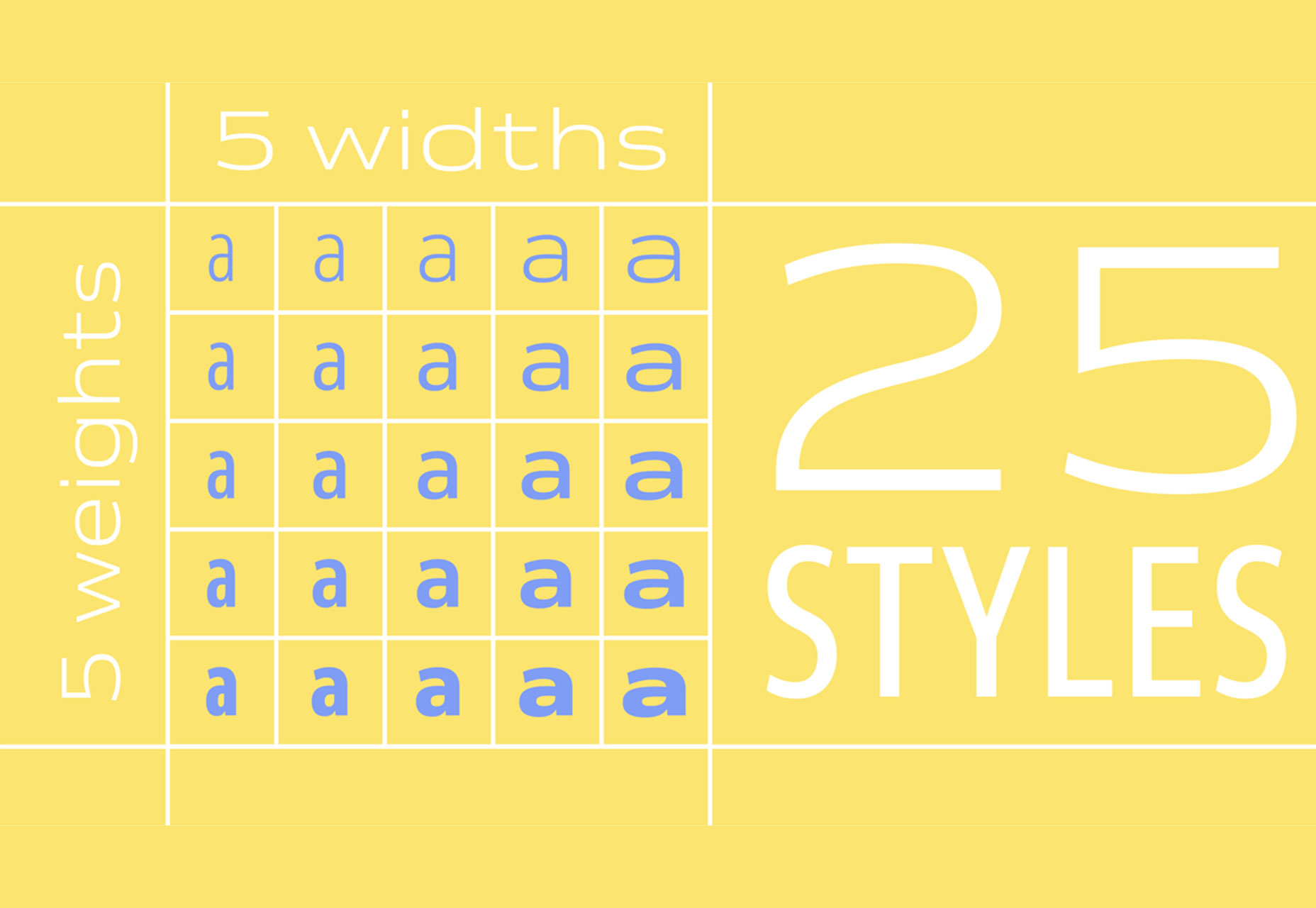
Venn is a beautiful typeface family with 25 styles and five widths and weights. The great variation in this premium family makes is great for almost any use, from body copy to display.

Add Realistic Chalk and Sketch Lettering Effects with Sketch’it – only $5!

Source

from Webdesigner Depot https://www.webdesignerdepot.com/2019/02/whats-new-for-designers-february-2019/

Sunday, 17 February 2019

Popular Design News of the Week: February 11, 2019 – February 17, 2019

Every week users submit a lot of interesting stuff on our sister site Webdesigner News, highlighting great content from around the web that can be of interest to web designers. 
The best way to keep track of all the great stories and news being posted is simply to check out the Webdesigner News site, however, in case you missed some here’s a quick and useful compilation of the most popular designer news that we curated from the past week.

Note that this is only a very small selection of the links that were posted, so don’t miss out and subscribe to our newsletter and follow the site daily for all the news.

Introducing Textblock


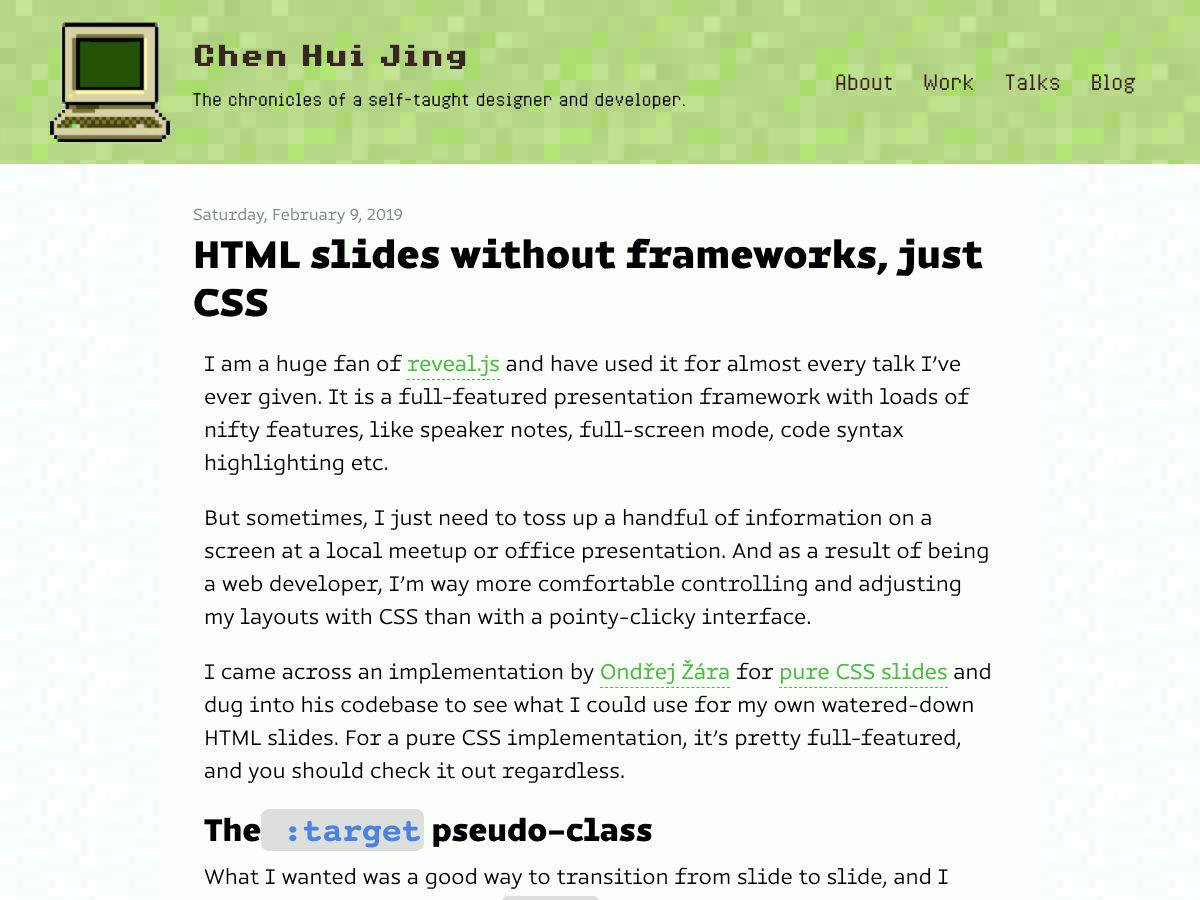
HTML Slides Without Frameworks, Just CSS


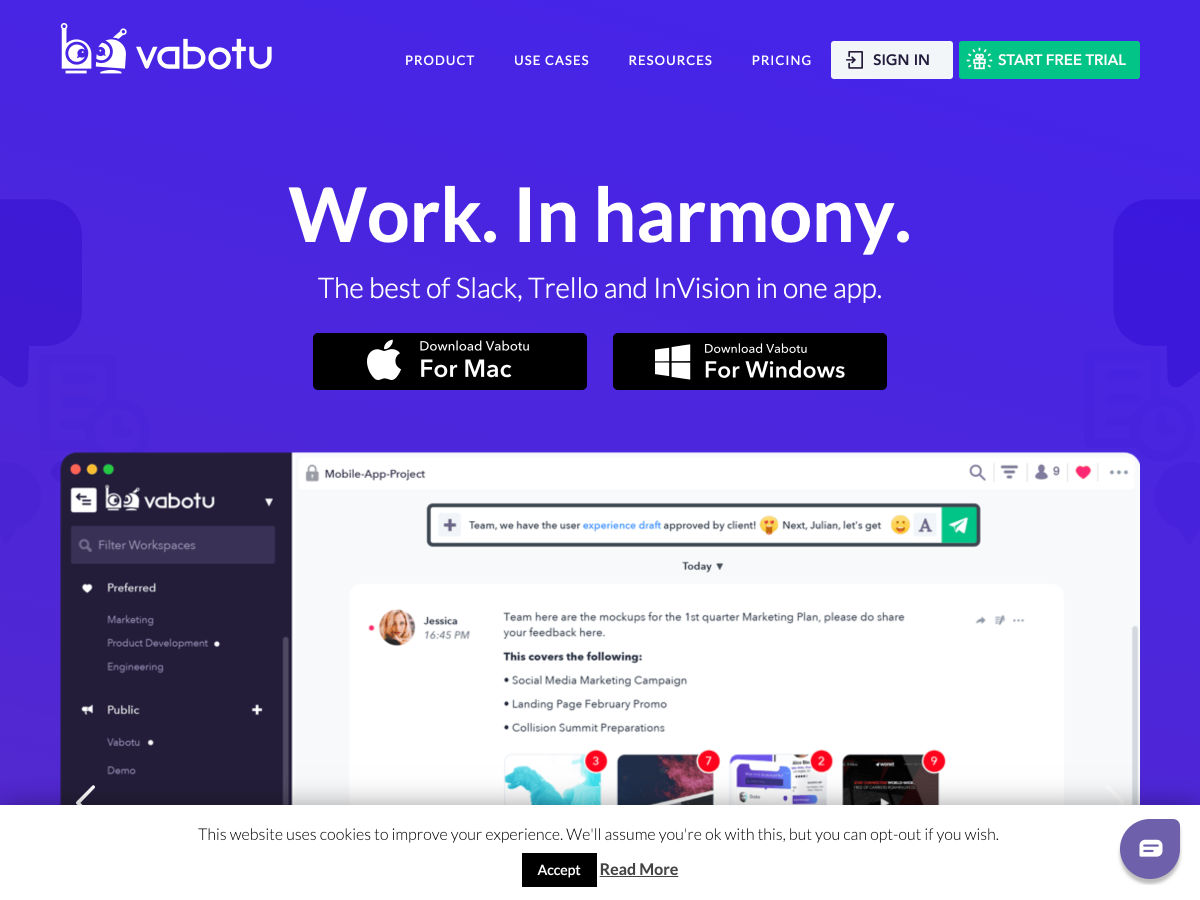
The Best of Slack & Trello in One App


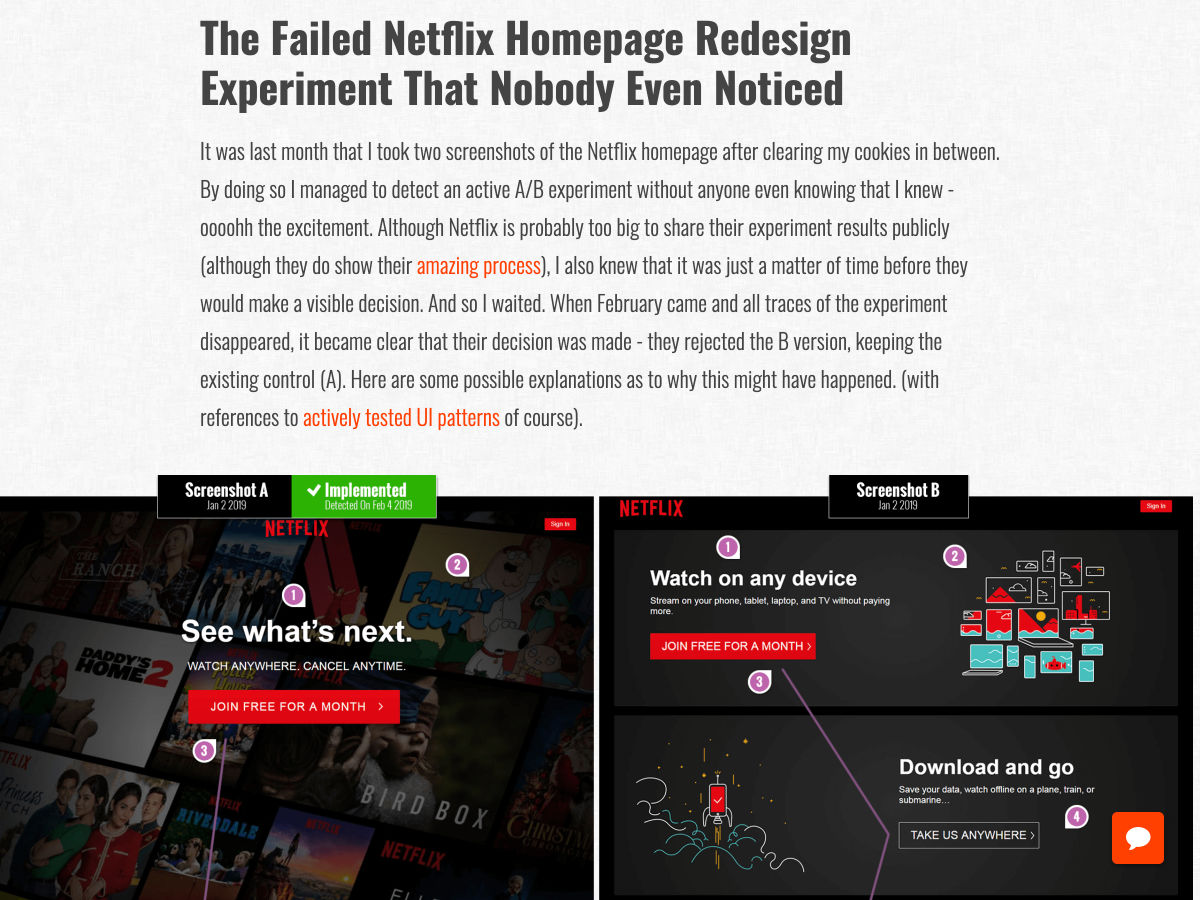
The Failed Netflix Homepage Redesign Experiment that Nobody even Noticed


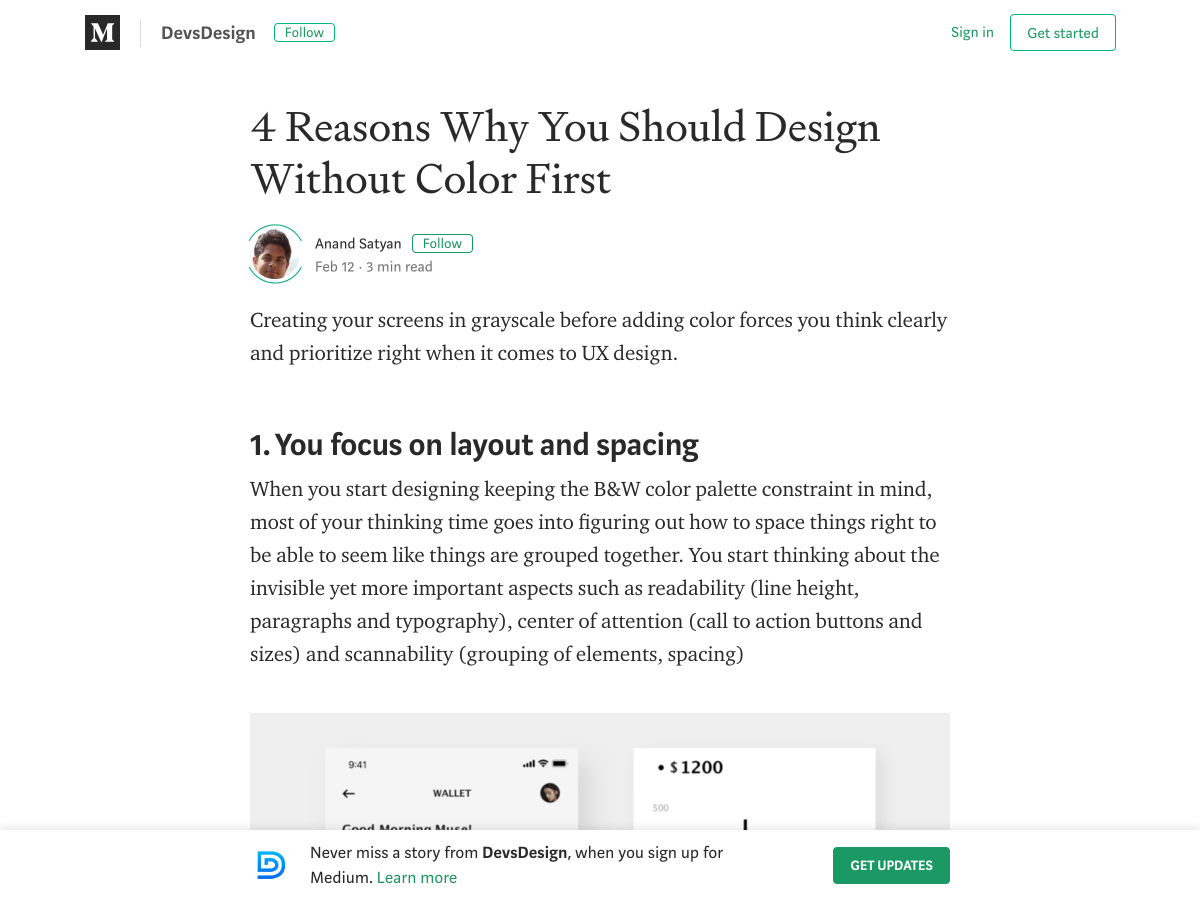
Design Without Color First


Graphic Artist Peter Saville on Creating Burberry’s New Logo


Next.js 8 Released


Making Google Fonts Faster


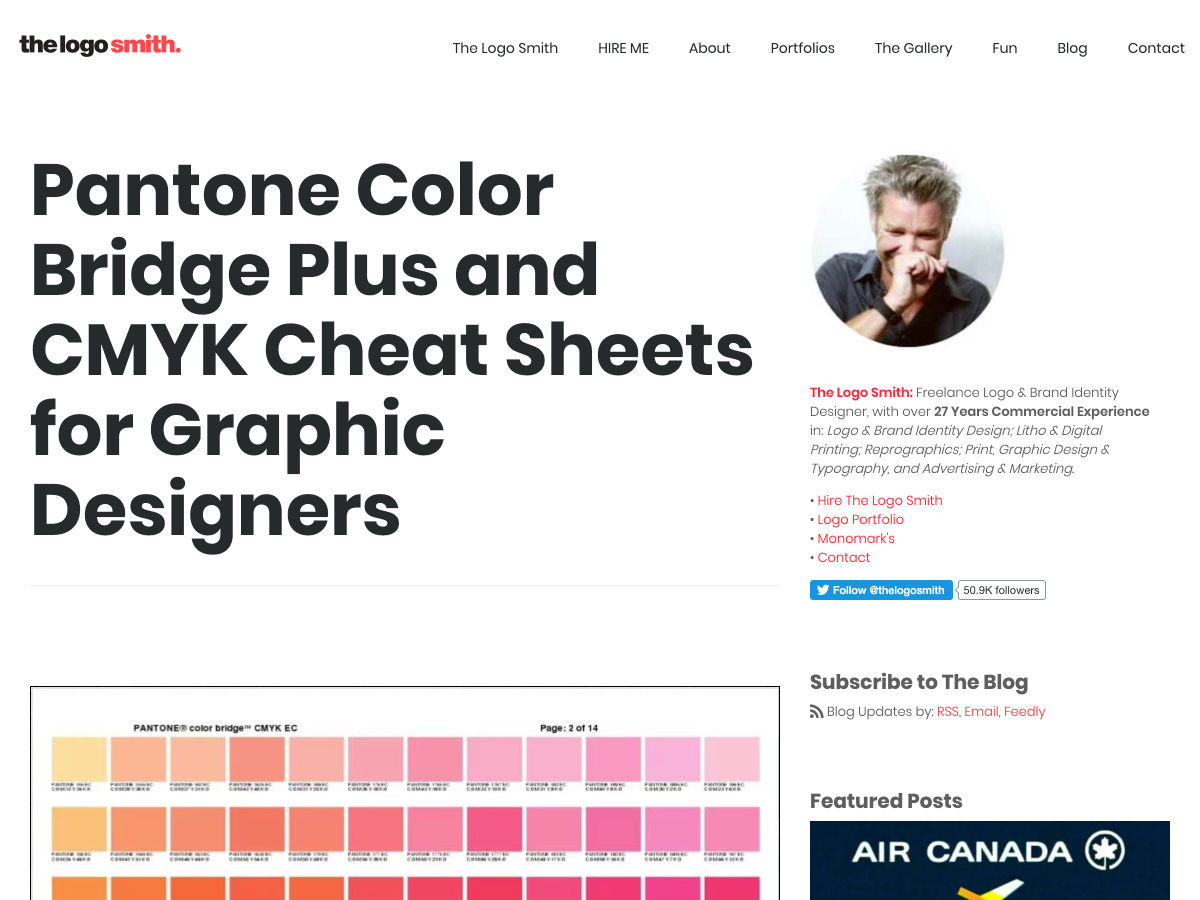
Pantone Color Bridge Plus and CMYK Cheat Sheets for Graphic Designers


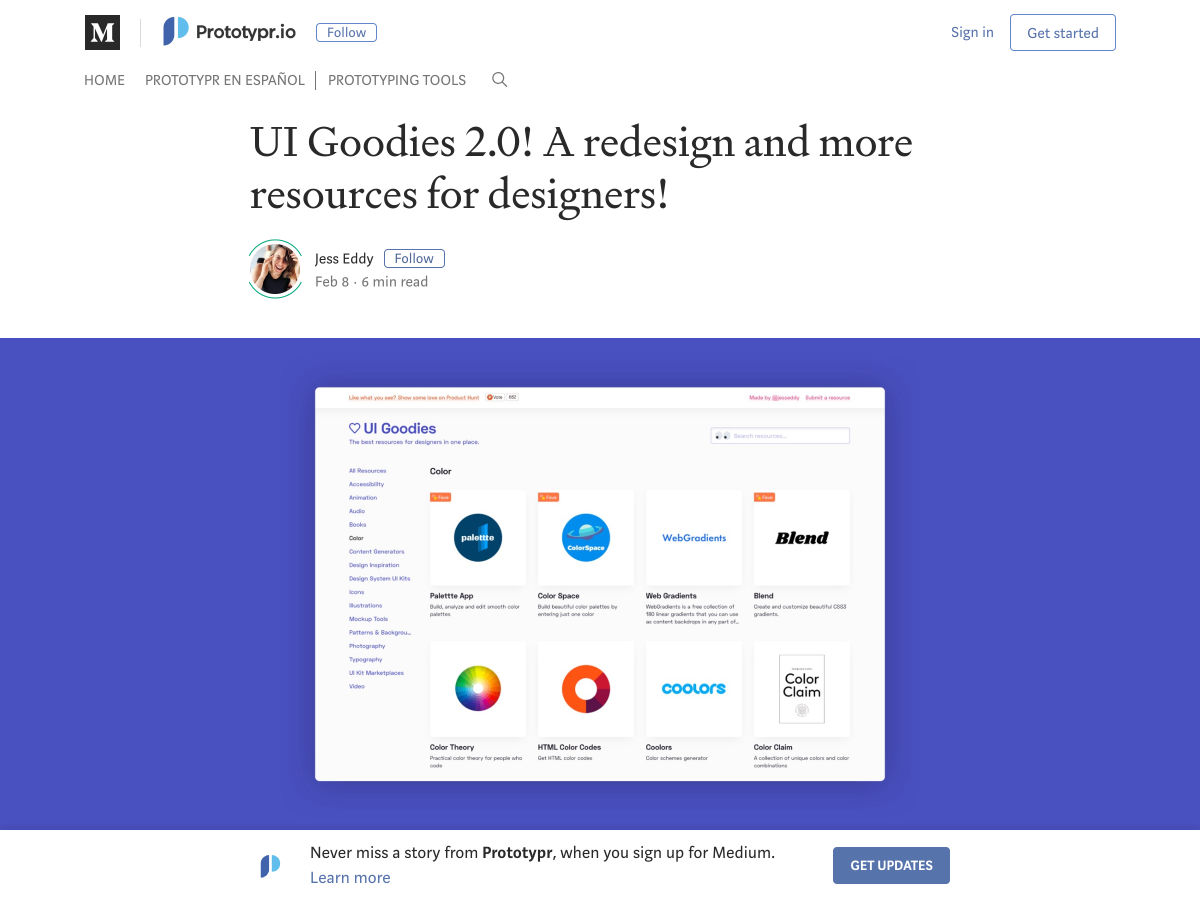
UI Goodies 2.0! A Redesign and More Resources for Designers!


How White Space Killed an Enterprise App (and Why Data Density Matters)


Pods – Tiny Telegram Groups for Designers


Choosing the Right UI Animation Tool


7 Pillars of UI Design: Keep these in Mind


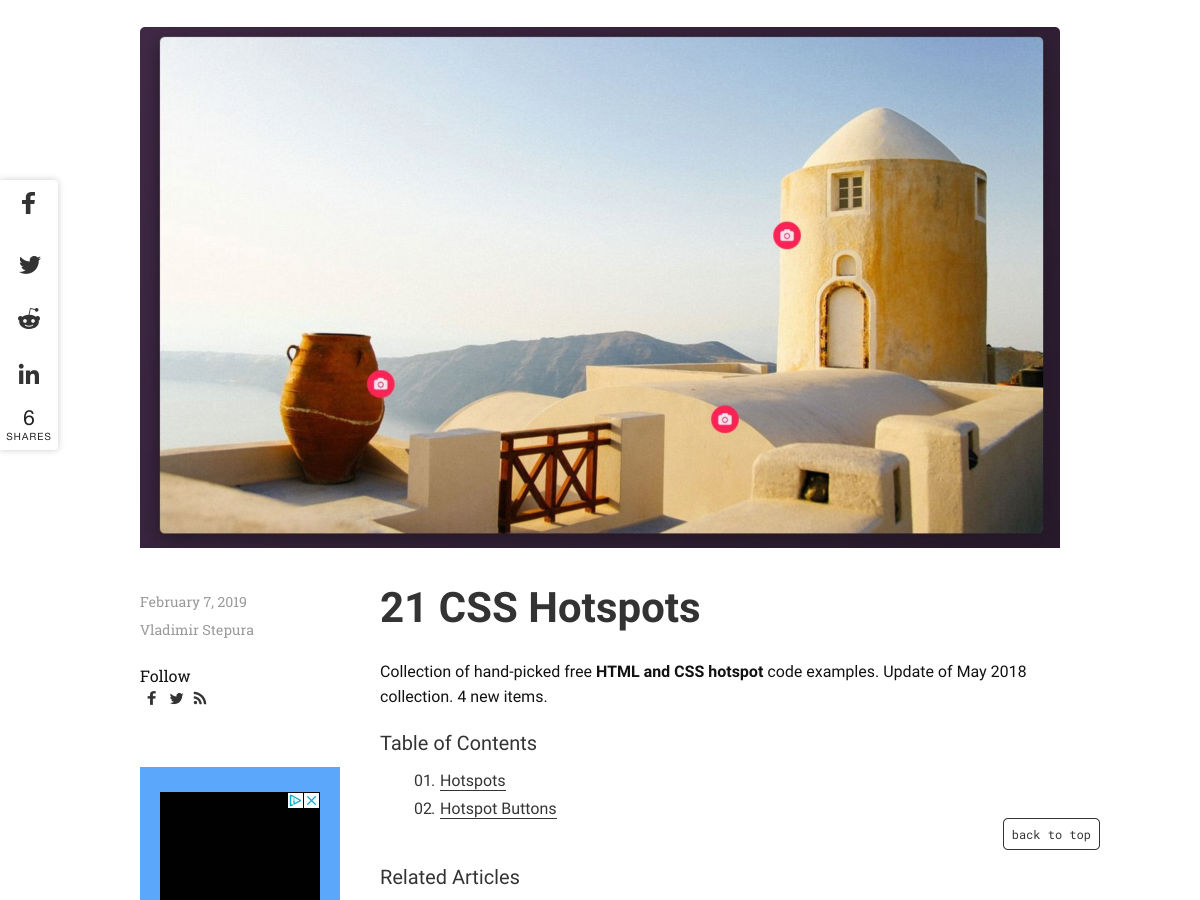
21 CSS “Hotspot” Examples


Goodbye, Slack. Hello, Spectrum


Form Design: Handling Optional Fields


Designing Magical Interfaces


Designing Futuristic Interfaces – Become a XR Designer in 5 Minutes


I Failed as a Designer at a Startup


The Maze Report – An Instant, Gorgeous UX Report for all your User Tests


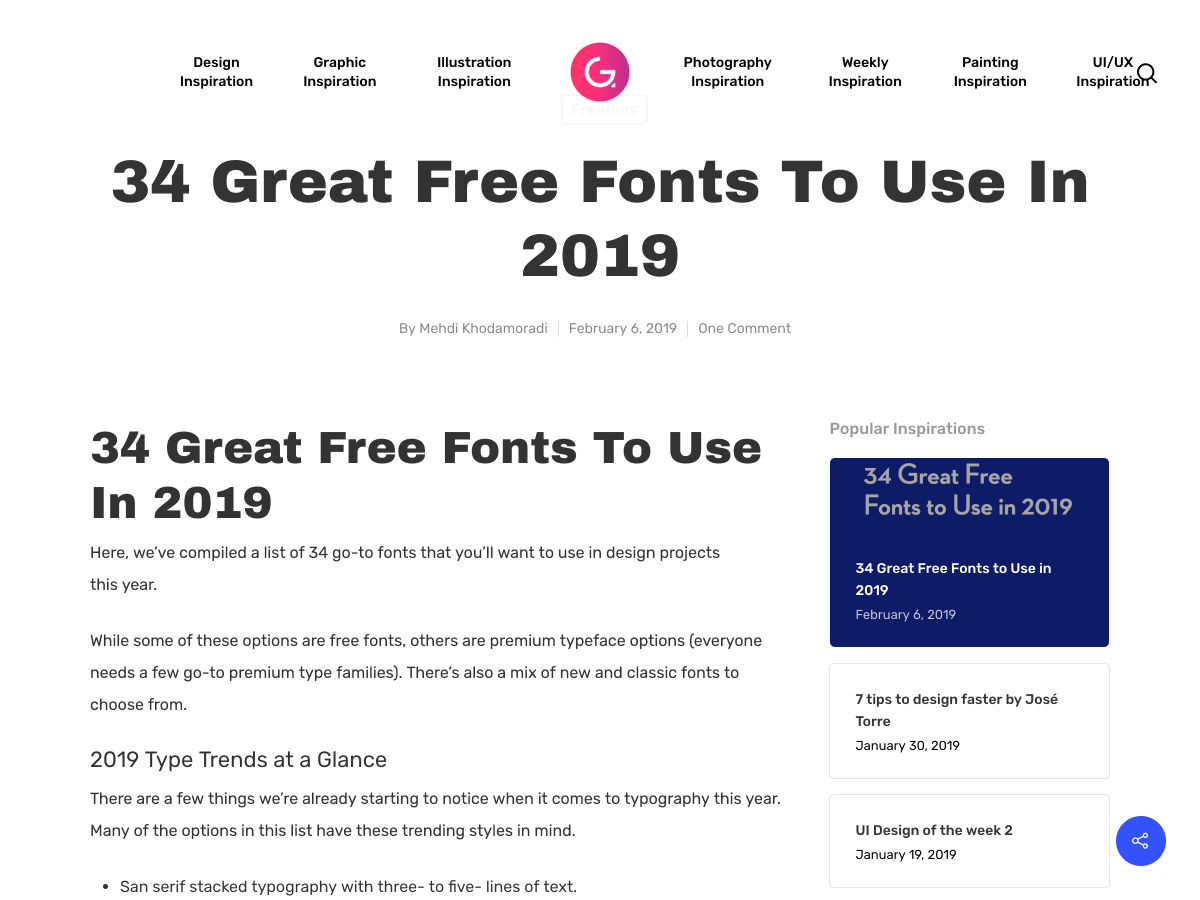
34 Great Free Fonts


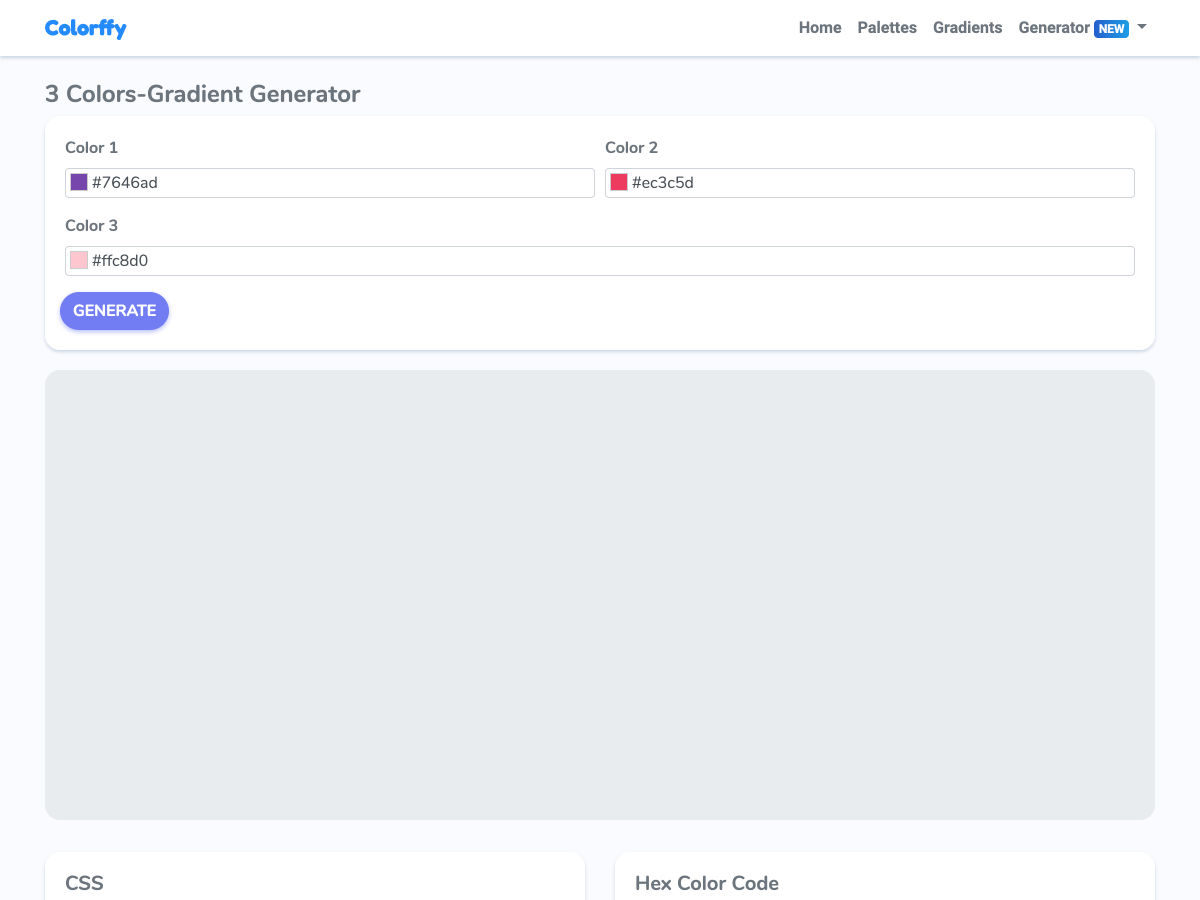
3-colors Gradients Generator


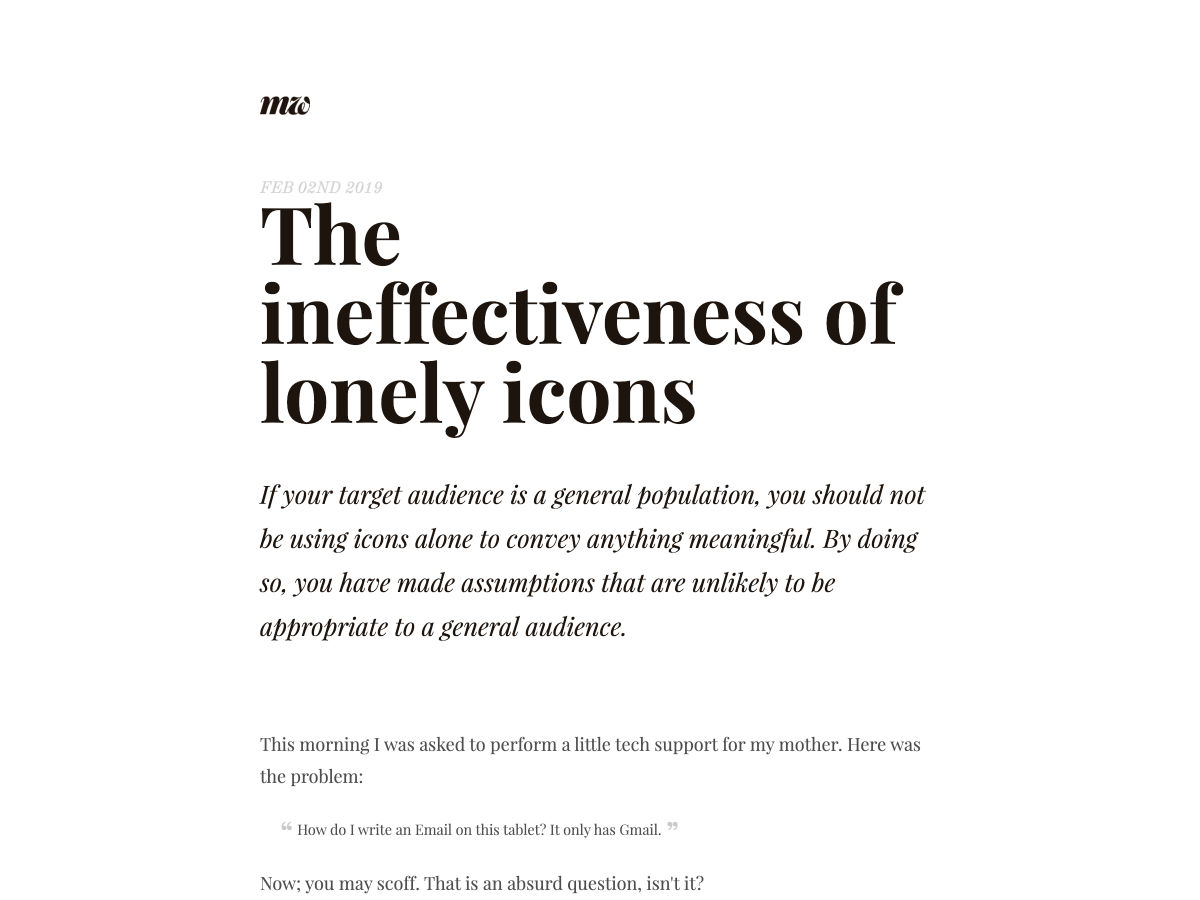
The Ineffectiveness of Lonely Icons


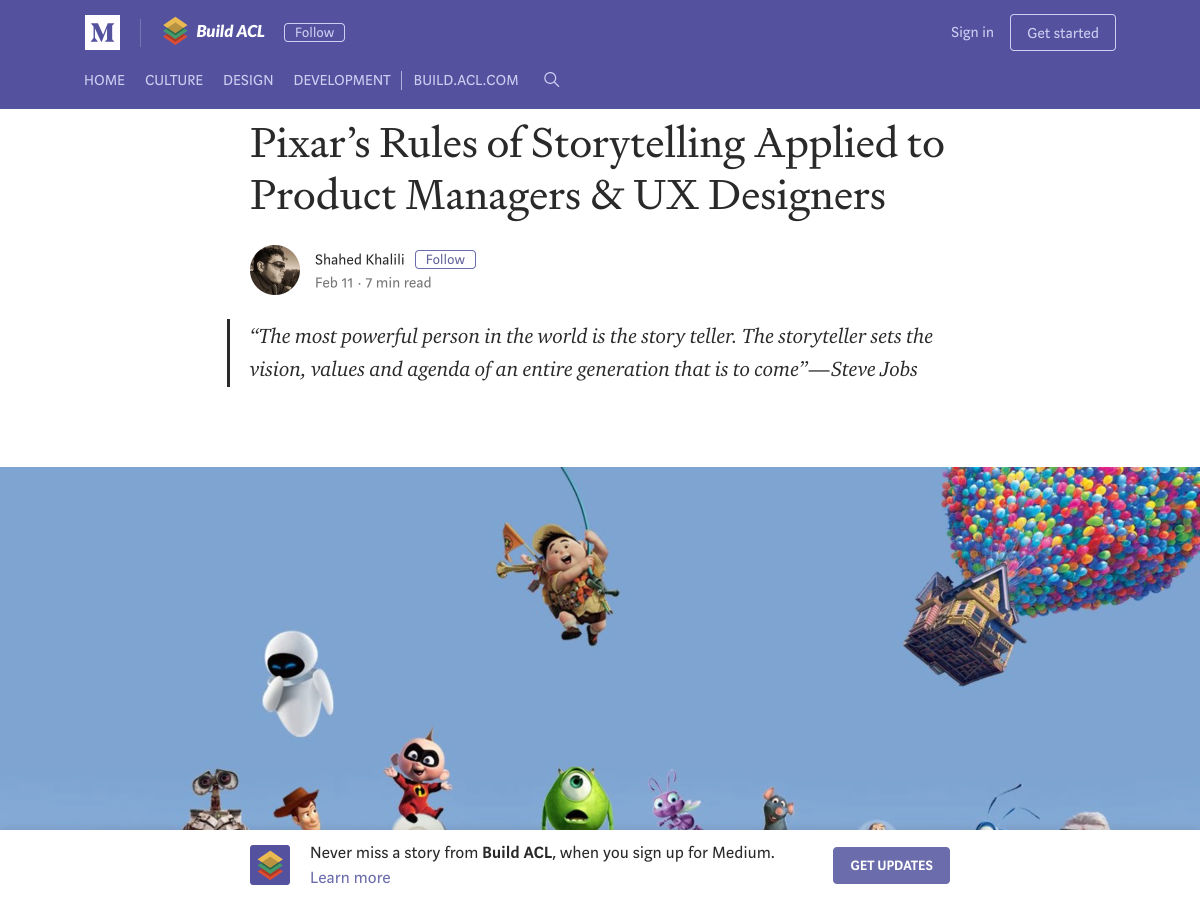
Pixar’s Rules of Storytelling Applied to Product Managers & UX Designers


Want more? No problem! Keep track of top design news from around the web with Webdesigner News.

Add Realistic Chalk and Sketch Lettering Effects with Sketch’it – only $5!

Source

from Webdesigner Depot https://www.webdesignerdepot.com/2019/02/popular-design-news-of-the-week-february-11-2019-february-17-2019/